Scroll to top
Save 33%

FAQs

What is the MUNBYN Wireless Tattoo Stencil Printer, and how does it work?

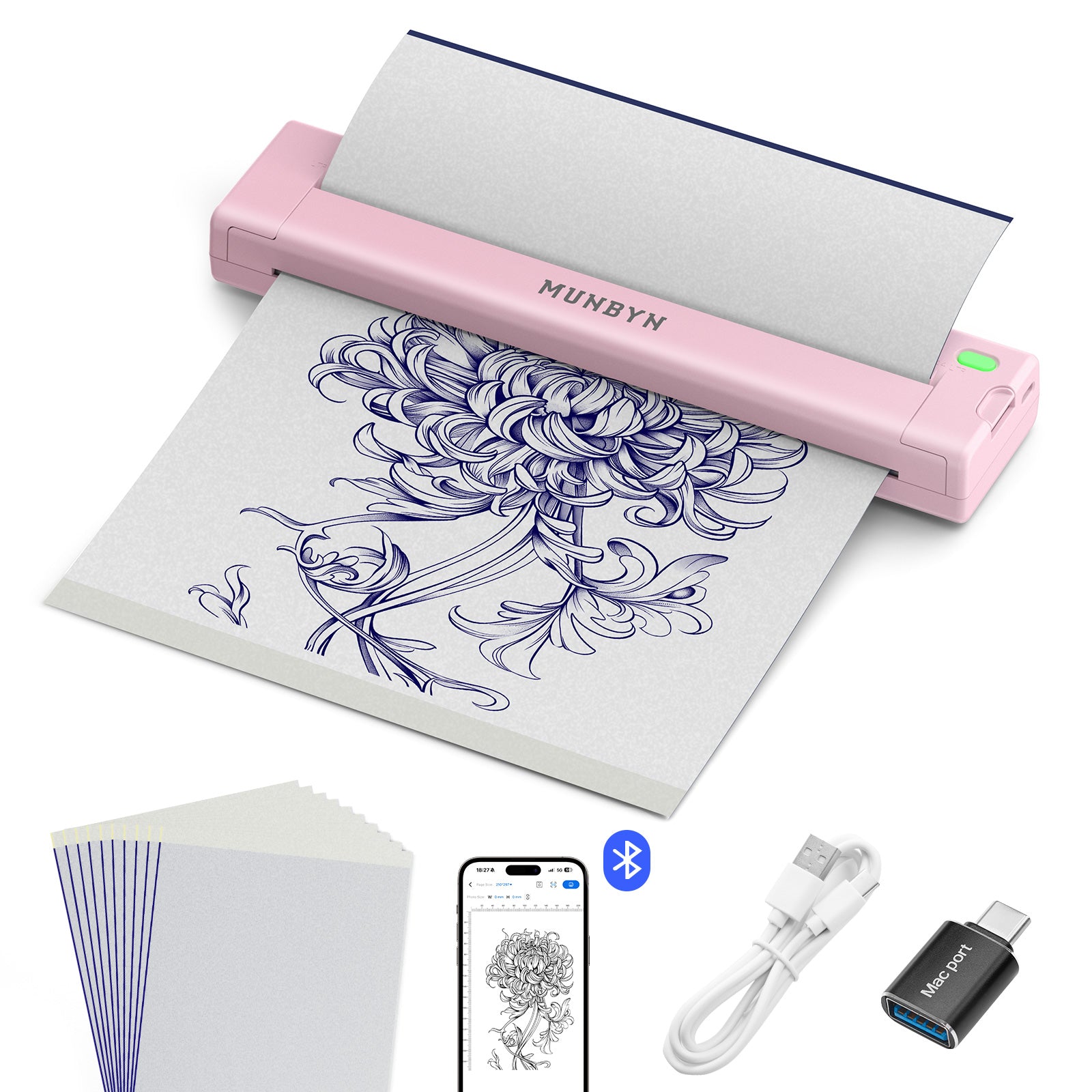
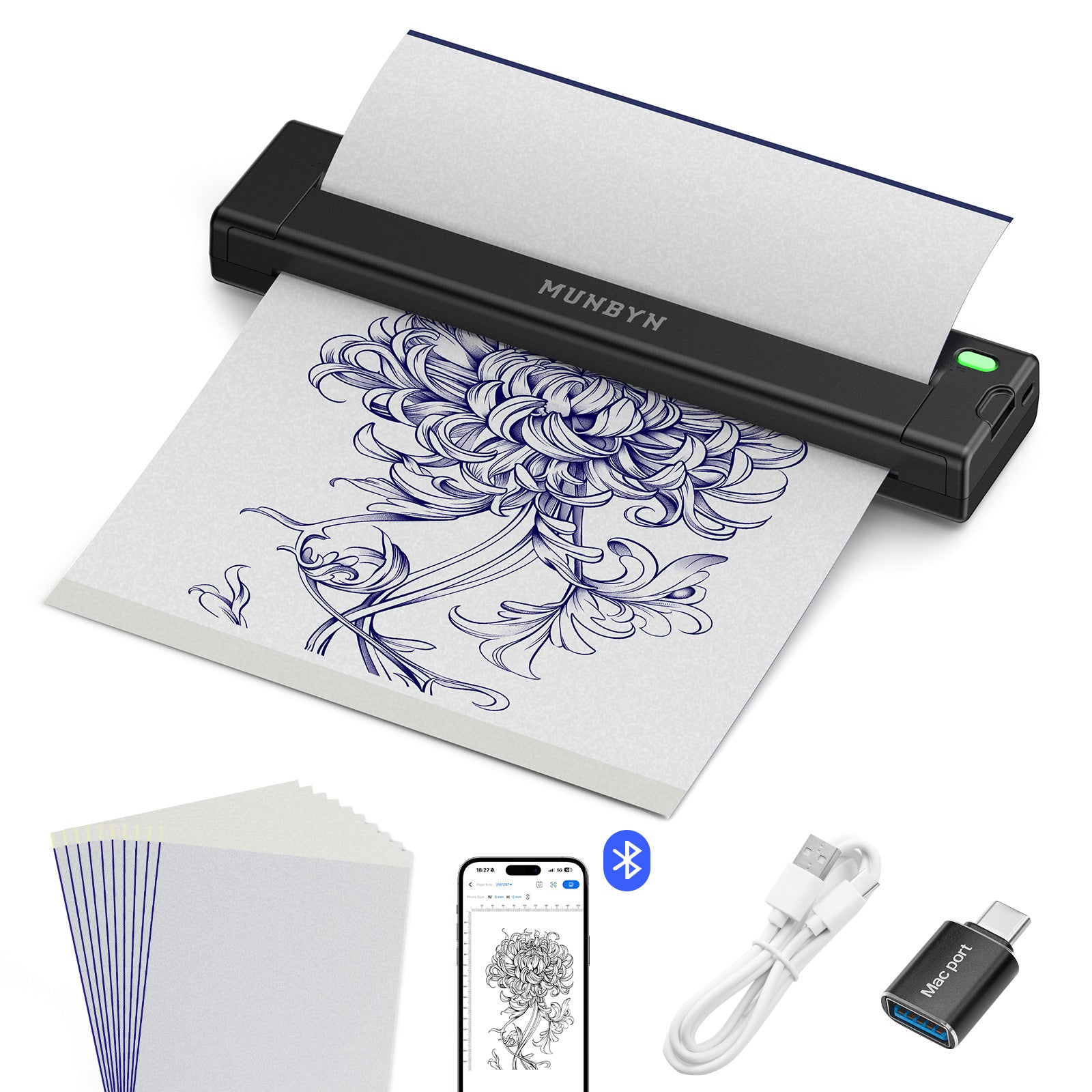
A MUNBYN tattoo stencil printer is a compact, thermal transfer device designed to convert digital line art and flash designs directly into tattoo stencils. Using direct thermal heat, it transfers carbon pigment from multi-layer stencil paper onto the transfer sheet in seconds, completely eliminating the tedious process of hand-tracing.

Does the MUNBYN Tattoo Stencil Printer require ink, ribbons, or toner?

No, absolutely not. MUNBYN thermal tattoo printers operate 100% inkless. The machine uses a precision thermal print head that activates the dark pigment layer on direct thermal tattoo transfer paper through heat, eliminating ongoing ink costs, messy leaks, and clogged print nozzles.

Can I print wirelessly from my phone, iPad, or laptop?

Yes! The printer supports Bluetooth wireless connection for iOS and Android smartphones and tablets (including iPad), as well as USB wired connection for Windows and macOS computers. This flexible connectivity allows you to edit and print your stencil designs anytime, anywhere.

What paper types and sizes are compatible with MUNBYN stencil printers?

MUNBYN stencil printers are engineered to work seamlessly with standard 4-layer thermal tattoo transfer paper. They support standard paper dimensions, including A4 and US Letter size (8.5" x 11"), making them ideal for everything from small fine-line designs to large backpieces and sleeves.

Are MUNBYN stencil printers suitable for travel and conventions?

Yes! Designed with portability in mind, MUNBYN stencil printers are lightweight, sleek, and compact enough to fit effortlessly into your travel bag. Equipped with high-capacity rechargeable batteries and USB-C fast charging, they allow you to print dozens of stencils on a single charge during guest spots and tattoo conventions.

How do I get the cleanest, sharpest stencil transfer onto skin?

For optimal transfer clarity:

  • Adjust line density and contrast within the MUNBYN app before printing.
  • Remember to remove the protective inner sheet from the 4-layer paper before feeding it into the printer.
  • Thoroughly clean and prep the skin, then apply a thin, even coat of stencil transfer gel before pressing the stencil down.

What warranty and customer support does MUNBYN provide?

All MUNBYN tattoo stencil printers come with an official manufacturer warranty, a risk-free trial period, and lifetime technical support. If you ever need assistance with Bluetooth setup, app guidance, or troubleshooting, the MUNBYN support team is ready to help via email, live chat, or phone.