United States
 Best Seller
 Label Printers
 All PDAs
 All Tablets
 All Thermal Labels
 Printer Accessories
Save More on Business Essentials

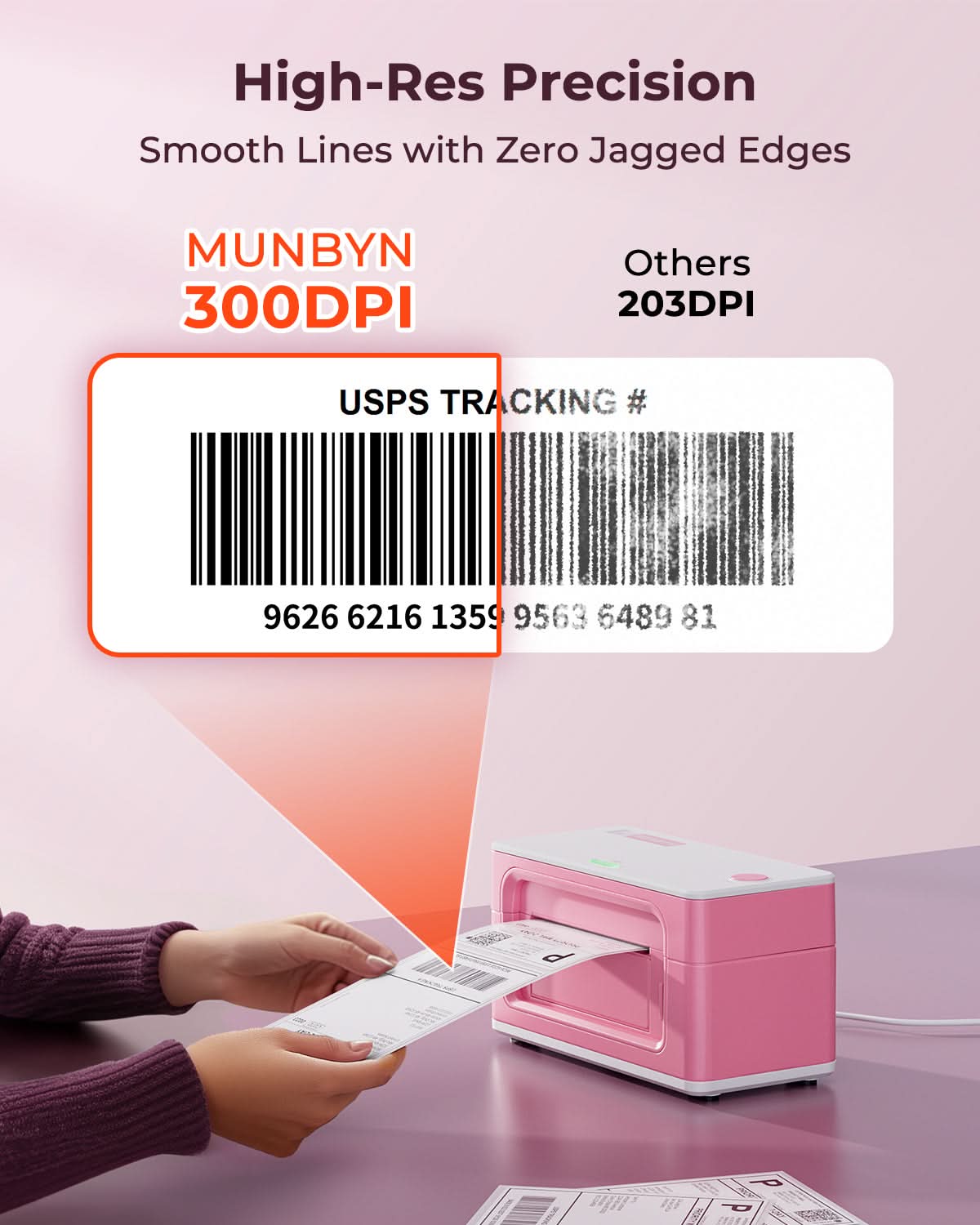
300 DPI Precision
Sharper small text, barcodes, logos and product details.


 United States
You are currently viewing:
United States
Items in your shopping cart will be removed when you change country
Your cart is currently empty.
Product highlights

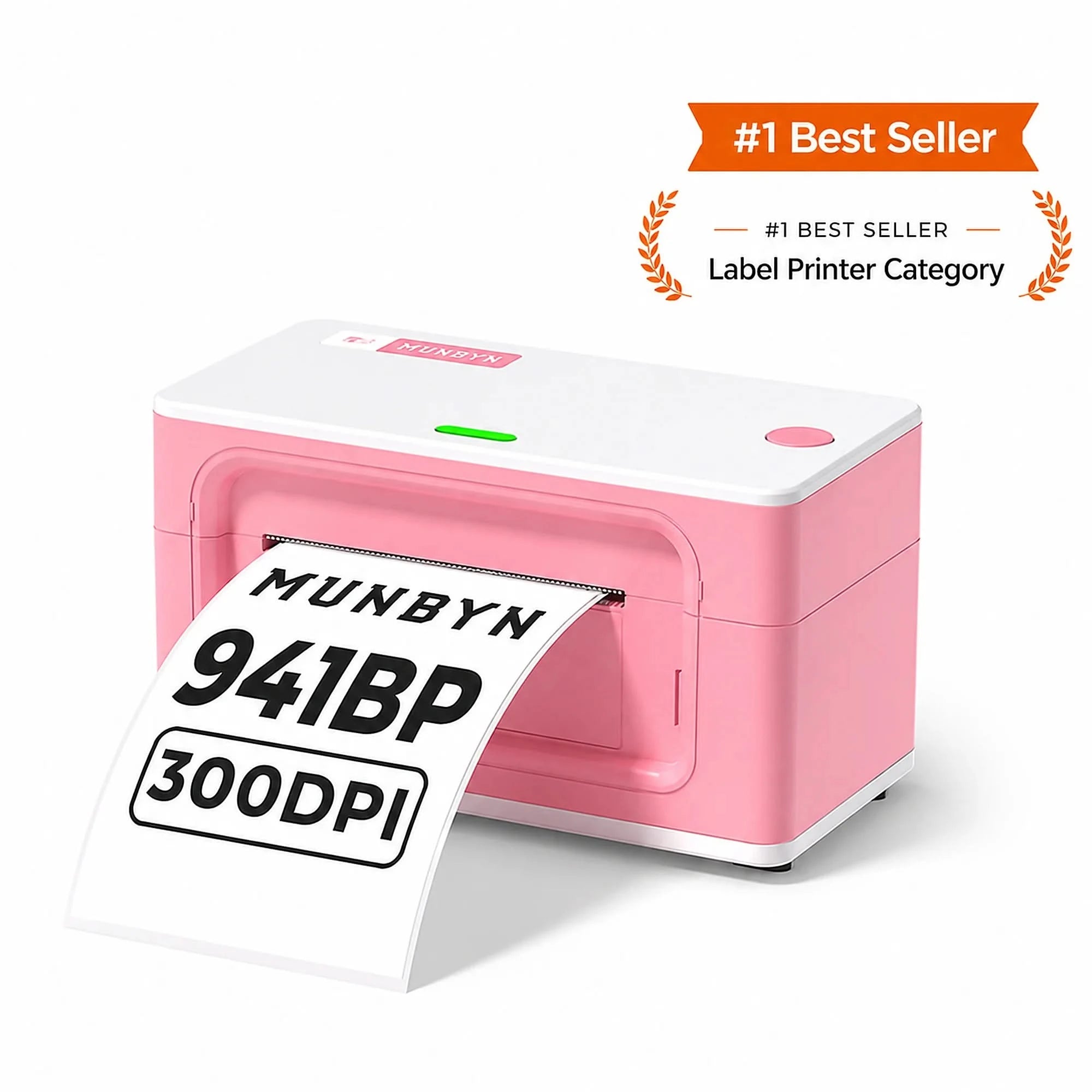
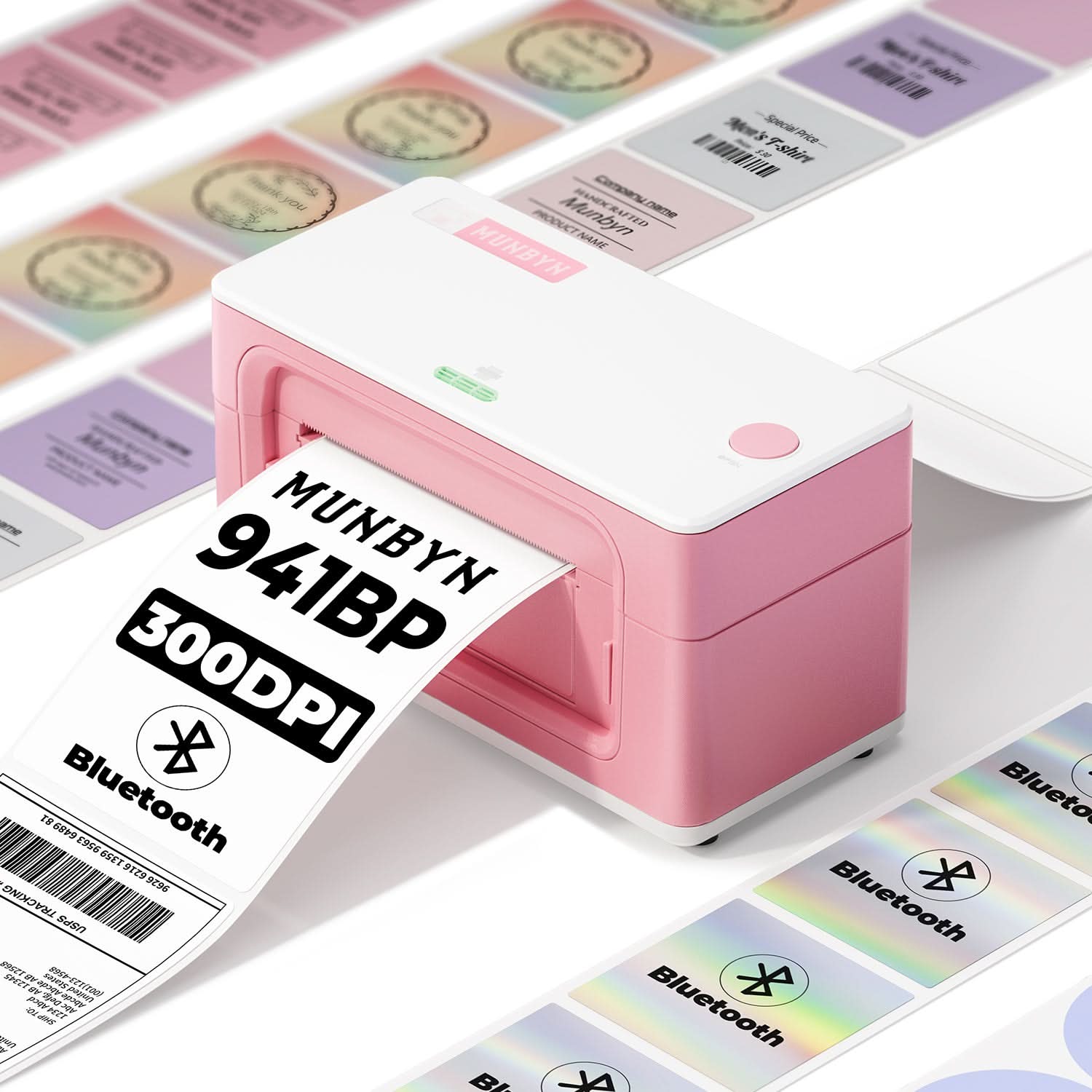
300 DPI High Definition
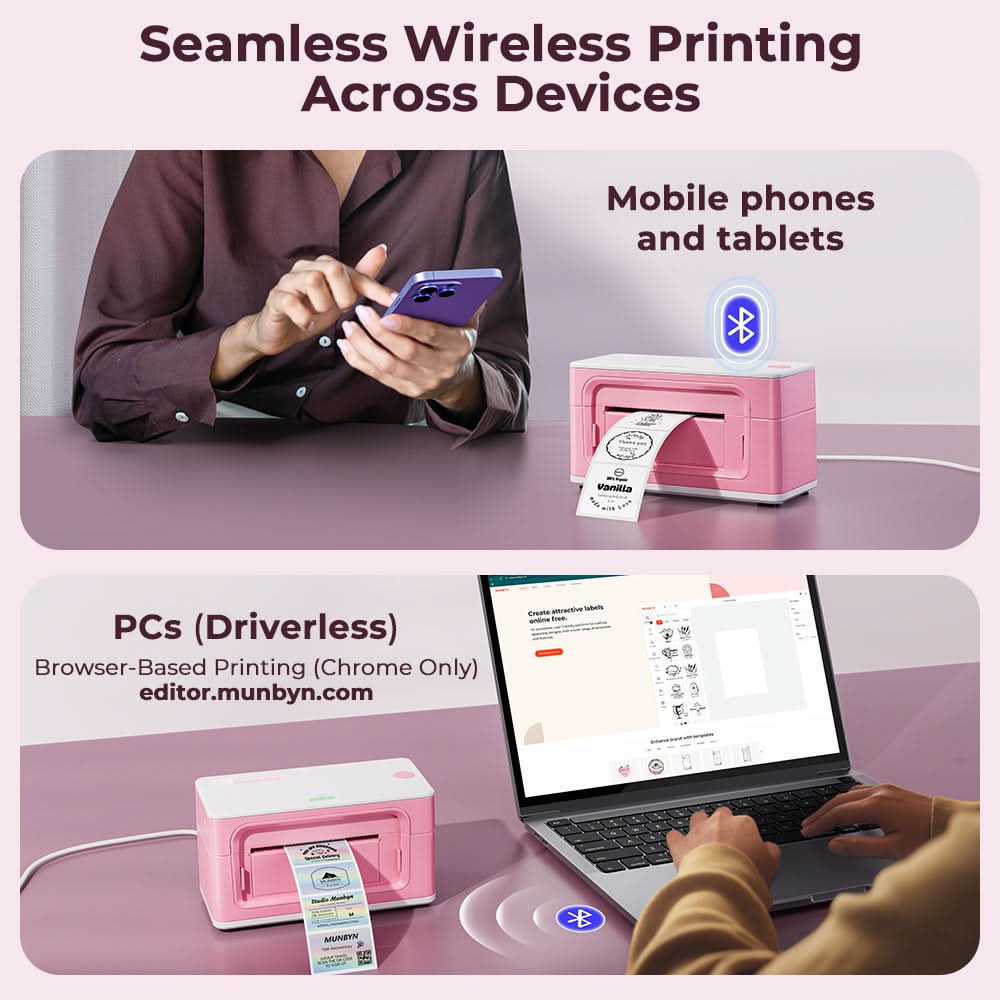
Bluetooth / USB

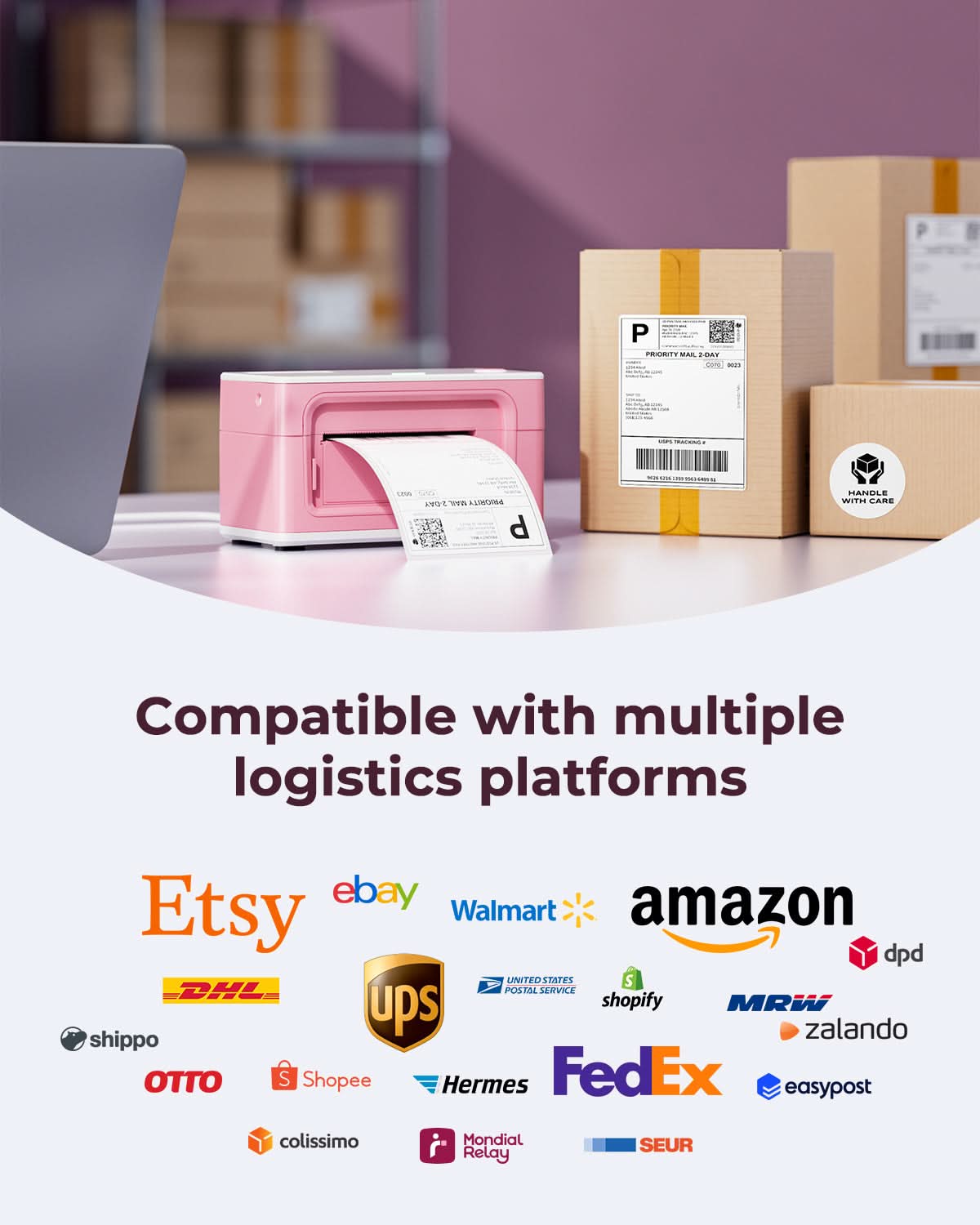
Supports major shipping platforms

Connect via Phone, Tablet or PC

🔥Flash Deals
Limited Time Only
Save More on Business Essentials
Print wirelessly. Any device, any OS.

Buying for a business?
Get a custom quote for potential bulk savings on approved business orders.
Product highlights
300 DPI High Definition
Bluetooth / USB
Supports major shipping platforms
Connect via Phone, Tablet or PC
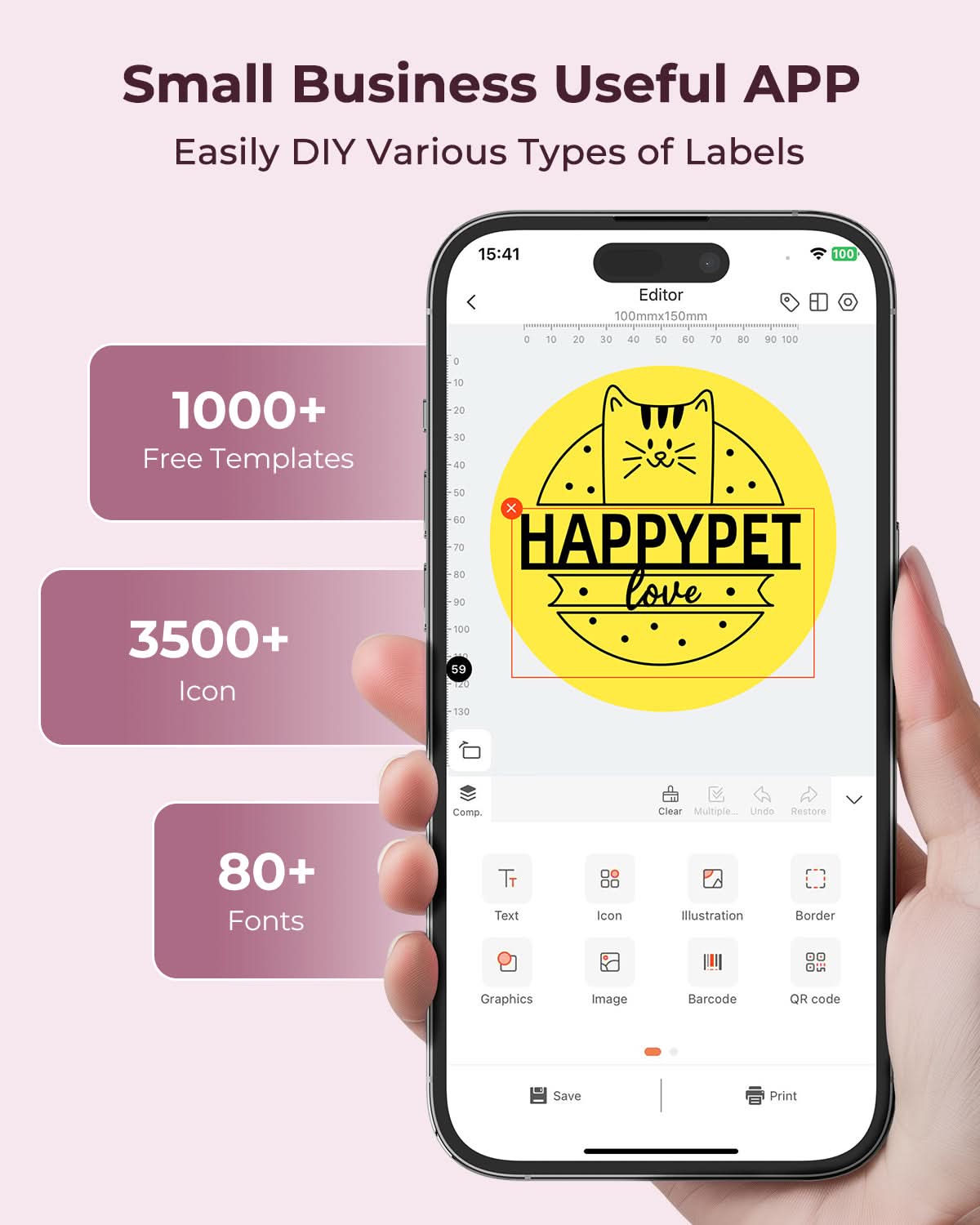
👍 MUNBYN Exclusive APP: 2000+ Free Templates, 1500+ Free Icons, 80+ Free Fonts.
[Works with Every Major Shipping Platform]
Print shipping labels seamlessly across UPS, USPS, FedEx, Etsy, eBay, Shopify, Shippo, Easyship, ShipStation, PayPal, StockX, XPS Ship, and 20+ more platforms — no manual formatting, no extra steps. Whether you're running an online store or managing a warehouse, this 300 DPI thermal printer keeps your fulfillment workflow moving without interruption.
[Bluetooth & USB — Print from Any Device, Anywhere]
Connect wirelessly via Bluetooth to your iPhone, iPad, or Android phone, or plug in via USB to your Windows PC or Mac. This high-resolution label printer gives you the freedom to print from your desk, stockroom, or packing station — wherever work takes you — with zero cable clutter and instant pairing.
[300DPI Print Quality]
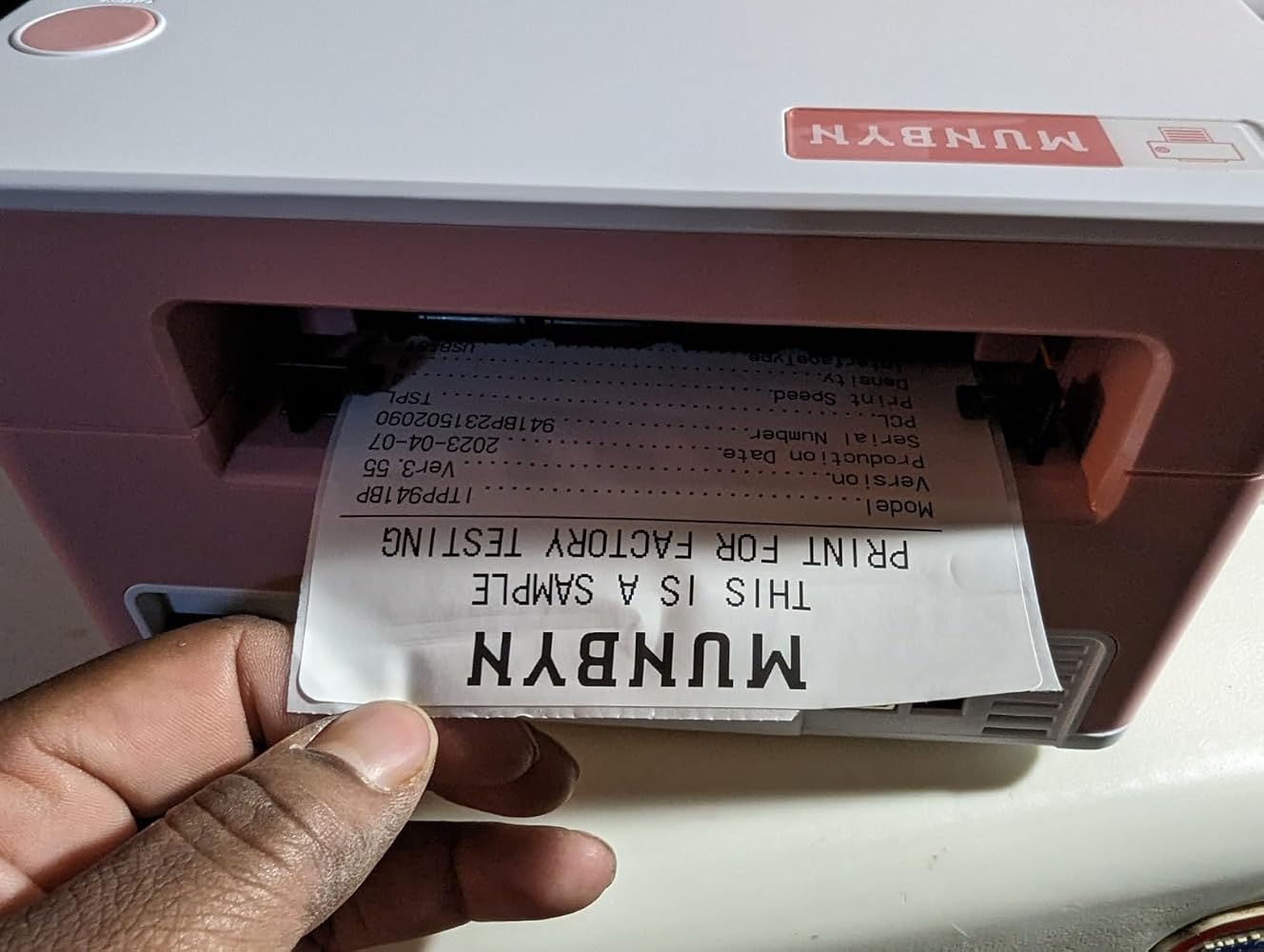
At 300 DPI resolution, this thermal label printer delivers logistics-grade clarity, making barcodes, QR codes, and fine text crisp and scannable every time — outperforming standard 203 DPI models that can struggle with small fonts and dense codes. Whether you're printing product labels, return labels, or branded stickers, the detail speaks for itself.
[High Speed & Clear Printing]
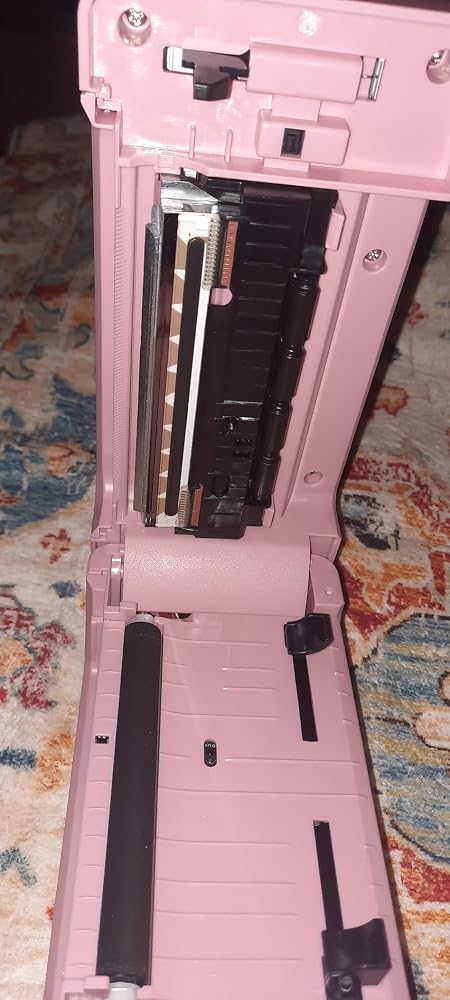
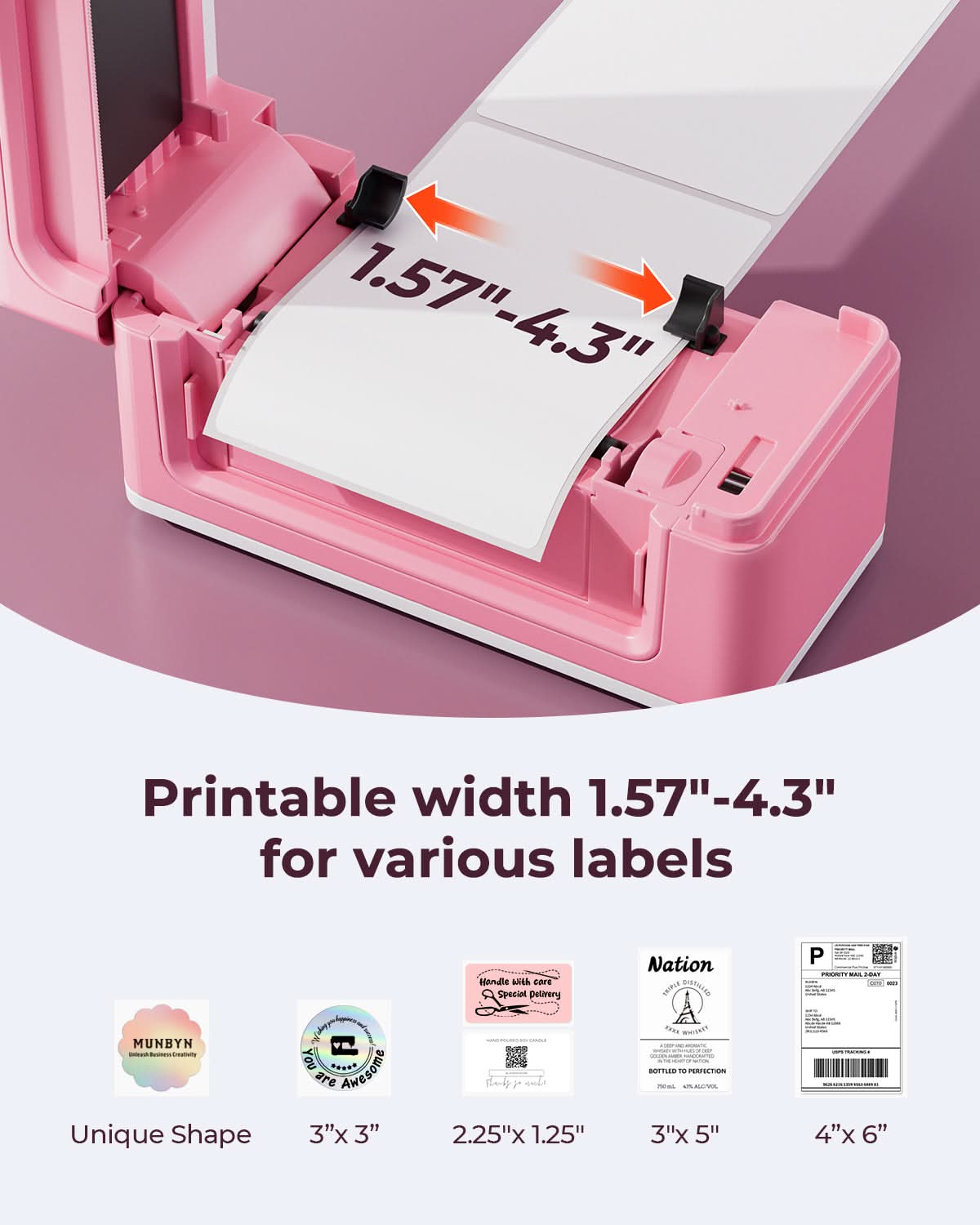
Powered by a precision Japan ROHM print head, the RW941BP 300 DPI label printer reaches speeds of up to 180mm/s — that's one 4×6" shipping label per second. It handles label widths from 1.57" to 4.3" (40–104mm) with automatic size detection, making it a reliable workhorse for high-volume label printing with no jams and no slowdowns.
[No Ink. No Toner. No Waste]
Direct thermal printing technology means you'll never buy an ink cartridge or toner refill again. The built-in automatic fallback function maximizes every roll of thermal labels, reducing paper waste and saving money over time. It's a smarter, cleaner label printing solution — better for your budget and better for the environment.
Free Shipping on Orders Over $79*
Ships within 48 Hours.
14-day Risk-free Trial
2-Year Warranty & Lifetime Support
30-day Price-Match
Need help choosing the right product or placing an order?
Our MUNBYN support team is here to help. If you have any questions about products, compatibility, orders, or after-sales service, feel free to contact us at any time. We respond to all inquiries within 24 business hours (Monday–Friday).
Shipping Information
We offer free shipping straight to your door throughout the contiguous US*. It usually takes 2-5 business days* for your package to be delivered, so you can sit back and relax, worry-free.
*Please see our shipping policy for more details.
Help Center
Find everything you need in one place:
FAQ’s
Have a quick question?
Visit our FAQ page, which covers the most common topics, including:
If you can’t find the answer you’re looking for, our support team is always ready to help.
Still need assistance?
Contact Us at
Order: order@munbyn.com
Tech: support@munbyn.com
+1 628 229 3612
Mon - Fri: 7AM - 5PM (UTC-8)
#1 MUNBYN BESTSELLER 👍
Flagship 300 DPI Label Printer
5,000+ SOLD MONTHLY
300 DPI Precision
Sharper small text, barcodes, logos and product details.
Fulfillment-Ready Performance
150 mm/s printing to keep daily shipping workflows moving.
Built for Business
High-detail output
Bluetooth + USB
THE DIFFERENCE IS IN THE DETAIL
Give shipping labels, product packaging and brand graphics the definition they deserve.


Choose the resolution that matches what your labels need to communicate and how you want your brand to be remembered.
A practical fit for straightforward shipping workflows.
For labels that do more than move a parcel.

Sharper labels give customers a clearer first impression.
Fine logos stay defined on every package.
Clear details make products feel established.
Fast output keeps daily orders moving.
“The small text stays readable, even on compact product labels.”
“Our packaging finally looks consistent across every order.”
“The labels look sharper without changing our workflow.”
“It gives our product packaging a much more finished look.”
ONE PRINTER. MORE THAN SHIPPING.
Choose a ready-to-work setup for shipping, product labels or branded packaging.
 MOST POPULAR

Four clear steps from template to finished package.
Open a shipping, product or inventory template.
Pair by Bluetooth or use USB for a fixed setup.
Insert thermal labels and print crisp 300 DPI output.
Apply the label and move the order to its next step.

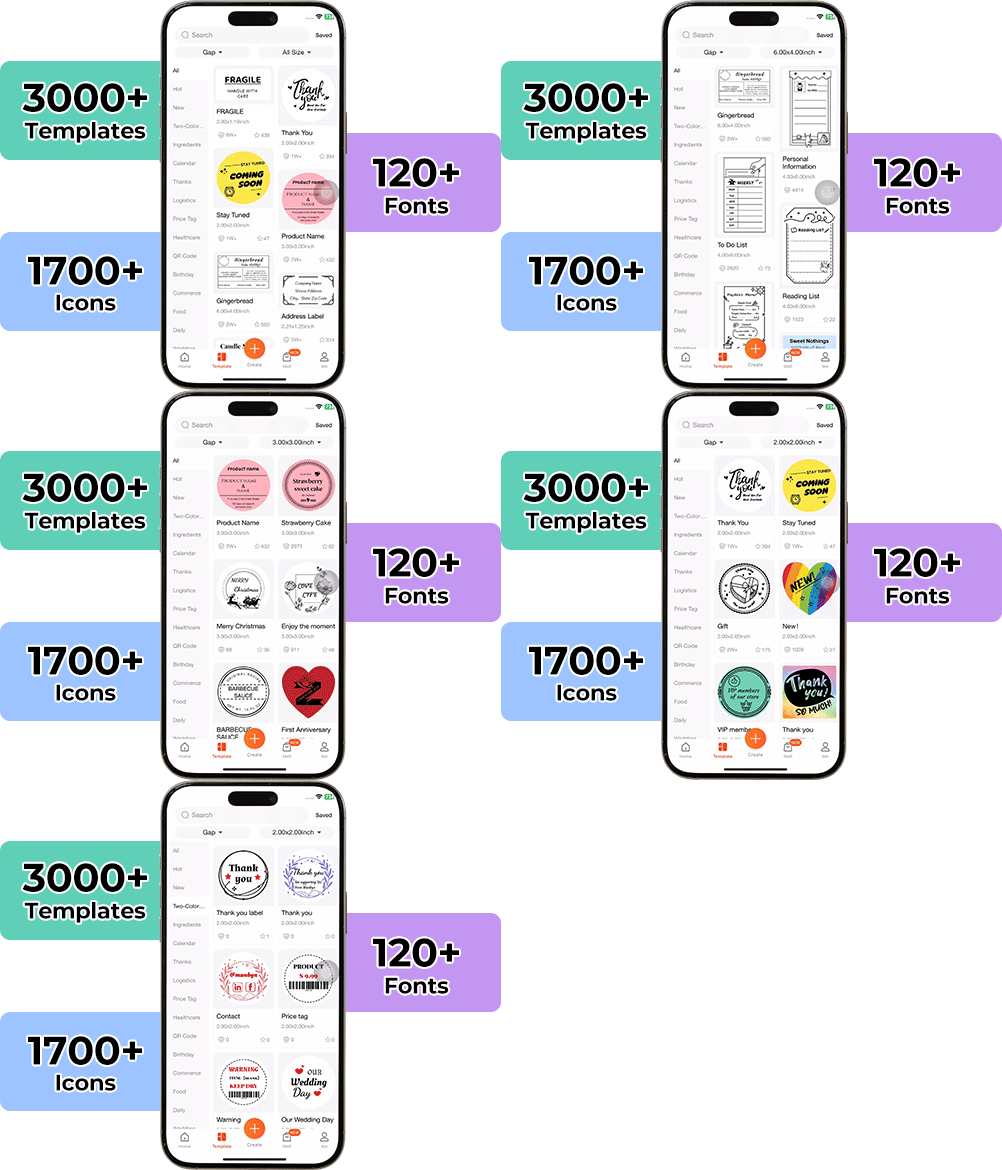
High-End Labels in Minutes
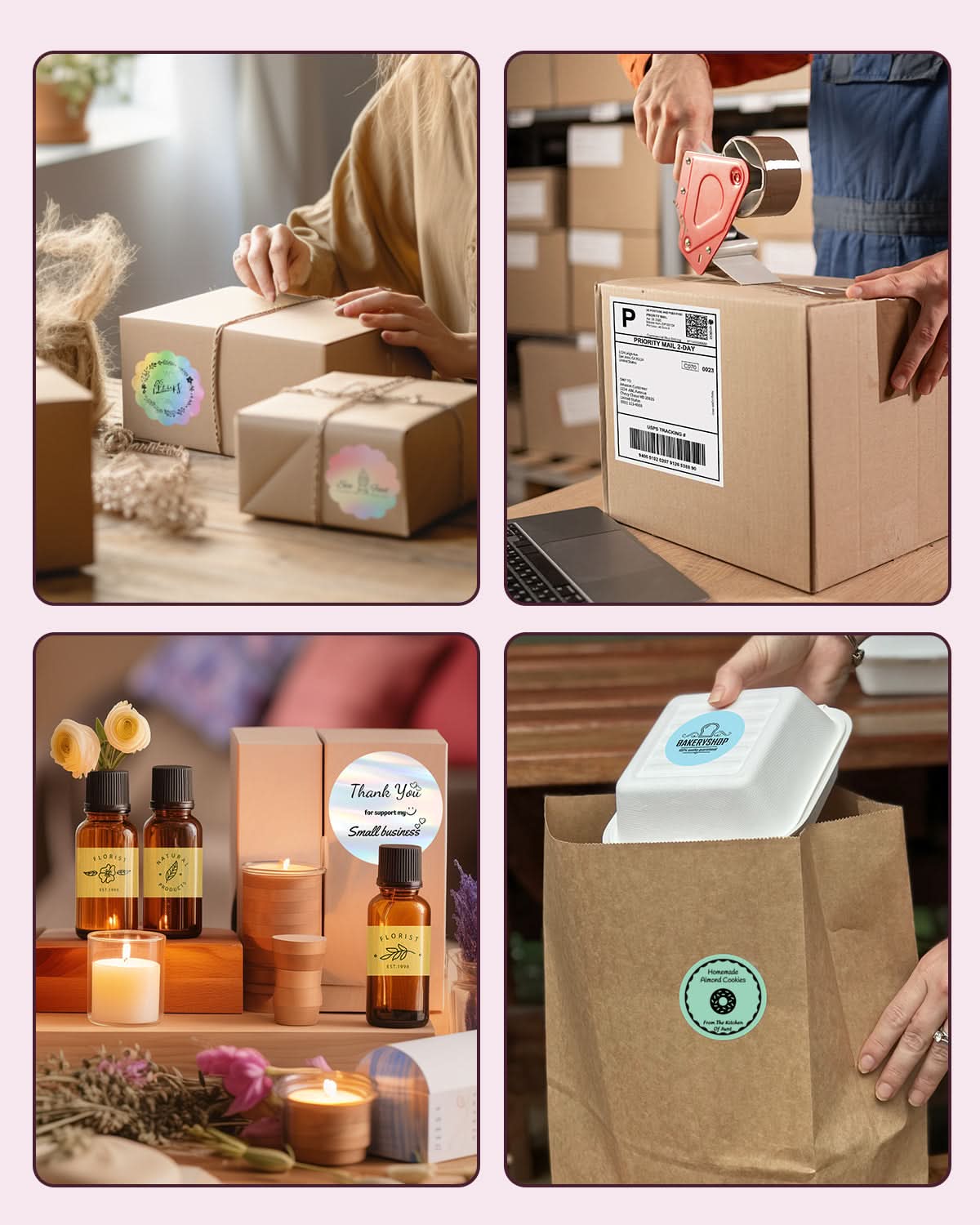
Designing custom packaging has never been this simple. Using the MUNBYN app and our versatile DIY Labels, you have a library of 3,000+ design assets and templates at your command.
Craft bespoke logos and promotional stickers that perfectly capture your brand’s personality—all while keeping your budget in check.


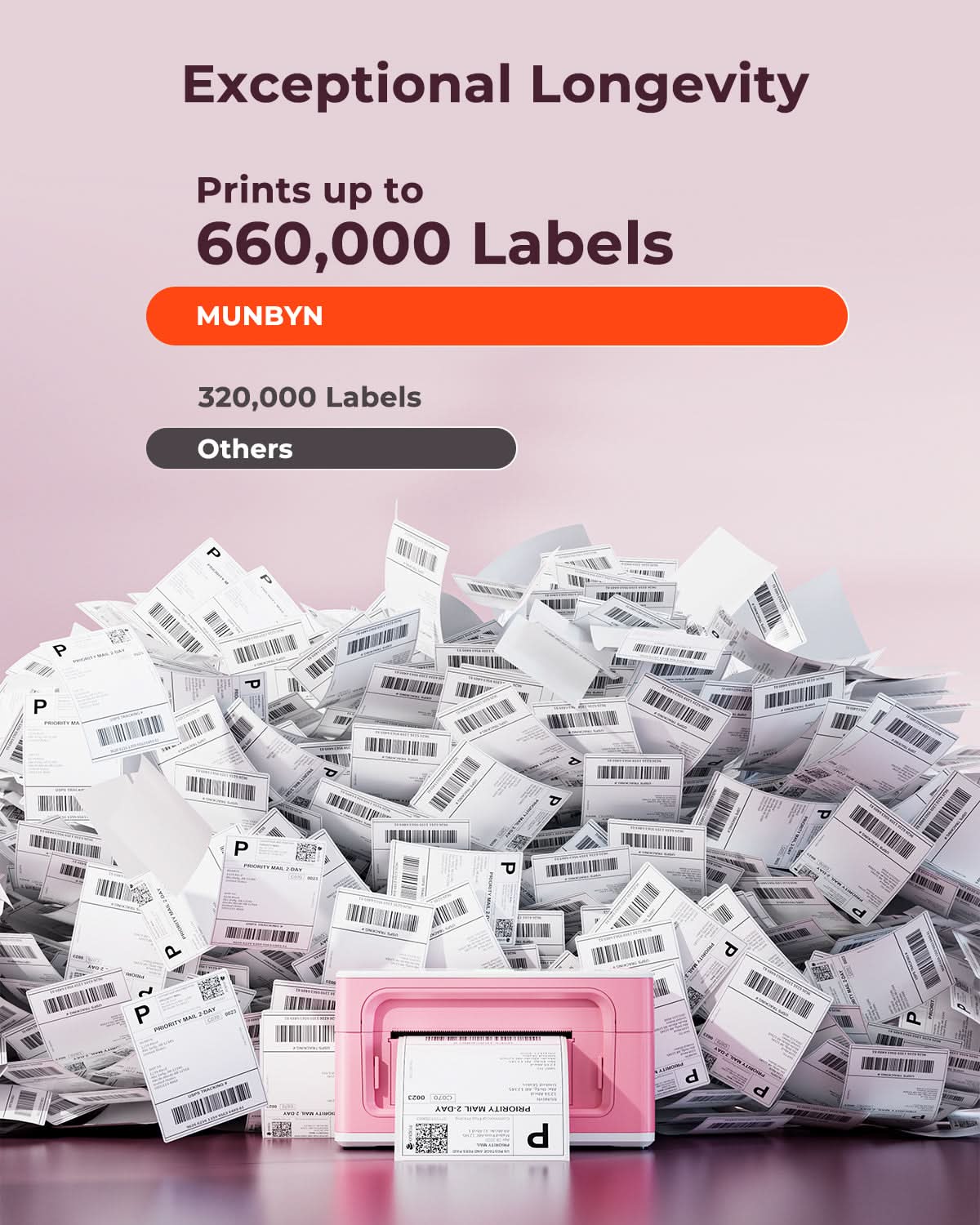
Designed to print more than 980,000* labels in shipping labels
Print life and label quantity estimates are based on laboratory calculations (150 KM printhead life × 4×6" label length). Actual performance may vary due to print frequency, label material, operating environment, and maintenance conditions.
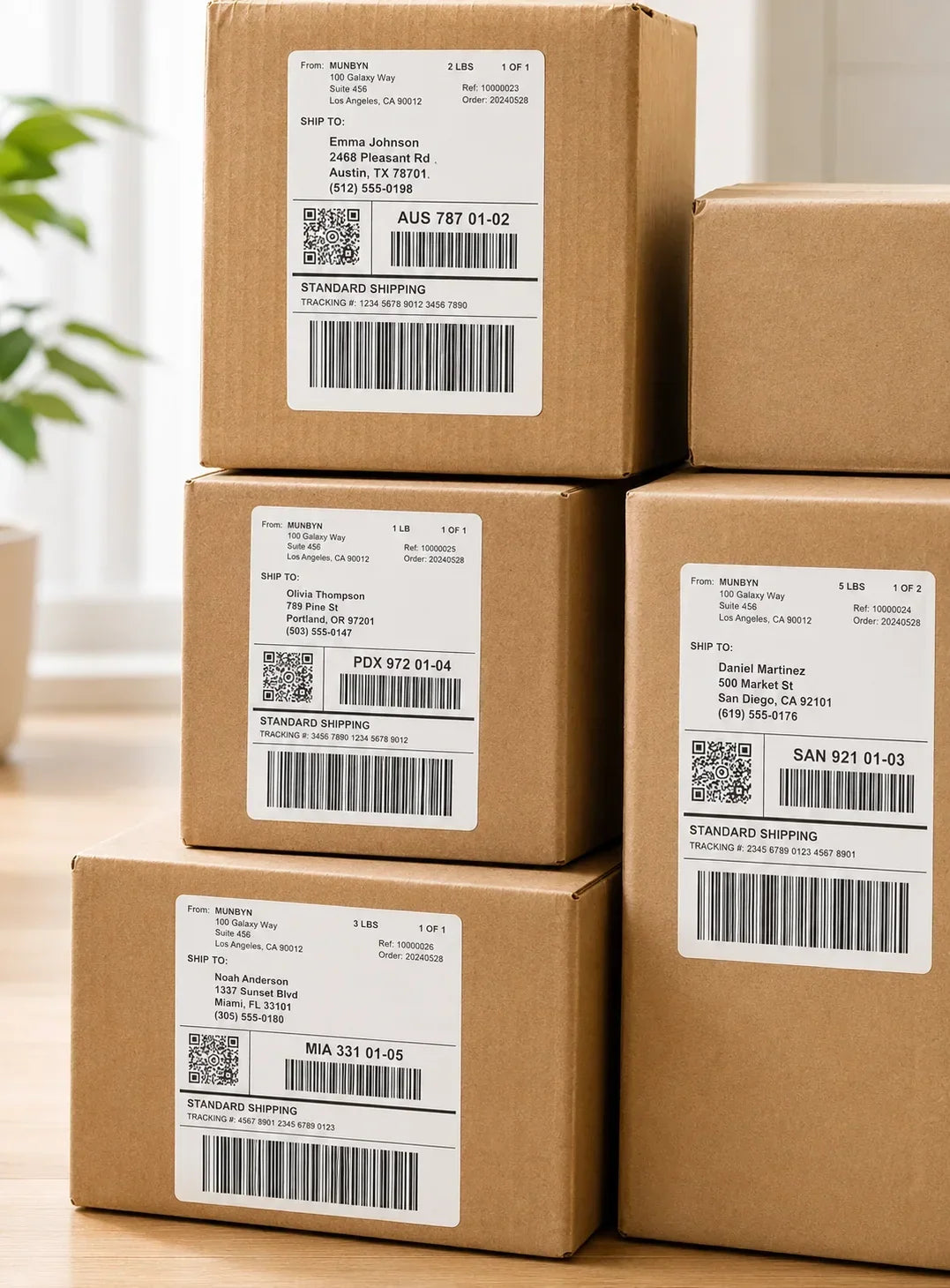
Shipping Label
Designed for small to high-volume fulfillment, MUNBYN printers produce crisp 4x6 shipping labels that scan instantly and stick securely.
Perfect for:
Reduce printing time, avoid reprints, and keep every shipment moving efficiently.

Custom Labels
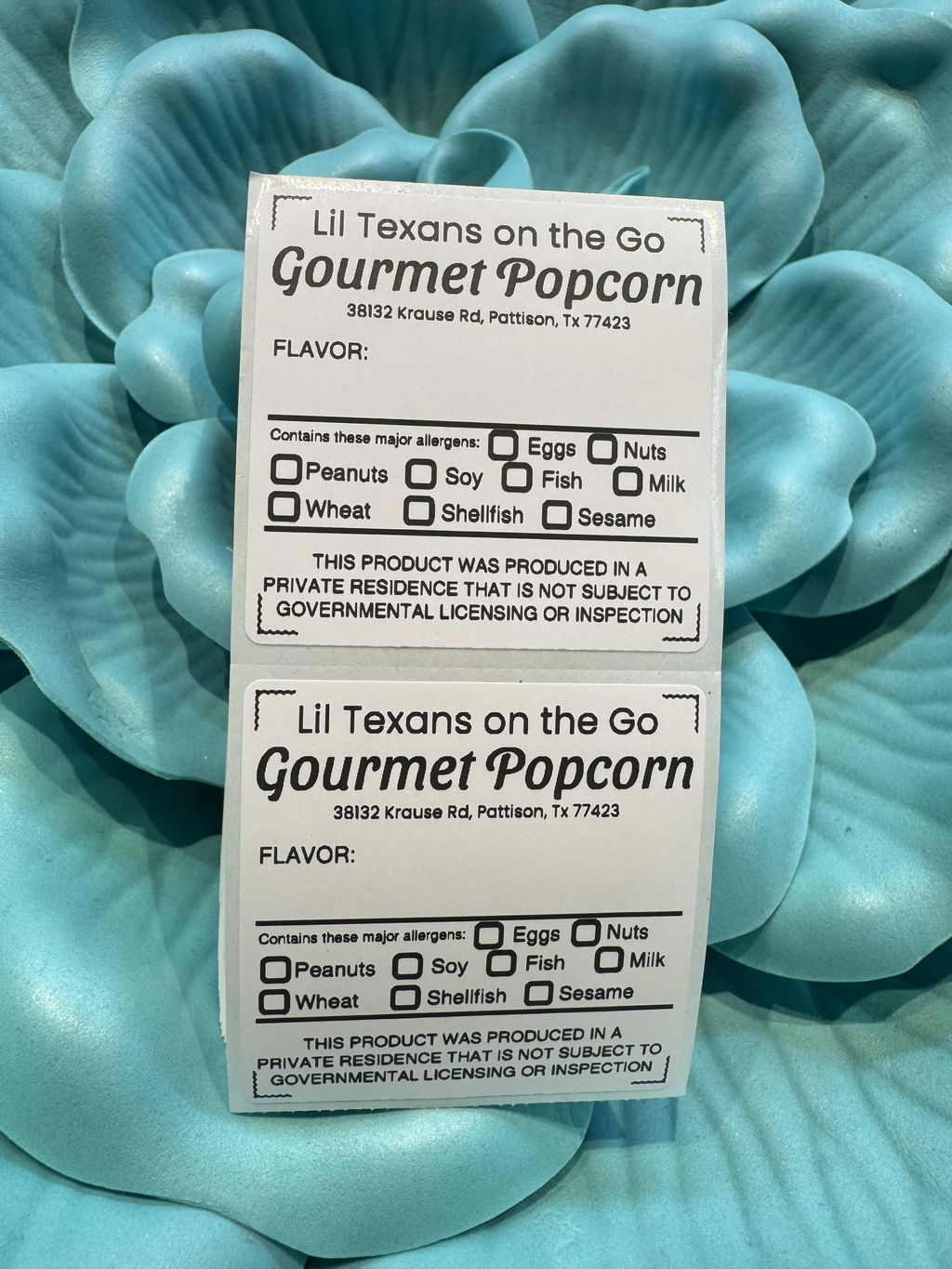
Create labels tailored to your exact needs — from unique dimensions to personalized layouts.
Use for:
Flexible, professional, and fully customizable to your workflow.

Barcode Labels
Print high-precision barcode labels that ensure fast scanning and accurate inventory tracking.
Commonly used for:
Improve operational efficiency and reduce costly manual errors.

Fragile Labels
Clearly mark fragile items with bold, high-contrast labels that grab attention during handling and delivery.
Ideal for:
Minimize damage, reduce returns, and ship with confidence.

Branded Labels
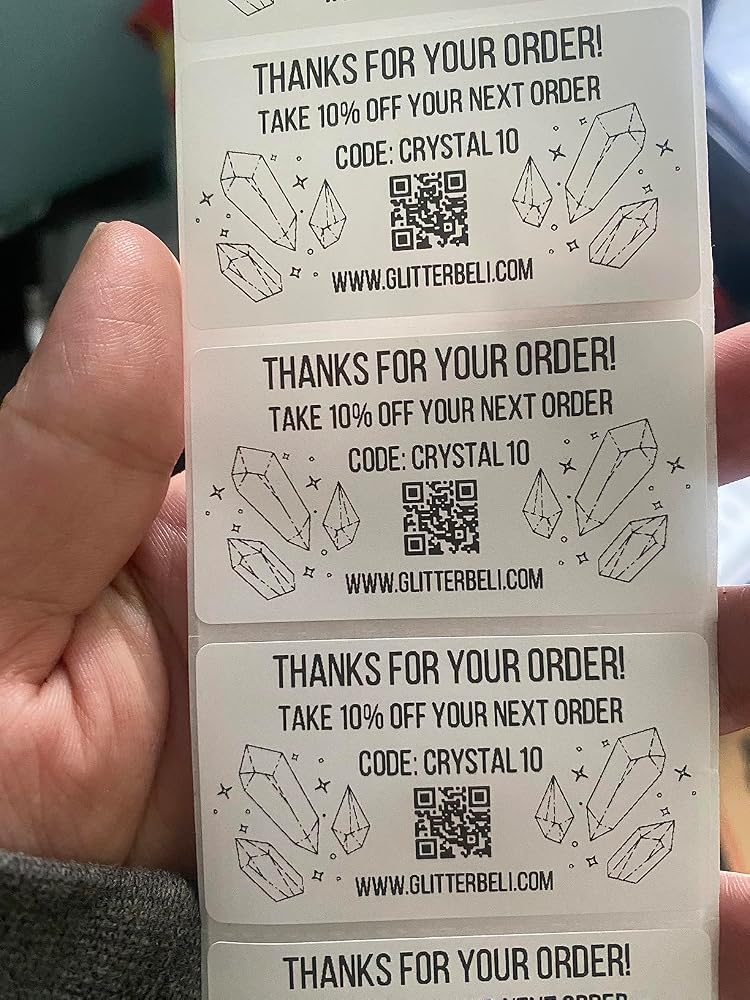
Add logos, brand colors, thank-you messages, or marketing inserts to elevate your packaging.
Great for:
Build recognition, increase repeat purchases, and stand out in every unboxing moment.

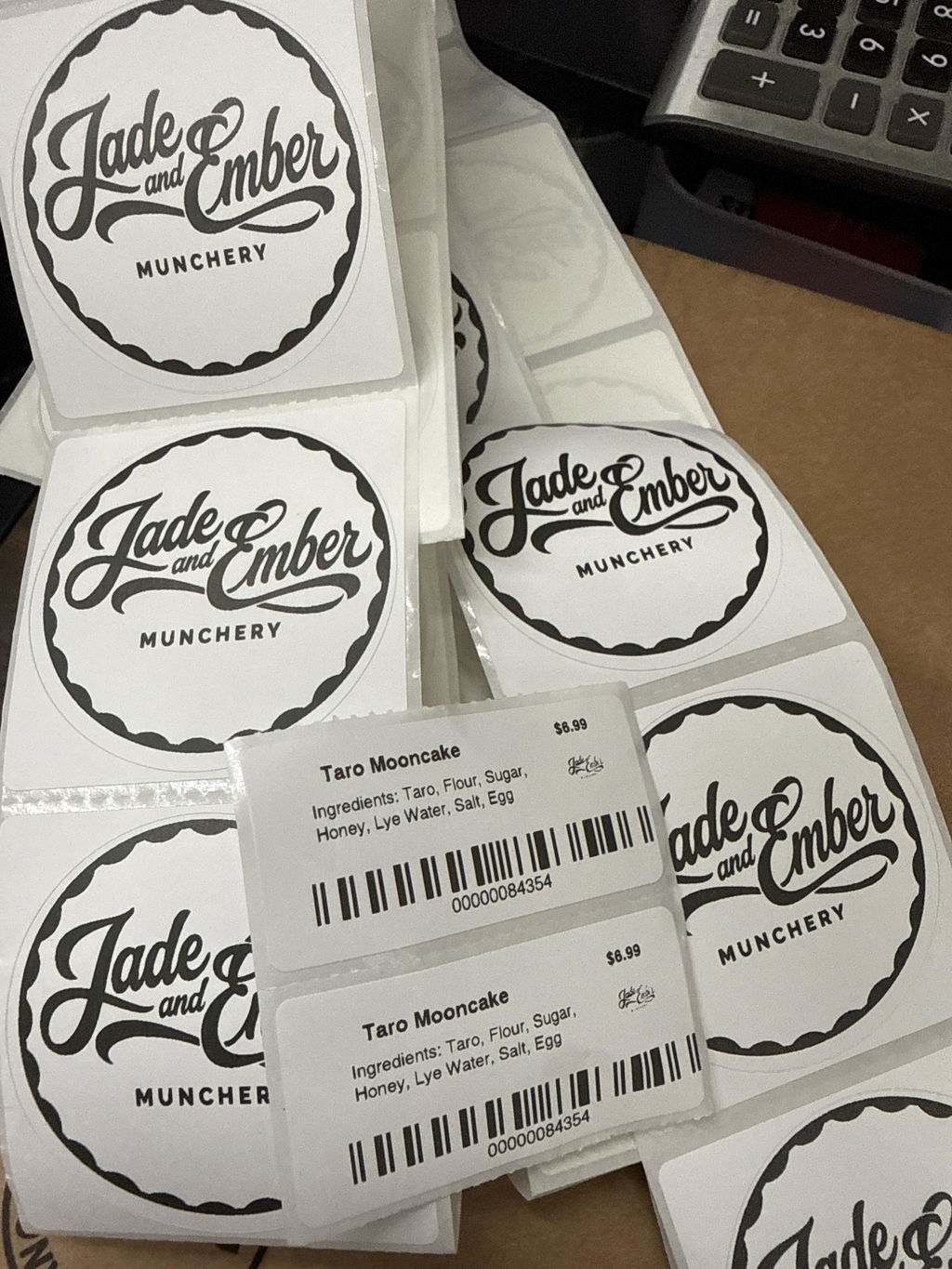
Stickers for Daycare/School
Print name labels and stickers that help keep school and daycare items sorted and easy to identify.
Perfect for:
Water-resistant, long-lasting, and made for everyday life.
Customers praised this Bluetooth thermal label printer for its compact design, 300 DPI print quality, and ink-free operation. Many loved "easy setup" and fast printing for shipping labels and stickers. However, some noted the app can be "clunky," Bluetooth pairing occasionally difficult, and initial calibration wastes labels. One major concern: automatic paper size conversion issues for USPS labels.
The printer is working great! It’s been a great addition to our marketing efforts.
Unit is very nice - software is a bit clunky and not very intuitive.
I had been using the real writer 941 non-Bluetooth. I just upgraded to this and it’s a real game changer. I love that I can design labels on the go with the app and print when I get home to my office. I also love that I don’t need to be connected to the computer with a cable and that I can also print from my phone or iPad.
I am absolutely in love with my MUNBYN RealWriter 941BP! As a new seller, I wanted something that looked great on my desk but also performed at a high level, and the 300DPI model is perfect.
The print quality is incredibly sharp—even small text and barcodes come out crystal clear, which gives me so much peace of mind when dropping off packages. The Bluetooth feature is a total lifesaver, allowing me to print right from my phone without messy wires everywhere.
It’s stylish, efficient, and was the best 'find' for my new business journey. Between this and my MUNBYN scale, my shipping station is officially complete. I’m a customer for life!
Desde que recib�� el paquete ven��a muy bien empaquetado y protegido lleg�� sin ning��n rasp��n y con todo incluido para su instalaci��n, la cual fue muy f��cil y no eh tenido problema alguno solo unas dudas las cuales me resolvieron inmediatamente por WhatsApp. 10/10 con el producto lo recomiendo bastante
Products are amazing and their customer service is amazing as well. 10/10 recommend all products
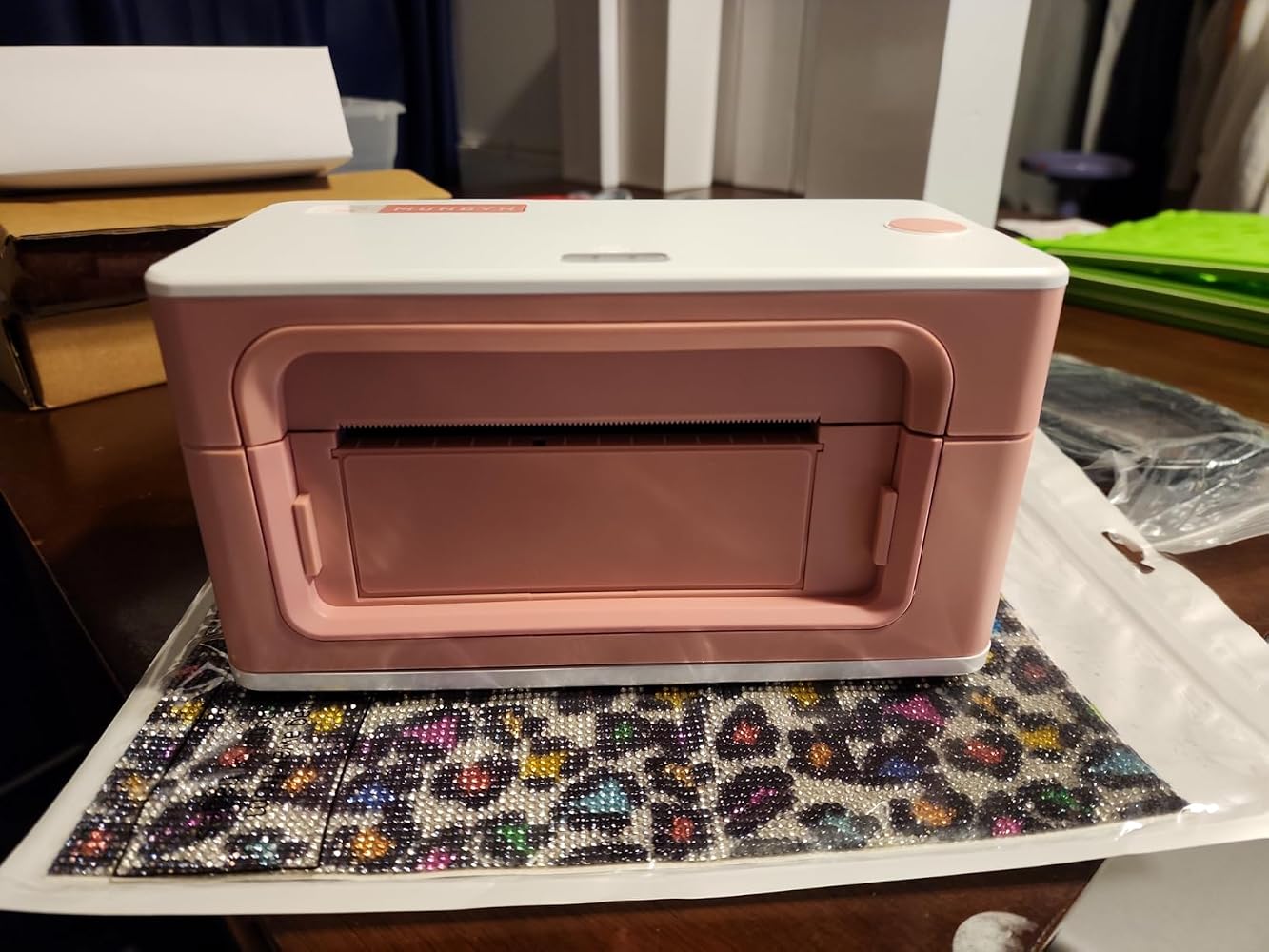
I'm so excited to use my new printer! I'm in love with this pink color. So helpful and inkless!
MUNBYN makes heart quality thermal printers. I was ankle to connect almost instantly to my LG android phone via Bluetooth. It's quick and easy to print out crisp, clear shipping labels. This is a great quality product!
I see mixed reviews about this product and i don��t understand why! This is a very nice thermal printer. It is a small compact design and easy to set up. Plug in the printer, feed the paper, download the app and customize your project and then print. I was able to connect it via bluetooth in minutes without any issues. The app offers a variety of templates you can use or customize it. Perfect for small businesses, organizations freaks like my wife, home projects like jar labels, thank you notes, etc��my wife loves it! On the other hand, the only issue is that is is on the expensive side.
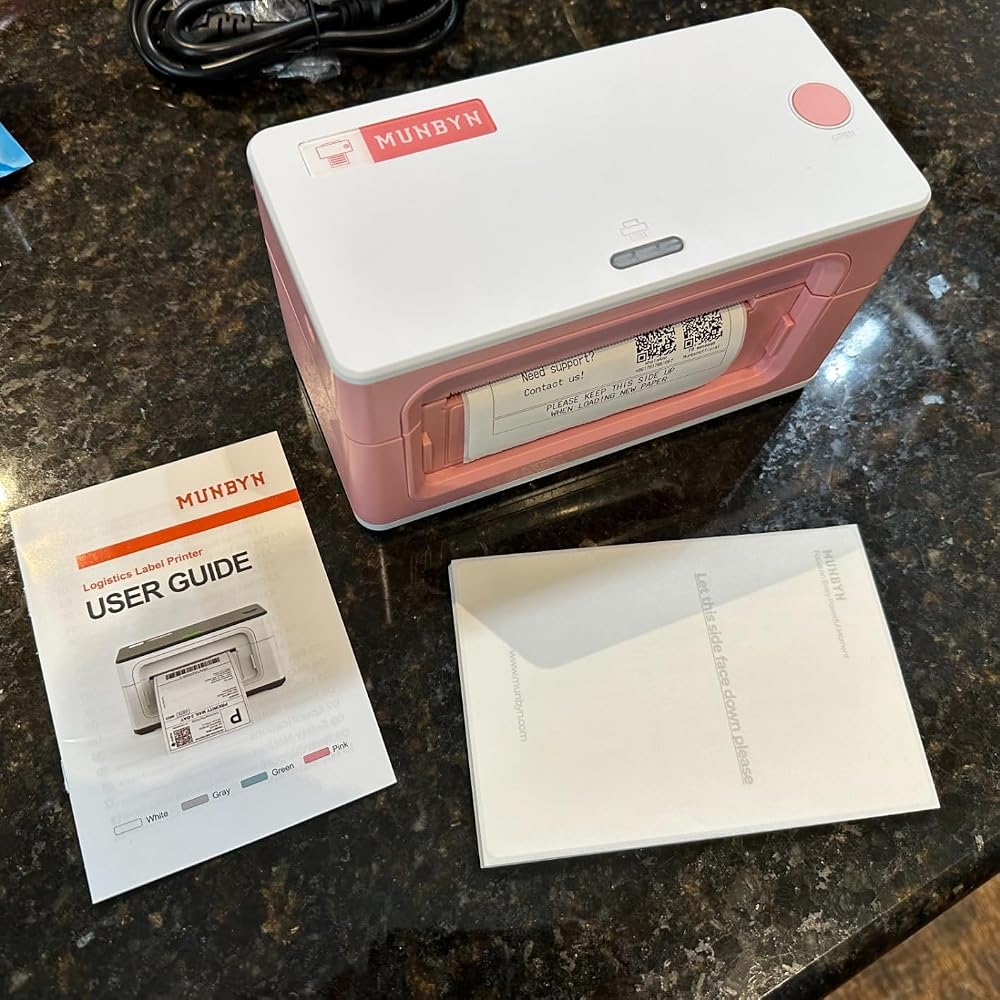
Comes with a pack of 4x6 labels. Works great with the app on a mac or iPhone. Easy setup and can be wired or used via Bluetooth. I would recommend.
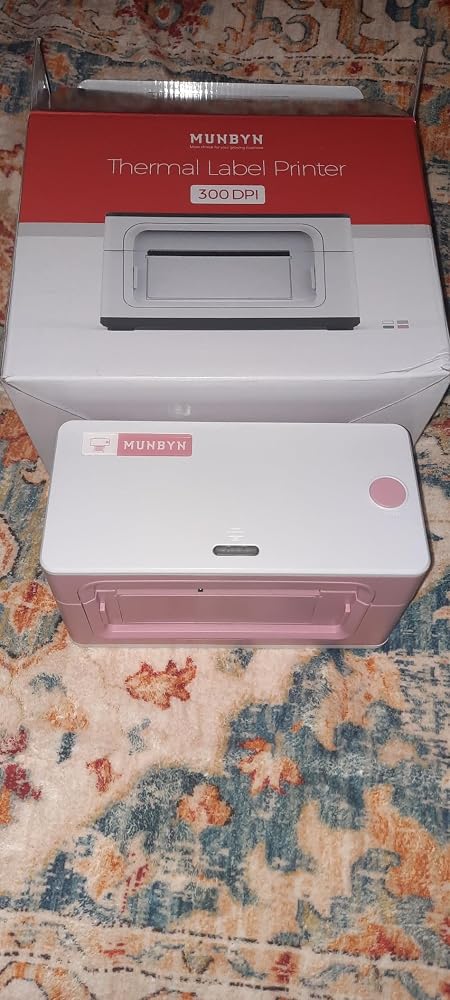
Name: MUNBYN Bluetooth Thermal Label Printer 941BSize: 4" x 6"Planned Use: PrintingGiftable: YesAs Pictured: YesIncludes: Type C Cable, Power cord & USB Flash DriveLikes:Easy to setup and use with the appPrints without issueDoesn't require ink or tonerIt's pinkCan use multiple size thermal labelsBluetooth & USB printingDislikes: NoneProduct improvement suggestions: NoneRecommend: Yes
This MUNBYN ?????????????????? Thermal Label Printer 941B, Wireless ???????????? 4x6 is nothing short of amazing and I love to be able to print the labels out from the printer and how gorgeous it is in its own capacity of small but impactful. Not to mention being able to have it supported by my phone made it even better for mobile use while I'm on the go and I did test some things out for the next upcoming launch that we have. I absolutely love it. It was very functional. The printing was a deep rich color and as well as it was portable enough to bring wherever I needed to whatever space!
I had a thermal printer before this, but it would always give me problems. Every time I'd go to print, lines would be skipped/missing. I'd open it up and wipe it down, which would work. But the next print would happen again. I wasted so much paper just trying to get a good, readable print done. It was a pain having to wipe it down every time I went to print. So I got this thermal printer.It's been great so far. I've printed a number of times on it, and it's clear with no missing lines.The software is a bit lacking and simple. It's not an exe that installs itself, instead you have to drag the folder somewhere on your PC and run the exe from there (as well as create your own desktop shortcut to it). Once opened, you tell it where the pdf label is, and then it takes a little time to print. My old printer software, it installed itself, you'd import a pdf and could crop it right in the program, flip it around if needed, etc. and right when you clicked print, seconds later it was done.So this software is very simple compared to that. But in the end, it works and printed the labels I needed. So I can live with the more simple software. My biggest headache before was the bad printing/having to wipe down every time for a clean print. So, I'm glad this fixed that and everything comes out clear and crisp. Very happy with it.
Works great once you get it to work. Initially it wouldn��t pair via Bluetooth at all. I had to go into the settings for the app first and turn in Bluetooth�� then it was able to find it and connect. Now that it is connected, it��s my favorite small business purchase! I use it all the time for many things. I design my labels on Canva and then import to the MUNBYN app to print.
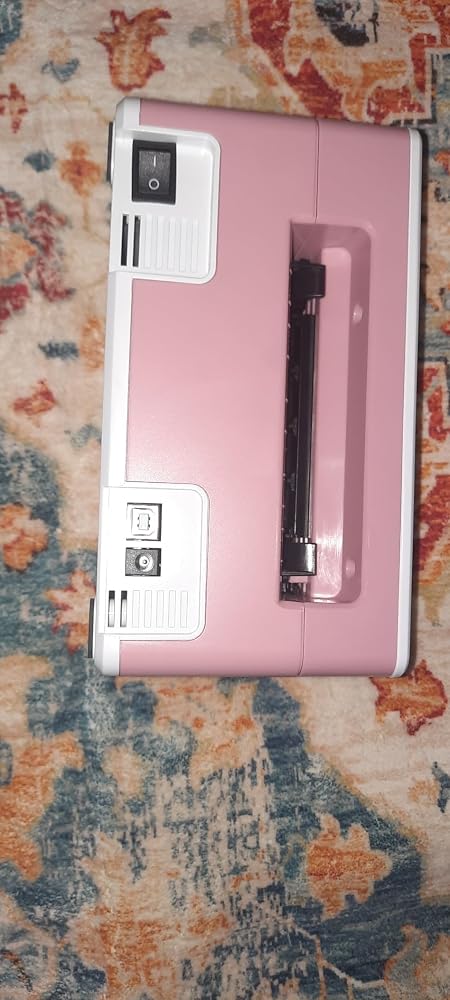
It has a few idiosyncrasies, but all in all this is a great little label printer.The printer comes with cables to hook it up to a computer (including a USB-C to USB-A conversion cable to hook it up to a mac.) Additionally, a small, metal jump drive is included in the kit which has new firmware software for the device, though I didn't use these cables or the jump drive to upgrade the firmware.Instead, I simply downloaded the "Munbyn Print" app from the App Store on my iPhone and connected to the device using bluetooth. The app is somewhat challenging to use (as the documentation is a bit spotty), but I was able to reason through connecting the printer to my phone without issue. There's also a video on their website that shows the recommended process of getting the printer set up which helps somewhat, but I found that to be somewhat incorrect as well. (It's better to "Feed" the label stock into the back of the printer instead of closing the top of the printer over the label stock, as suggested in the video.)Once I connected my iPhone to the printer directly, I had no difficulty in using the printer to print labels. A small stack of 4"x6" labels are included with the printer (this is essentially a common sized shipping label). I'm not a small business with the explicit purpose of using this printer for printing FedEx/UPS labels, but I could see where this could easily be done. Instead, I experimented with the templates in the Munbyn Print app and was able to get the printer to print without too much trouble.The software interface (especially for printing specific text within labels) is pretty clunky to use. Instead of using it, I recommend using another software to generate an image of the label you're trying to generate (whether it's paint, Visio, Adobe Express, or whatever software can easily generate an image that you can somehow get to your phone) to generate an image that you can print off of your iPhone. This has worked really well for me.Overall, though, it isn't too hard to figure out. If you're patient and you don't mind spending a little bit of effort to figure it out, this is a pretty decent printer to use, and can print on any sized labels fed to it that will fit into the input feed (about 4" wide.)
I love it! And the pink one is so cute!The only issues are: 1) if you have the label holder the power cable gets in the way of it if you have a small space on your table/desk. 2) it wastes the first label of every reloadI��ve only printed one shipping label, but I love it already! Will update my review if something happens overtime.
what is the smallest label this will print?
The minimum supported width is 1.57 inches.
Does print color?
It prints in black only.
Do you have to use ypur app or website to print or can you use other software such as canva?
only supports our app or online editor for printing.
Please read our FAQs page to find out more.
Free shipping and returns