United States
 Best Seller
 Label Printers
 All PDAs
 All Tablets
 All Thermal Labels
 Printer Accessories
Save More on Business Essentials

PROOF 01 /MADE FOR DAILY ORDERS


 United States
You are currently viewing:
United States
Items in your shopping cart will be removed when you change country
Your cart is currently empty.

Product highlights

Driver-Free Setup & Printing

Reliable Wireless Connection

203 DPI Clear Printing

Connect via Phone, Tablet or PC

🔥Flash Deals
Limited Time Only
Save More on Business Essentials
Print wirelessly. Any device, any OS.

Buying for a business?
Get a custom quote for potential bulk savings on approved business orders.
Product highlights
Driver-Free Setup & Printing
Reliable Wireless Connection
203 DPI Clear Printing
Connect via Phone, Tablet or PC
[AirPrint Technology]
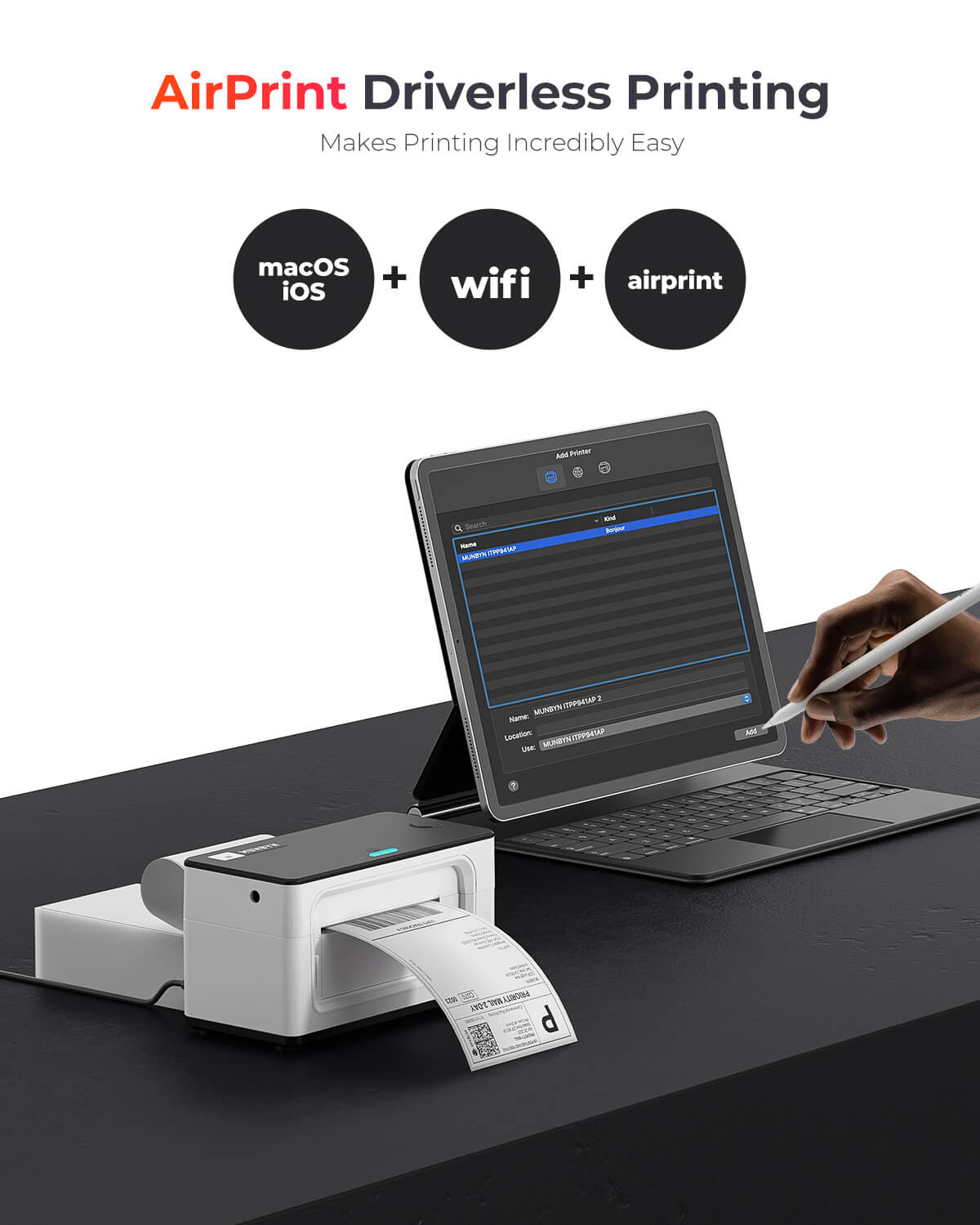
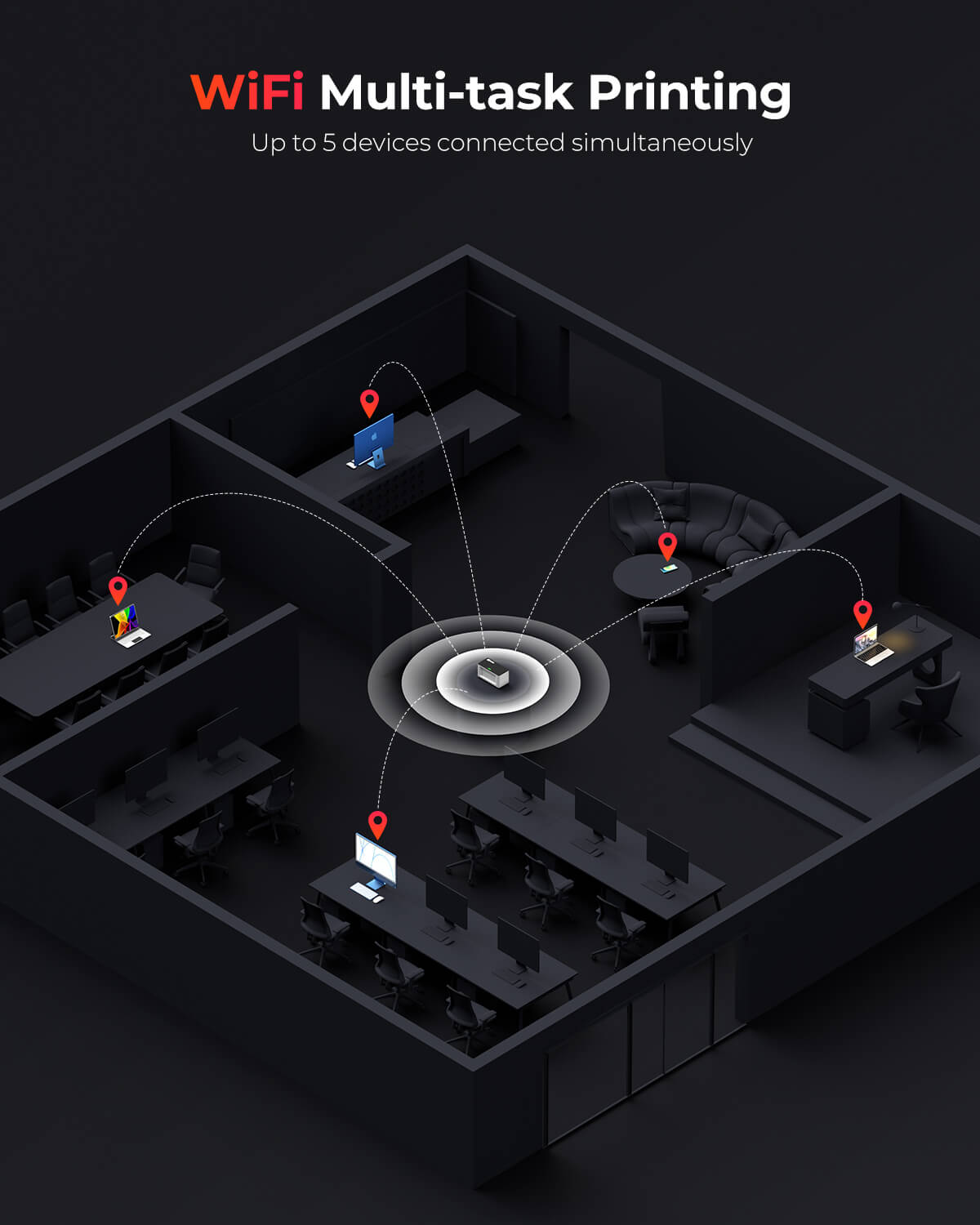
The MUNBYN 941AP is a true AirPrint thermal printer. As long as your Apple device and the printer share the same Wi-Fi network, you can print labels, documents, and photos instantly — no drivers, no software, no setup headaches. Up to 5 devices can print simultaneously, making it ideal for small teams and busy home offices.
[Seamless Wi-Fi & AirPrint Connection]
Forget cables. The 941AP AirPrint label printer connects over Wi-Fi to laptops, smartphones, and tablets running Windows, macOS, ChromeOS, iOS, or Android. Whether you're printing from a MacBook in the office or an Android phone on the warehouse floor, this wireless label printer keeps everyone connected without extra configuration.
[Extensive Compatibility]
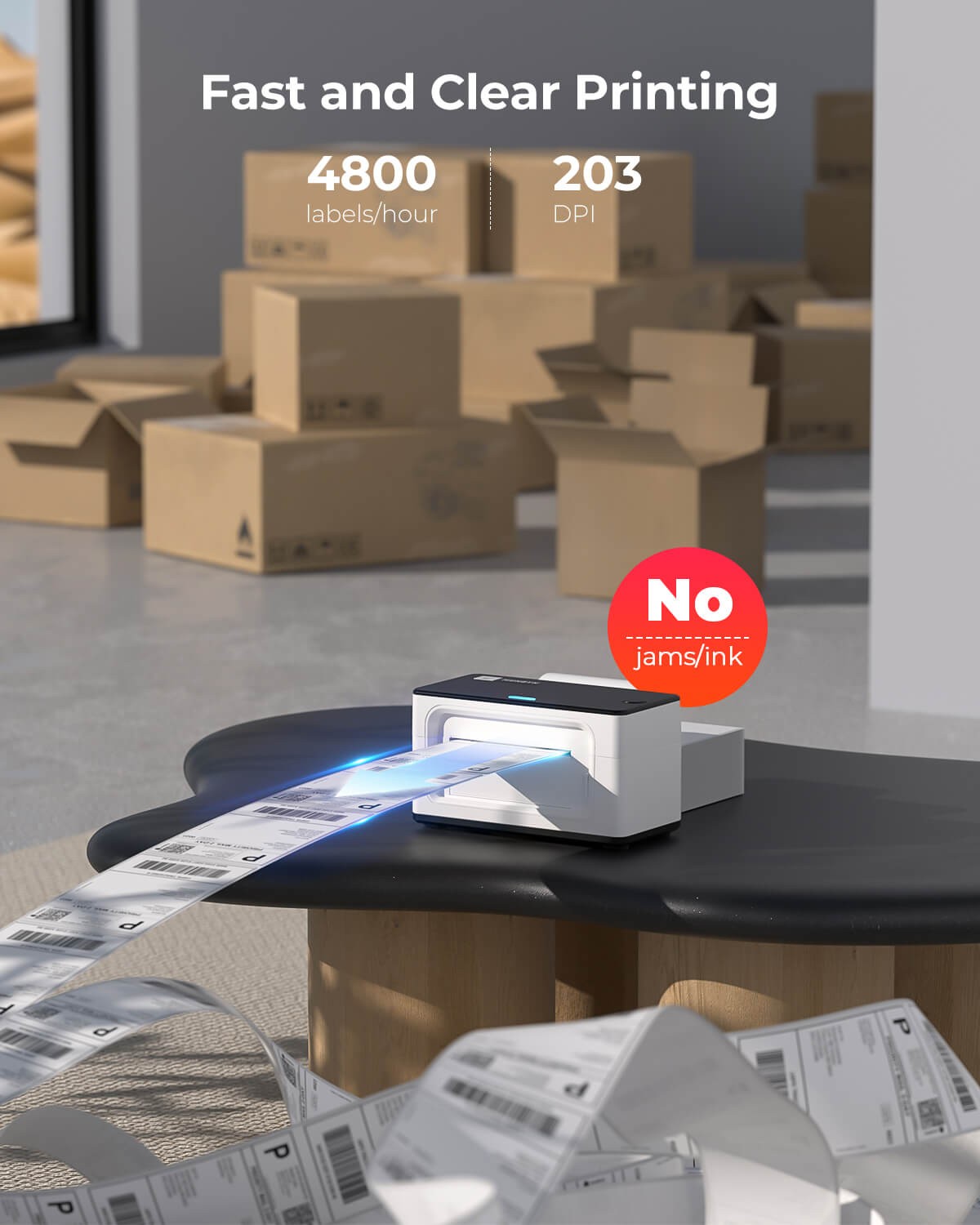
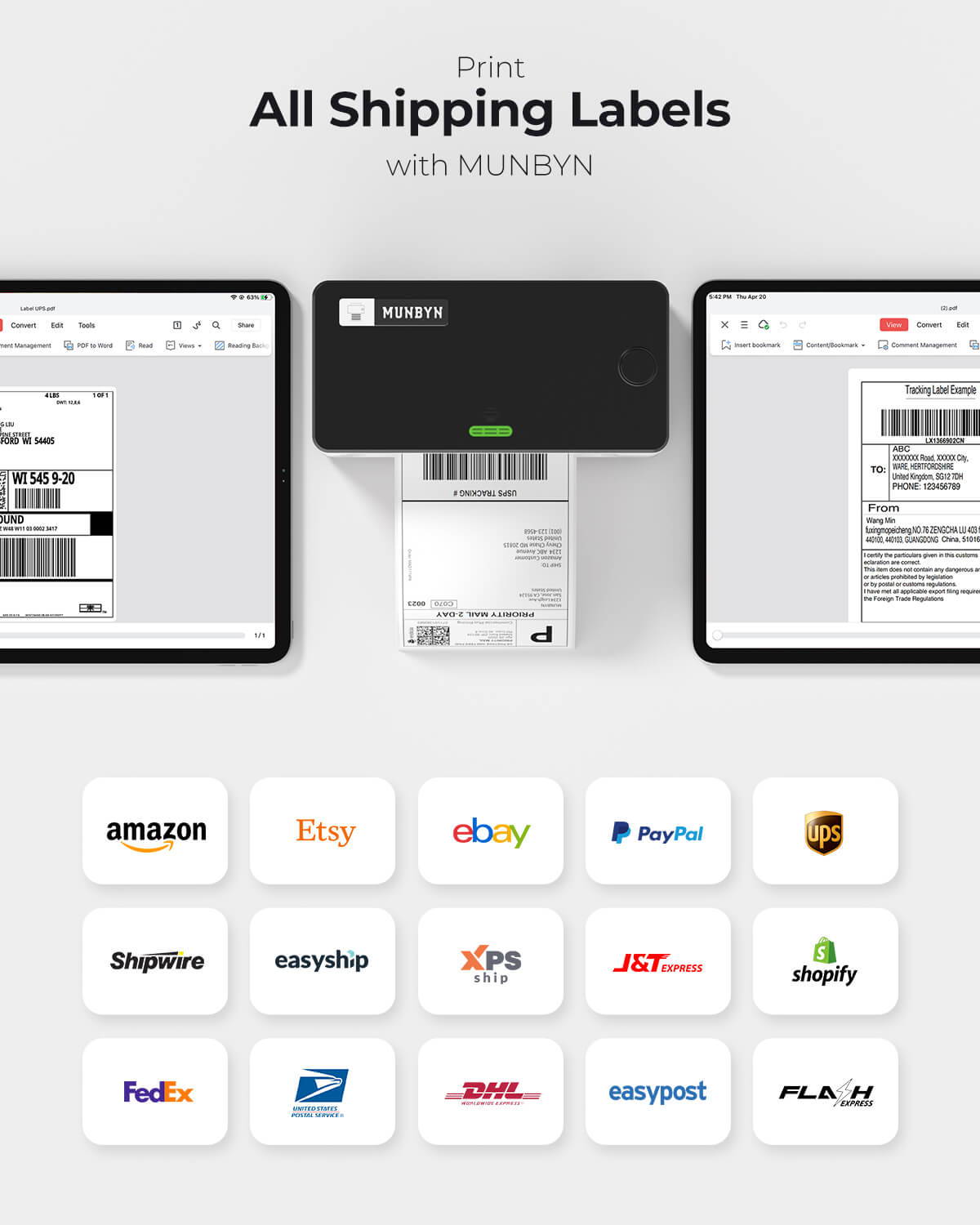
At 150 mm/sec, this AirPrint label printer churns out up to 72 labels per minute — so peak-season order rushes never slow you down. It works straight out of the box with Shopify, Etsy, eBay, Amazon, FedEx, UPS, Royal Mail, DHL, Evri, and DPD, with no extra integration steps required.
[Ink-free Thermal Printing Technology]
Direct thermal printing means no ink cartridges, no toner, and no consumable costs beyond the label rolls themselves. The 941AP AirPrint thermal printer uses a genuine Japanese ROHM print head to apply heat directly to thermal paper, producing sharp, smudge-free labels every time — and slashing your long-term supply expenses compared to inkjet alternatives.
Free Shipping on Orders Over $79*
Ships within 48 Hours.
14-day Risk-free Trial
2-Year Warranty & Lifetime Support
30-day Price-Match
Need help choosing the right product or placing an order?
Our MUNBYN support team is here to help. If you have any questions about products, compatibility, orders, or after-sales service, feel free to contact us at any time. We respond to all inquiries within 24 business hours (Monday–Friday).
Shipping Information
We offer free shipping straight to your door throughout the contiguous US*. It usually takes 2-5 business days* for your package to be delivered, so you can sit back and relax, worry-free.
*Please see our shipping policy for more details.
Help Center
Find everything you need in one place:
FAQ’s
Have a quick question?
Visit our FAQ page, which covers the most common topics, including:
If you can’t find the answer you’re looking for, our support team is always ready to help.
Still need assistance?
Contact Us at
Order: order@munbyn.com
Tech: support@munbyn.com
+1 628 229 3612
Mon - Fri: 7AM - 5PM (UTC-8)
Print Anything, Anywhere
Your ideas, your space — print wherever inspiration strikes.
Ink-Free, Worry-Free
Zero ink. Time, money, and planet-saving.
Fast to Print, Easy to Keep Going
High speed:150 mm/s = one 4×6 label per second.
24/7 support
Support channels available for busy business workflows.


Product details
PROOF 01 /MADE FOR DAILY ORDERS

PROOF 02 /AIRPRINT, BUILT IN

PROOF 03 /ONE PRINTER, EVERYDAY TASKS

PROOF 04 /CONNECT YOUR EVERYDAY DEVICES

PROOF 05 /KEEP YOUR SHIPPING WORKFLOW

PROOF 06 /A SHARED PACKING WORKSPACE

PROOF 07 /DESIGN THE DETAILS THAT MATTER

PROOF 08 /START WITH A TEMPLATE

PROOF 09 /FOR THE BUSINESS YOU’RE BUILDING
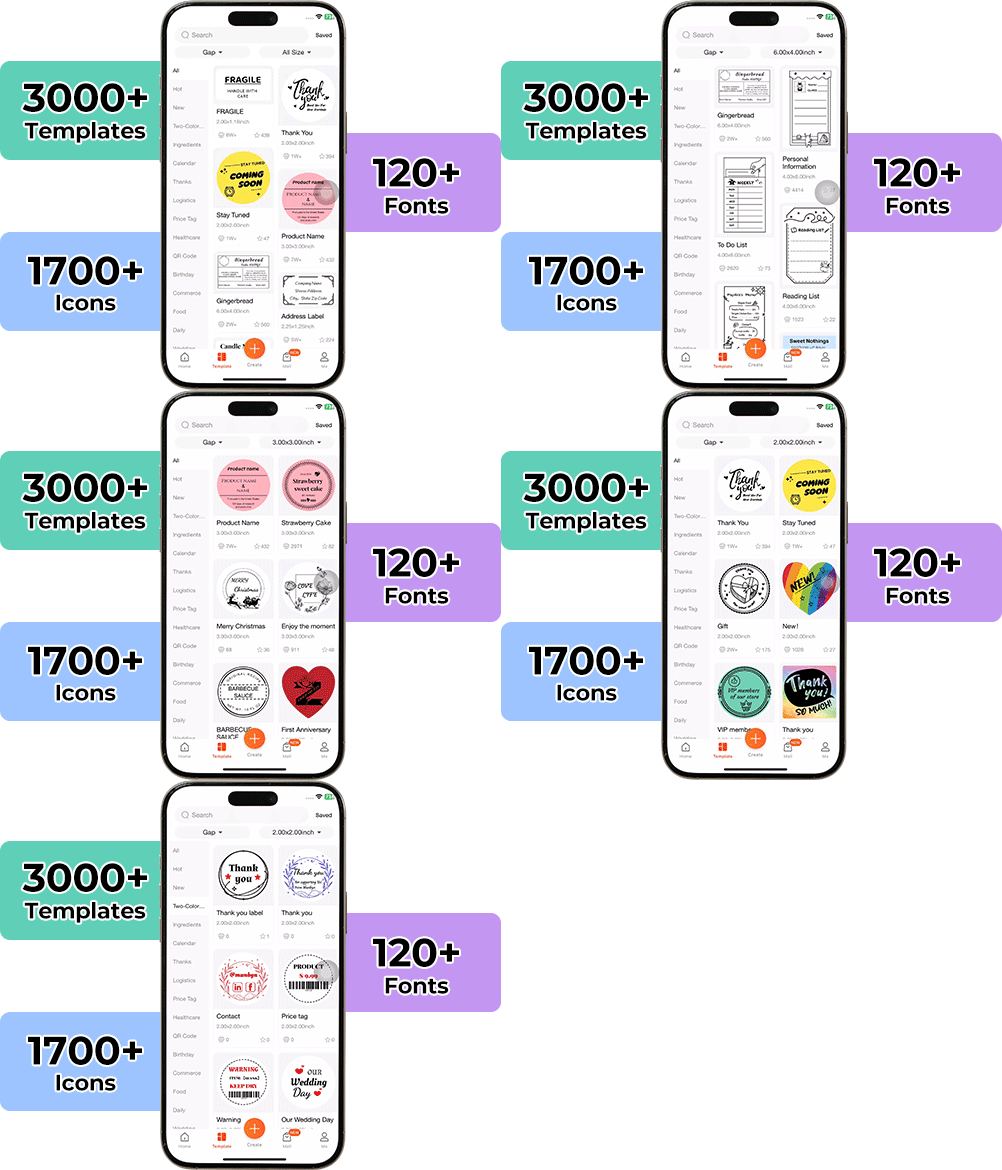
High-End Labels in Minutes
Designing custom packaging has never been this simple. Using the MUNBYN app and our versatile DIY Labels, you have a library of 3,000+ design assets and templates at your command.
Craft bespoke logos and promotional stickers that perfectly capture your brand’s personality—all while keeping your budget in check.
Designed to print more than 980,000* labels in shipping labels
Print life and label quantity estimates are based on laboratory calculations (150 KM printhead life × 4×6" label length). Actual performance may vary due to print frequency, label material, operating environment, and maintenance conditions.

Shipping Label
Designed for small to high-volume fulfillment, MUNBYN printers produce crisp 4x6 shipping labels that scan instantly and stick securely.
Perfect for:
Reduce printing time, avoid reprints, and keep every shipment moving efficiently.

Custom Labels
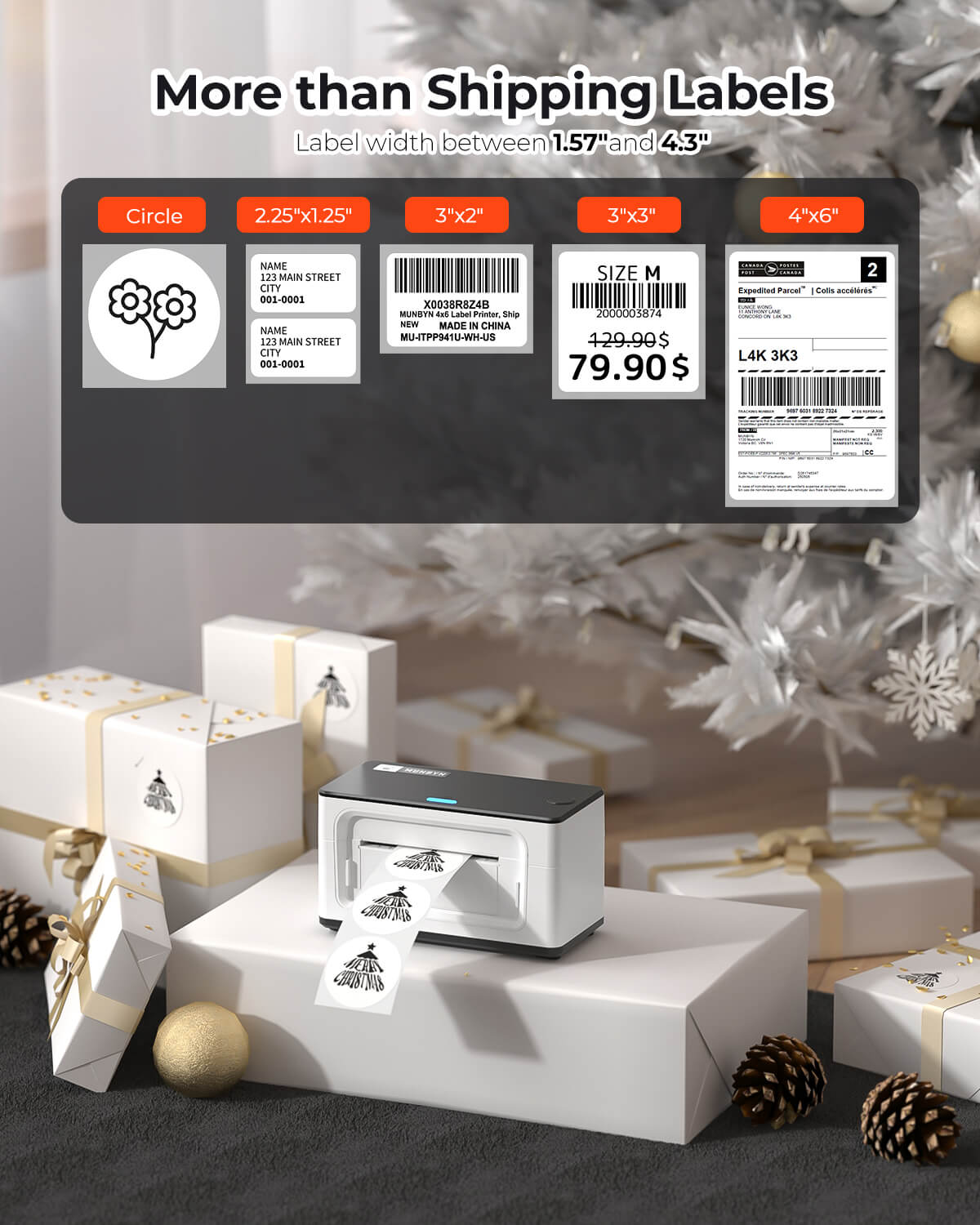
Create labels tailored to your exact needs — from unique dimensions to personalized layouts.
Use for:
Flexible, professional, and fully customizable to your workflow.

Barcode Labels
Print high-precision barcode labels that ensure fast scanning and accurate inventory tracking.
Commonly used for:
Improve operational efficiency and reduce costly manual errors.

Fragile Labels
Clearly mark fragile items with bold, high-contrast labels that grab attention during handling and delivery.
Ideal for:
Minimize damage, reduce returns, and ship with confidence.

Branded Labels
Add logos, brand colors, thank-you messages, or marketing inserts to elevate your packaging.
Great for:
Build recognition, increase repeat purchases, and stand out in every unboxing moment.

Stickers for Daycare/School
Print name labels and stickers that help keep school and daycare items sorted and easy to identify.
Perfect for:
Water-resistant, long-lasting, and made for everyday life.
Customers praised this thermal label printer as "easy to setup" and "super fast," ideal for small businesses printing shipping labels. Reviews highlighted "exceptional customer service" and "great print quality." Some noted WiFi setup challenges initially. The printer supports various label sizes, works wirelessly, requires no ink, and is compact. A few mentioned occasional connectivity issues.
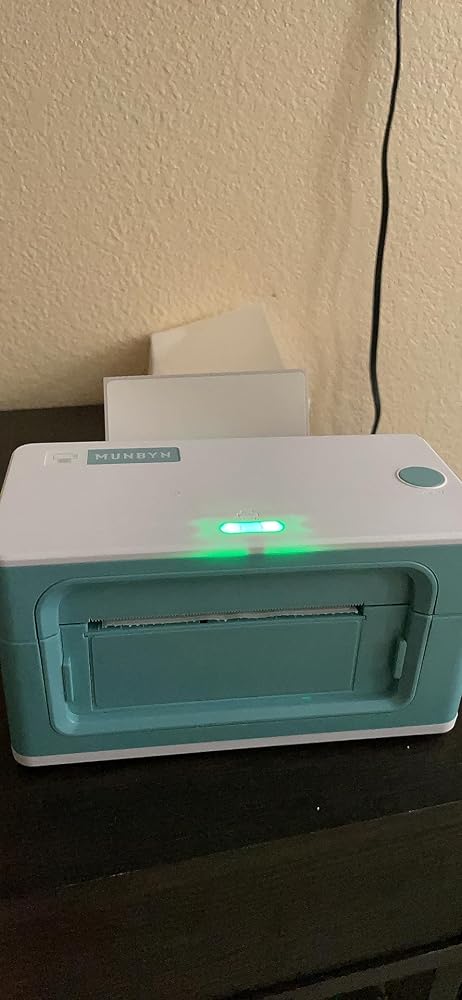
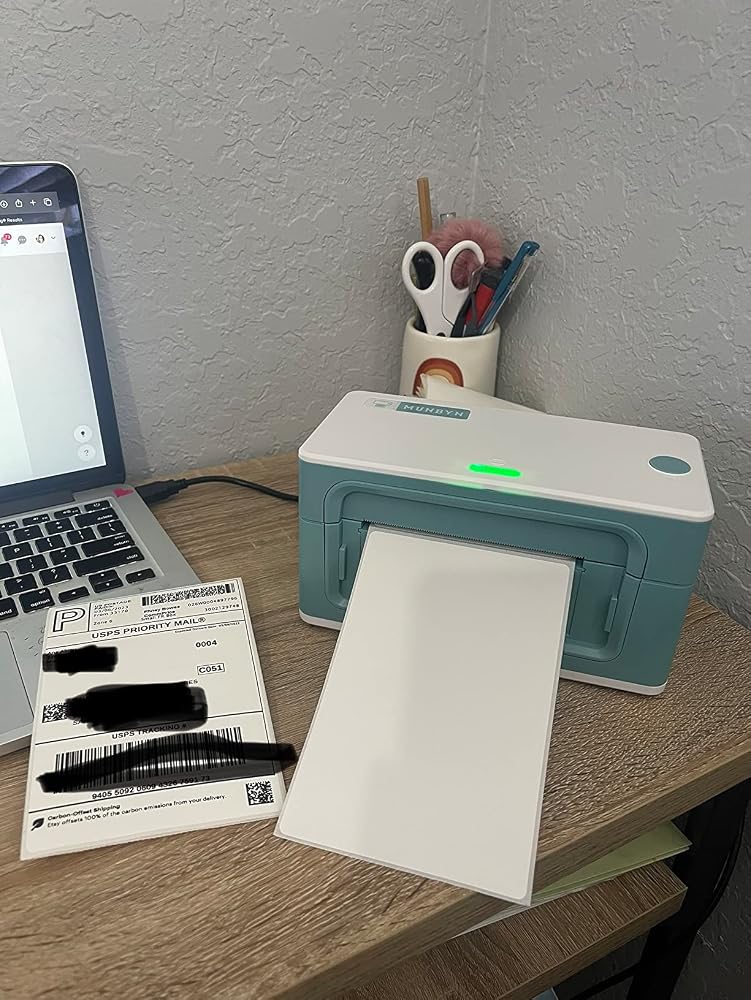
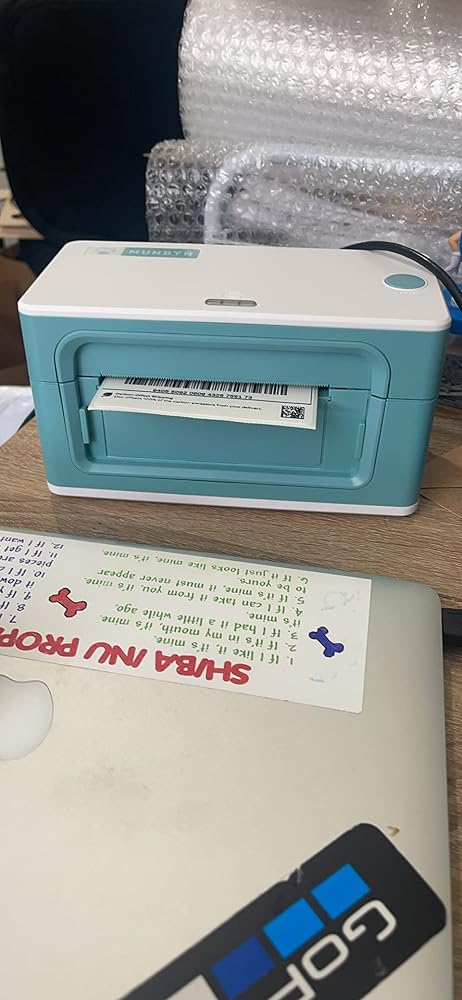
I’ve been wanting this printer for my small business for a while! Honestly I love how easy it was to set up and let me tell you the print quality is so good! Something that I really like is how compact this printer is and how good it blends in my office. I recommend this printer for any small business, 10/10!!!
I’ve had MUNBYN label printer for my business for a while. I was so excited to see this wireless one showing up. I use my phone to do the most of my online business nowadays. Being able to use my phone to print my label became the main selling point to me. I attached a short video how I used their app to print out the label. Hope it helps anyone who is on the fence about this machine. I love it!
I just upgraded to this new wireless printer. I love it! The print quality is sharper and darker than my previous printer and I love that it is wireless! It was so cumbersome to get my laptop everytime and plug the previous printer and physically connect it to the printer. This munbyn printer has an app that I need to play around w but I printed this template effortlessly. Love it so far!
I used to have a small dymo printer that only printed 3x6 shipping labels and wouldn’t allow me to use other diff size and shape of labels so I came across this munbyn one. Let me start off by saying that I absolutely LOVE that they offer a variety of colors and you don’t have to stick to the same old black one like other businesses. With my munbyn printer I am able to use multiple shapes of labels without a problem. What definitely caught my eye is that they offer 24/7 customer service and work around the clock to help you with any problems you may be having and teach you step by step on how to get it done. Definitely recommend for first time buyers, they will love it!
I finally decided to get my MUNBYN printer and I love it! It’s compact, light weight and super cute. The set up was super easy and it only took about 5 minutes top to complete. Just make sure when printing your labels, let’s say from Etsy, you download the label as an actual label, not as a regular letter page. Otherwise, It will not print.
This was frustrating to set up. I couldn’t figure out how to connect it with my eBay account. After a 1hr phone call with eBay, YouTube videos and the munbyn website I figured it out. Make sure the printer paper size is correct to match the thermal paper and that you change the paper size on the purchase label Page hidden in the customer info part of the page. Once it was set up it works great! Works with multiple platforms. I would purchase it again. The only drawback is it needs to be plugged in I thought it was wireless.
Printer is compact and doesn’t take up much space. Easy to follow instructions and amazing customer support. When I needed help, Ge was extremely helpful and went above and beyond to help get me set up. Thank you Ge, you are amazing!! Highly recommend.
I really enjoy my new Munbyn thermal printer! It was really easy to set up and it prints so quickly. It’s making my small business work so much easier. I’m excited to try out more label types in the future!
I have a 2019 iMac running Big Sur 11.4 and had ZERO issues setting this up. I ruined about 5 labels just testing it out but that's almost to be expected. Not even mad. I had to look on their website how to reset the label sucker-in-beeping-button thing and that was the only issue I have had since owning this. It's fast, reliable, easy to set up, works with mac, and saves me a buttload of time printing labels. The setup is incredibly easy with the USB stick that comes with it. Seriously, it's 100% worth every penny and its just so magical when it spits out all the labels at once.I use Paypal for my shipping labels and to bulk print them all at once is amazing. The ONLY issue I have had with it on Mac (and it's probably a mac thing) is that when the OS updates it drops the printer. You just have to add it back in the printer settings which is like 3 clicks and it's done.
I just got it today (a day early!) and WOW! It prints SO FAST! What an upgrade from printing shipping labels on my old hp printer! I'll update my review if I have any trouble with it down the road!Set Up was only confusing because once you download the driver there's no program that you open with it, and my pc doesn't notify me when I connect the MUNBYN, the only way I could see that it was connected was to actually go to "printers". Then to actually print I can't seem to just right click a saved pdf label and say print, which was annoying since I had already saved one of my labels, but when I went to print the rest of the labels directly from Etsy I was able to skip downloading them all together and print directly from the webpage after hitting Print, and selecting the MUNBYN. Then it kept the MUNBYN as the default printer for the rest of the labels. I still seem to have to adjust something though, it cut off the first letter of my name and other info on the return address.This did come with a small stack of labels (maybe 20 of them), which I wish I would have known, but a good surprise. I put the labels on some 2" kraft shipping tubes and the top and bottom corners didn't seem like they wanted to stay stuck on, so I did end up using a little piece of tape to secure them. But the label I used on a flat box seemed pretty well set. I assume the labels they send are their own brand. I have a box of rollo brand ones I'll be using after I run out though.One thing I found as being strange is that the labels still can smudge, I didn't expect this, but when pressing one down I smudged the print with my hand.I think it is absolutely adorable, which is such a rare thing to say about anything I buy for my work, and I love how small it is, it fits so nicely on my IKEA kallax shelf.
great printer and easy to setup with my macbook pro!
As advertised
It has been a really great printer so far. And I was having some issues, figuring things out and Customer Service was very helpful.
Satisfied buyer. This printer is beyond what I expected. I have used it to print address labels as well as round labels. The printer is exceptionally worth the price. Easy to setup, wifi connectivity, print speed is fast. If you are looking for something fast and ease of use I would recommend this label printer.
Fast, reliable, great size perfect for full size shipping labels. It's thermal, so you don't have to worry about ink but its only black prints. Has printed thousands of labels since I purchased my first one. Ended up buying this new one with Airprint and that led to me buying a couple portable MUNBYN printers. All of them are durable to handle day to day operation. Easy connectivity both wired, and through the Munbyn app.
Works really well and is super easy to use
We are using 6 of these in our warehouse. We created a custom bracket to mount them to our forklifts and ran a voltage converter to run them off the forklift battery so we can print to them from our custom app. working well most of the time. occasionally need reboots. The large holes on the bottom of the printer where the screws that hold it together are were perfect to thread a 3/8 bolt into to keep it on the forklift. It is using CUPS on the printer, and I am able to print to it from android using ipp protocol, directly from the app we made.
Works great!!!
Perfect! Plugged in and works fantasticJust what I was hoping to find. extremely fast shipment due to being a prime member
Great Product, I love it!!
Purchased for AirPrint capabilities. Easy set up if following the directions provided. Can be a little difficult to connect to WiFi, but once that was done, no issues using air print
We bought this printer for our Etsy business and it has been a great purchase. The one issue I had with it was quickly resolved by their tech support. It prints quickly, reliably, with good quality. And wirelessly. Highly recommend.
setup was not easy for WIFI but once we got it going, it prints great
Why did you pick this product vs others?:Great thermal printer! Exceptional customer service !
I'm so happy that I decided to purchase the Munbyn thermal printer. It was easy to setup and connect. Much easier to use than the label printer I had.
Wireless connectivity easy perfect for my needs
does this printer print 2 X 3 inch labels
Yes, this printer supports 2" × 3" labels.
Please read our FAQs page to find out more.
Free shipping and returns