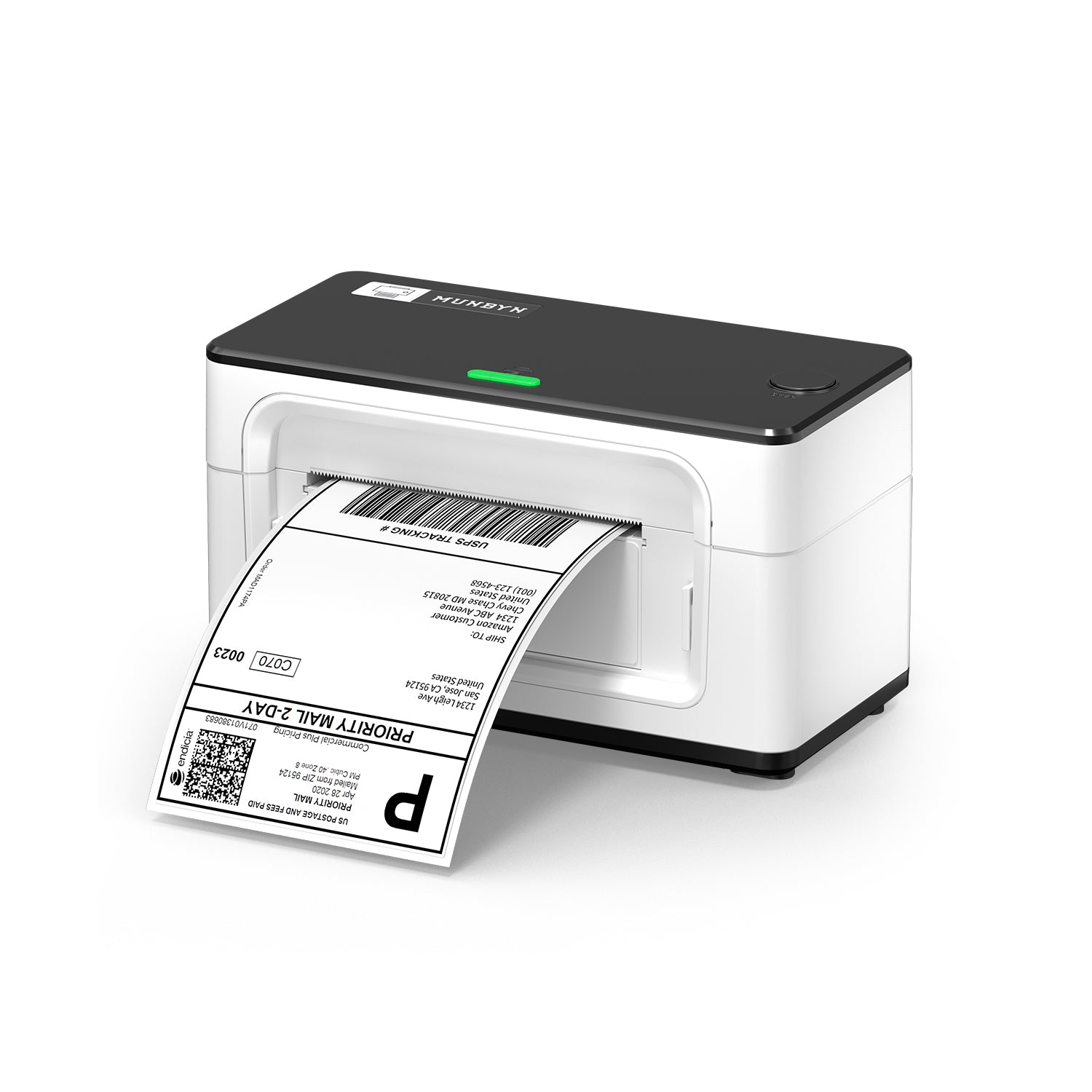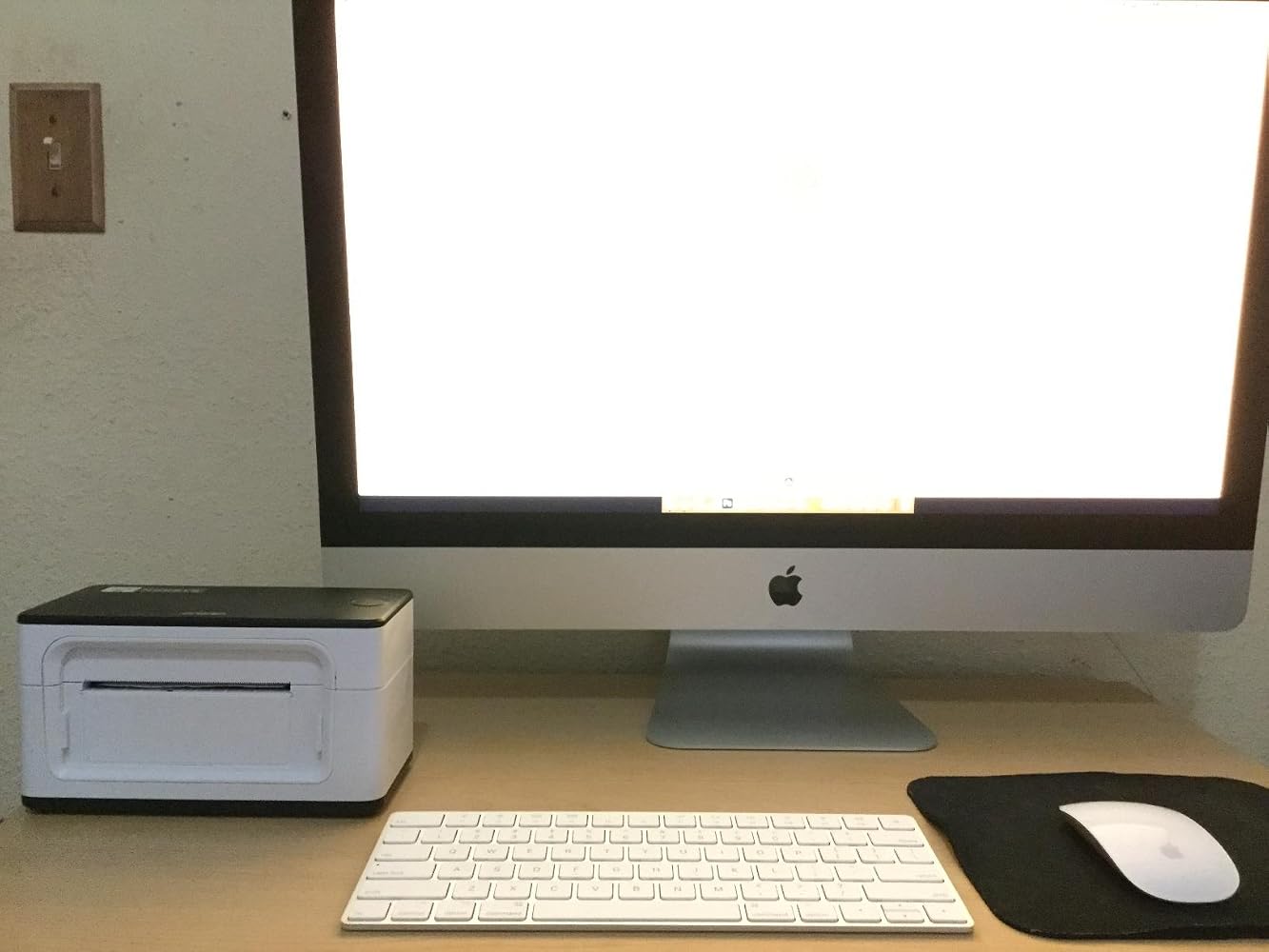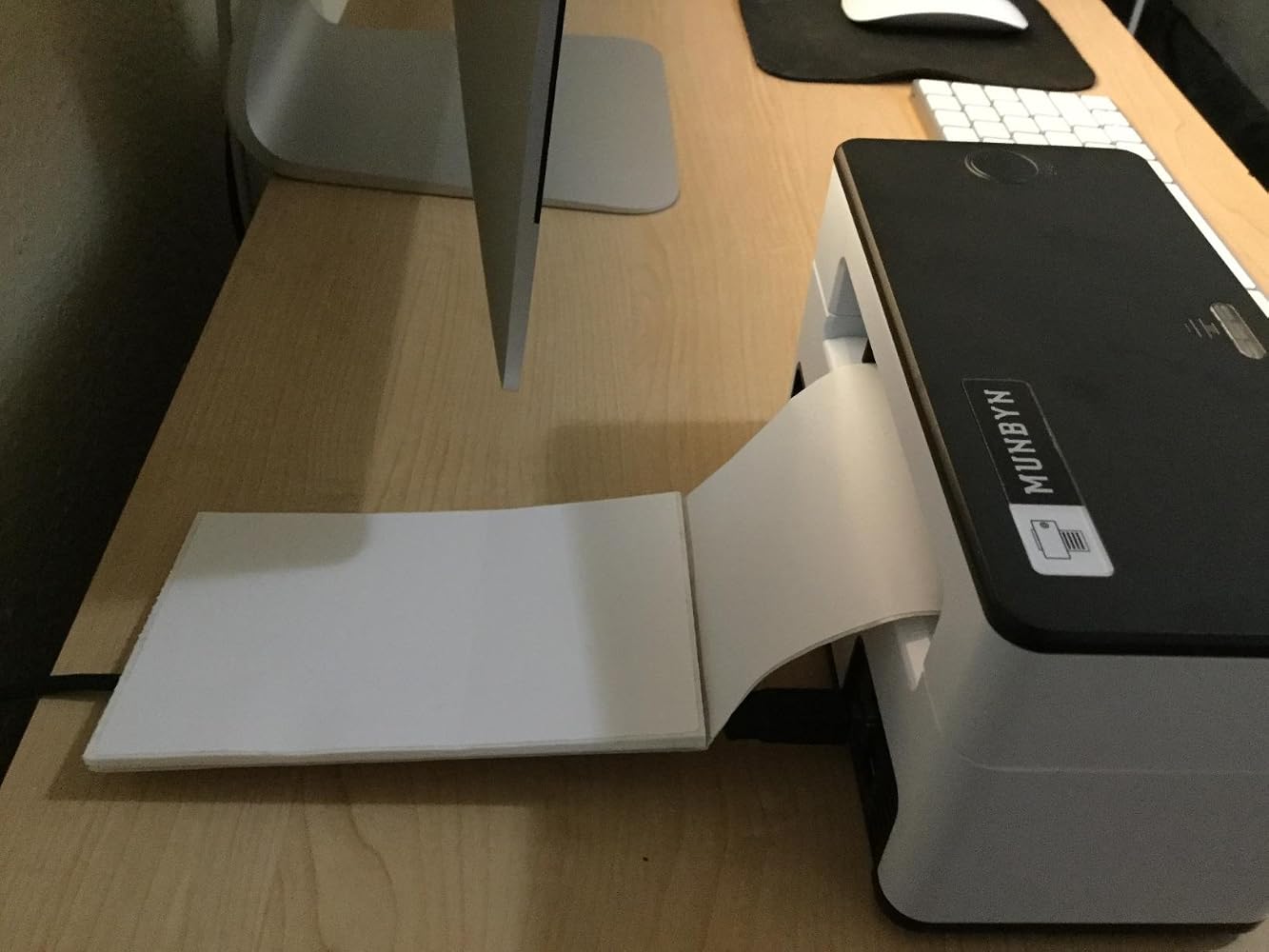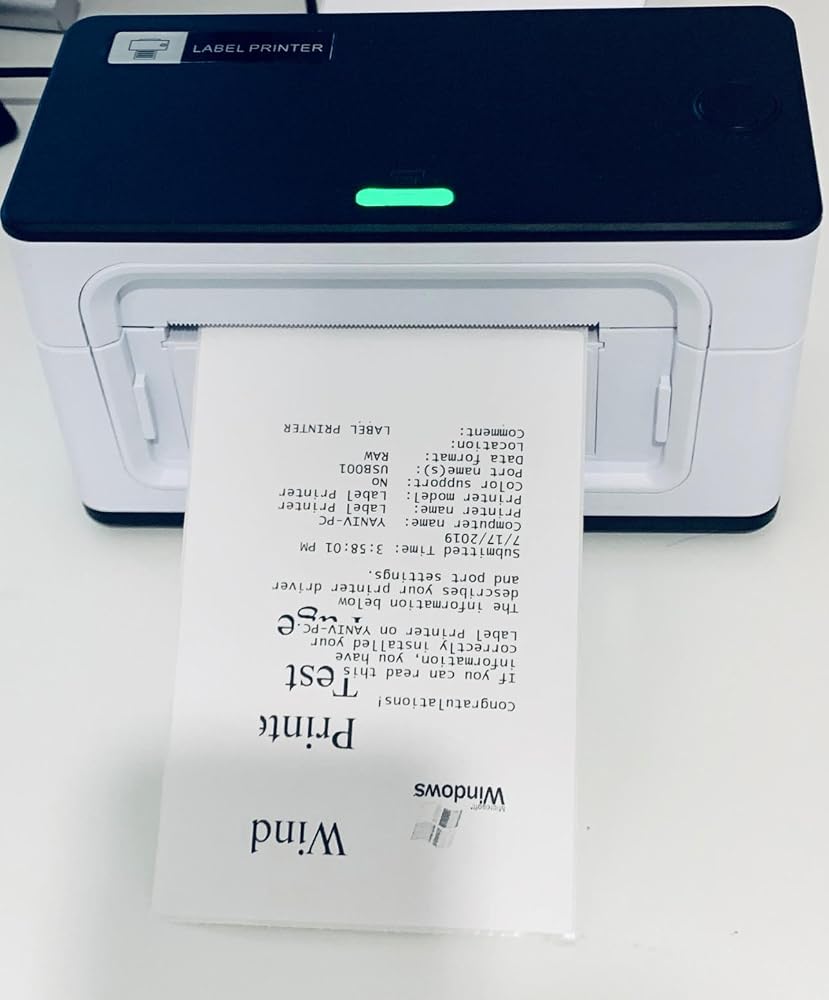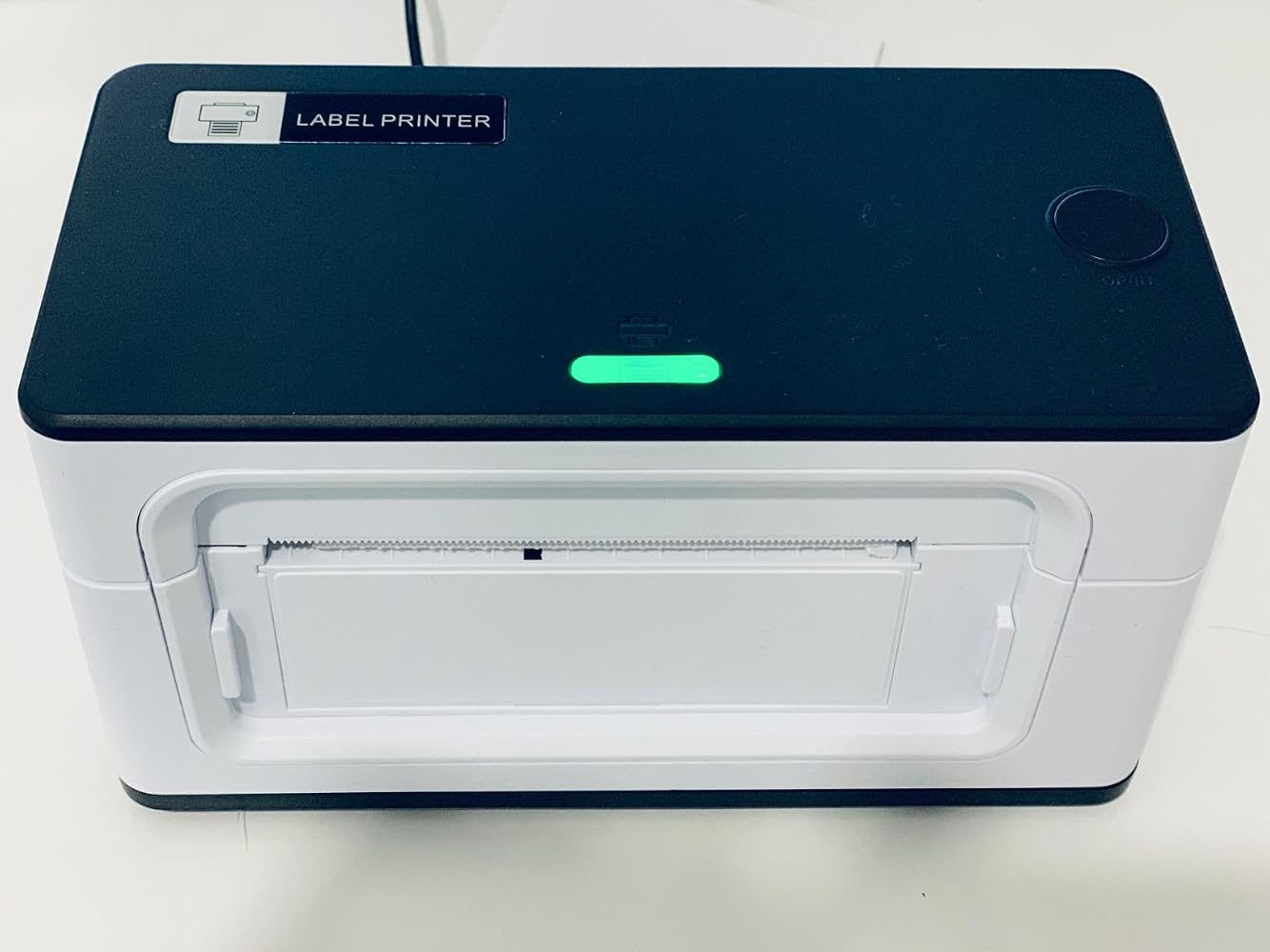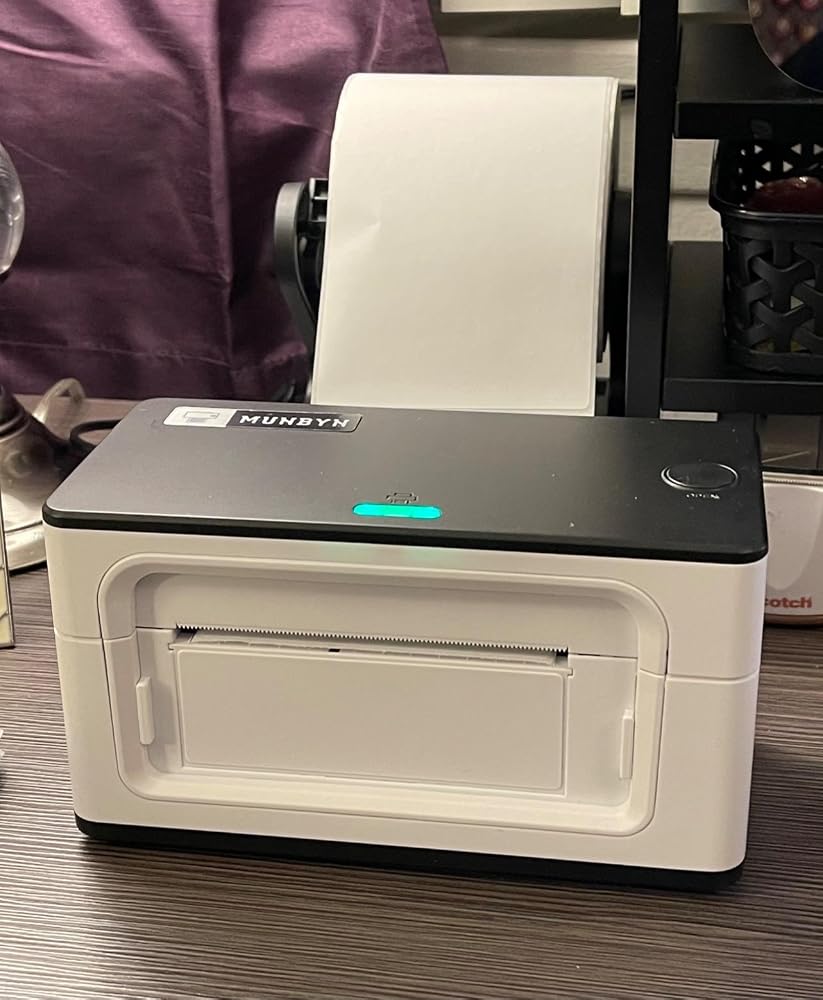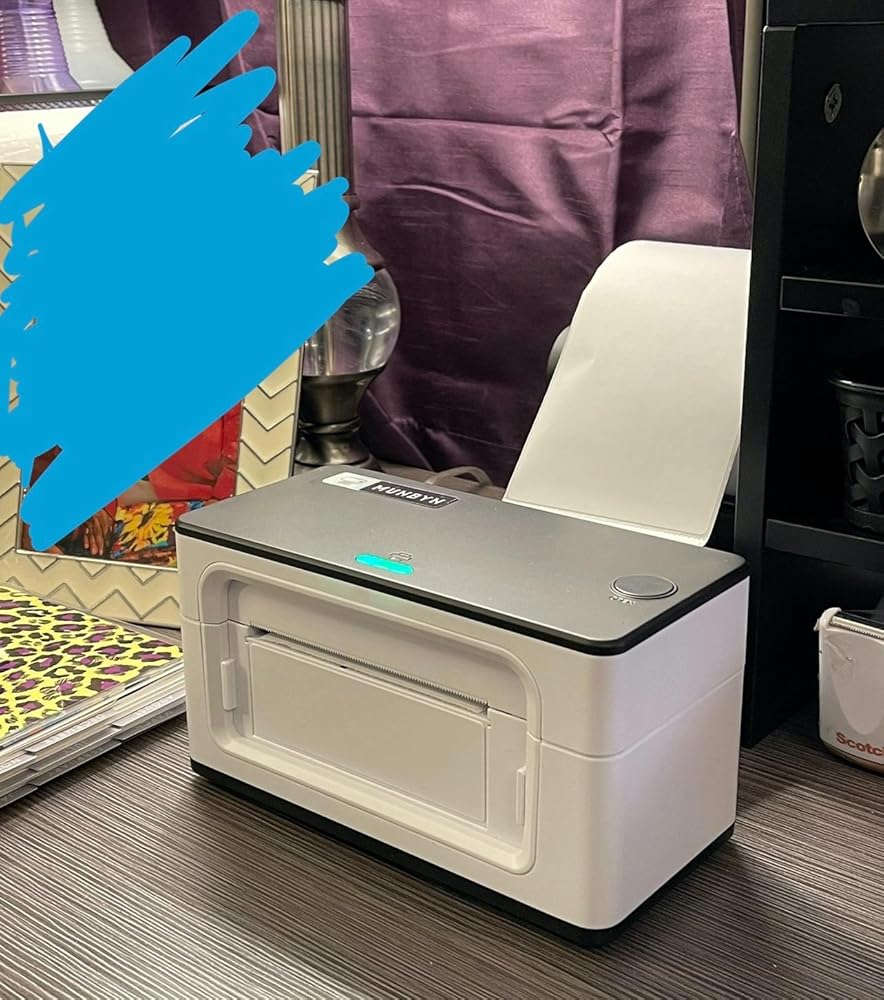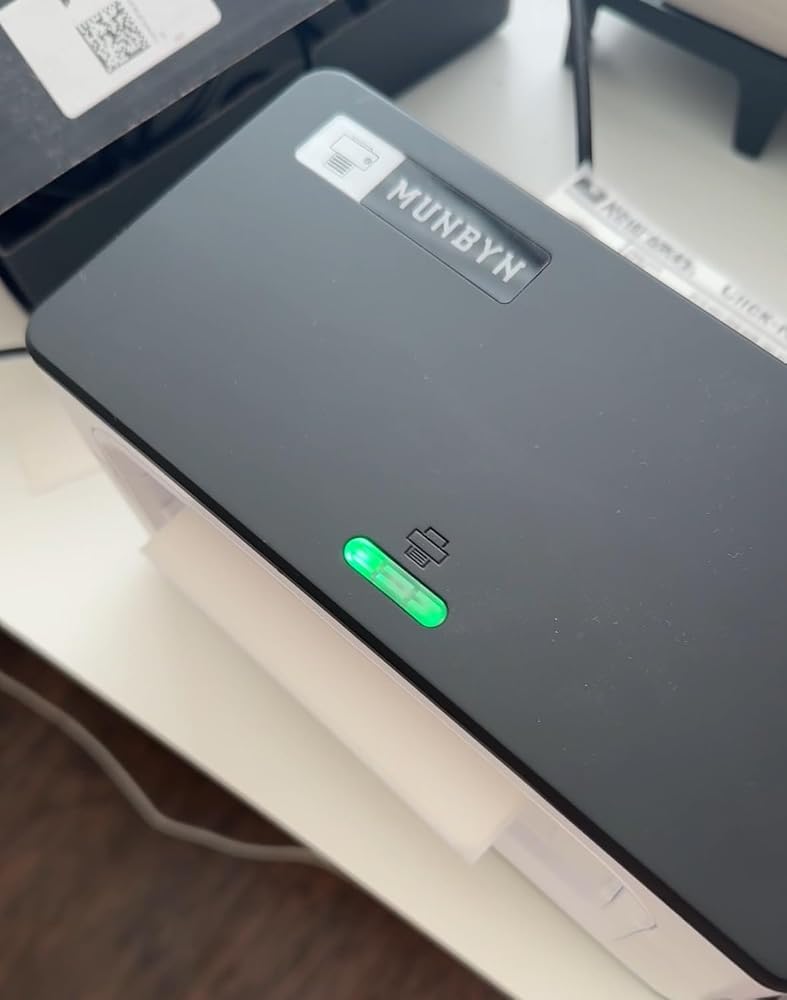
MUNBYN RealWriter 941B Bluetooth Thermal Label Printer
ITPP941B-WH-US
Couldn't load pickup availability
- Bluetooth Connection: Bluetooth is only available for iOS/Android phones and tablets, while Windows, macOS, Linux and Chromebook can only be connected via USB.
- Broad Compatibility: Suitable for all major shipping and sales platforms like Shopify, Etsy, eBay, Amazon, Poshmark, Royal Mail, FedEx, ShipStation, ShippingEasy, etc.
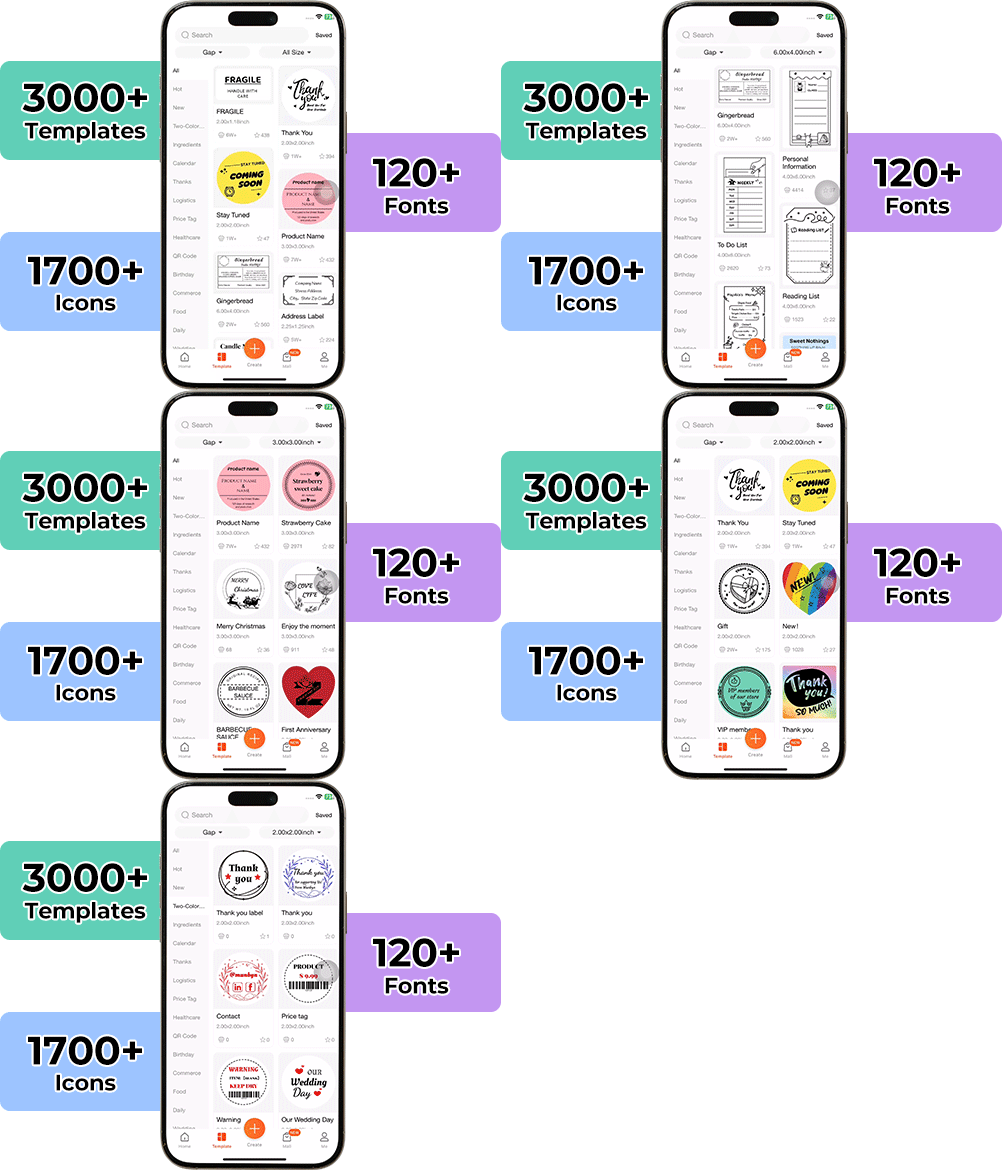
- "MUNBYN Print" APP Control: The app offers templates, patterns, and icons-Abundant materials for your creative DIY label content. In the app, you can also upload and share the edited label content with other users. Get your ideas seen!
- Automatic label identification: Easy to use and can automatically calibrate labels with its intelligent paper return feature to confirm that each label is printed correctly.
- Ideal Partner for Small Business: 203DPI meets your daily printing needs. 150mm/s (72 labels per minute) High-Speed Printing. Print widths of 1.57" to 4.3" make you can print any type of labels.
What is Munbyn's Price Match Policy?
The value of shopping with Munbyn is about a sense of satisfaction that you paid the right price without sacrificing experience, quality or style.
We work hard and remain focused on simplifying the shopping experience to provide great deals when and where our guests want to shop.
30-Day Price Match Policy
Should an item within your order go on sale on our same website, Munbyn offers a 30-Day price match policy from the date of purchase. Please note that this excludes Clearance, Flash Deals price reductions, or items outside the 30days guarantee time-frame. Additionally, this policy does not apply to any bundle sales ('Buy Together' sales).
Guidelines and limitations
The item must be an identical item, including the same brand name, size, weight, color, quantity, and model number.
You must purchase the item from our website before requesting your Price Match Guarantee.
The item must be in stock on our website upon requesting Price Match.
*Munbyn reserves the right to explain the terms of the Price Match Policy.
RETURNS
If you are unsatisfied with your purchase, you may return it to us for an exchange or refund within 14 days after you received items. We are not able to provide an exchange or refund on any of our products that have been personalized. Refunds will be issued to your original payment method only.
Please make sure your items are returned new, unused and with all tags still attached as any returns that do not meet our policy will not be accepted and will be sent back to the customer. All goods shall remain your responsibility until we receive them.
See our Return Policy for more details.
Warranty Policy
How to activate the warranty service?
· We are responsible for the condition of our products. We would love to help you resolve any issues. We want you to have a positive experience every time you shop with MUNBYN
· We support 24 monthly warranty. If you need to activate the warranty service, please submit a ticket.
· Submit a ticket, including your name, email, order ID, etc.
What is NOT covered by this warranty?
Only products purchased directly from the official MUNBYN store are eligible for this warranty
· Theft or loss of the product
· Product is used for an unintended purpose
· Misuse, accident, or other abnormal use of the product
· Damage due to improper or unauthorized repairs or maintenance
· Product is not genuine or made by MUNBYN
· MUNBYN warranty does not cover third-party purchases

$119.99

Introducing our new Bluetooth Direct Thermal Label Printer P941B! This upgraded version of our popular label printer now enables you to wirelessly connect to your devices through Bluetooth. The printer features a compact design and a user-friendly interface, making it an ideal choice for those seeking a dependable and versatile printing solution. With its high-speed printing capability, you can print up to 150mm per second, making it an excellent option for busy work environments. The printer is compatible with various label types, including shipping labels, barcode labels, and even food labels, making it a great option for a range of industries.

Our Bluetooth thermal label printer P941B is also incredibly easy to set up and use. Simply connect the printer to your device via Bluetooth, install the MUNBYN Print app, and you're ready to start printing. The MUNBYN Print app has a user-friendly interface and comes with a quick-start guide to help you get up and running quickly. With its sturdy construction and high-quality printing, the printer is built to last and is sure to be a valuable addition to your business. Whether you're a small eCommerce store or a large warehouse, the wireless Bluetooth thermal label printer P941B is the perfect choice for all your printing needs.
203 DPI Excellent Printing Effect

One of the standout features of our Bluetooth printer P941B is the ability to print from your mobile device using the MUNBYN Print app. This app is available for both iOS and Android devices and enables you to design and print labels directly from your smartphone or tablet. Whether you need to print shipping labels for your eCommerce store or barcode labels for inventory management, the MUNBYN Print app has you covered. The app includes thousands of templates and designs, making it easy to create professional-looking labels in minutes.


Use Munbyn App to Print Labels Via Bluetooth


| Tech Spec | Table header |
|---|---|
| Color | Pink, White |
| Connectivity Technology | Bluetooth/USB |
| Resolution | 203 DPI |
| Print media | Thermal Labels |
| Printer Output | Monochrome |
| Printer Technology | Direct Thermal Printing |
| Special Features | Portable & Wireless& Desktop |
| Wireless Communication Technology | Bluetooth |
| Item Dimensions | 7.8x3.8x4.3 inches |
| Operating System | iOS, Android, Windows, Mac |
| Media Width | 1.57" to 4.3" wide |
| Package contents |
|---|
| 1x Printer |
| 1x Power Cord |
| 1x Power Adapter |
| 1x User Guide |
| 10x Test Labels |
| Voice Recognition Function |
|---|
| The MUNBYN P44S WiFi thermal printer has a voice recognition function to help users easily manage the device. Only one sentence is needed, and the machine can automatically handle operations such as “printing test page”, “learning label paper”, “machine reset” and so on. |
| Smooth Wireless Printing |
|---|
| You don’t have to do any complicated operations to get started with the MUNBYN P44S WiFi label printer. Download the app, connect the printer to your WiFi network, and use its AI assistant to create an easy printing experience in no time to make any of your ideas a reality. |
| Easy to Use |
|---|
| The MUNBYN P44S wireless printer is great for people of all ages because it lets you use your creativity, inspiration, and imagination. The printer is easy to use and can be used by adults and children. |
| An Indispensable Part of Your Life |
|---|
| MUNBYN P44S wireless thermal printer can print more than 60 4x6 shipping labels and has a 203 DPI resolution. The printer has a print speed of around 150 mm/s. The MUNBYN WiFi shipping label printer P44S works with Windows, Linux, and Mac OS devices. |
Click on the link below to activate your warranty
https://munbyn.com/pages/warranty
- Warranty is our promise to you that we stand behind the quality of our products.
- Take a minute to register your product warranty now to ensure you enjoy a period of flawless service.
- Don't break down over breakdowns.
- Connect the MUNBYN Bluetooth printer and the Chromebook correctly.
- Install the MUNBYN Extension. With this extension, you can print directly from the Chrome Browser.
- Print a sample label to check whether the connection is valid.
Yes! MUNBYN provides wireless Bluetooth thermal printer ITPP129. The ITPP129 wireless Bluetooth printer can print labels quickly and clearly at any time, anywhere in your office or home.
No. Bluetooth can be used without Wi-Fi. Because a Bluetooth printer operates via short-range radio waves rather than an internet connection. Bluetooth, in reality, does not require any internet connectivity to be set up or utilized.
Even though MUNBYN Bluetooth shipping label printer can be configured to function with both wired and Bluetooth settings, only one connection type can be active at once. When the Bluetooth option is enabled, the wired option is disabled.
A Bluetooth thermal printer works by connecting to your smartphone or tablet and is controlled through a free app. When you want to print something, simply select the document from your device and choose “Print,” then select which Bluetooth printer you want to use.
Yes. Bluetooth printers are compatible with iPhone and Android devices. They work in the same way as WiFi printers, so you can use them to print documents from your phone or tablet. You’ll need to download the appropriate app from the app store, connect your phone to the printer and then send your document to print.
Drivers Download
WindowsMacChrome Extension (No Drivers Needed)
· Use MUNBYN Printer chrome Extension to print direct via Chrome Browser.
· Fit for printer model: ITPP941B \ ITPP941 \ ITPP129
Chrome ExtensionFAQs
The printer is compatible with our MUNBYN Print app, which can be downloaded for free from the App Store and Google Play.
Yes, setting up Bluetooth connectivity is straightforward. Turn on the printer and ensure Bluetooth is enabled on your device. Then, search for nearby Bluetooth devices via the Print app on your device and connect to the printer.
No, the printer can only connect to one device at a time via Bluetooth. If you want to switch to another device, you will need to disconnect the current device and connect the new one.
No, the printer can use the same label rolls as the USB version. As long as the label rolls fit the printer's specifications (e.g. 4x6 inches), they should work with the Bluetooth version as well.
Yes, as long as your smartphone or tablet has Bluetooth connectivity, you can print directly from your device to the Bluetooth direct thermal label printer.
The range of the Bluetooth connectivity can vary depending on environmental factors such as walls or other obstructions. However, generally, the Bluetooth range is typically around 30 feet (10 meters).
Go to MUNBYN Help Center to get more information: click here
Download Munbyn Print APP


Warranty
We support 24-month warranty.
FSC® Certified
Munbyn 4"x6" shipping labels obtain FSC environmental protection certification.
Appearance Patent
Unique product appearance design to show your personality.
So far this product has worked great for me! It was easy and convenient to print my shipping labels for the USPS.
Most valuable piece of office equipment I have in my office. We use it daily and it produces great labels of all sizes. Keep in mind when you are changing your label sizes. You also have to change it on Amazon or eBay printing option also. But one you change your preferred settings on both your computer and platform, you good to go. Its very Easy to set up my Dell installed it right away and in 10 mins I was making labels of all sizes. Before I got this label maker, I felt like I should have invested stock in the ink market. Know the staples lady that knows me well said " No ink today". I smiled and said I bought a new Munbyn Thermal printer for my labels and it doesn't need ink. The quality of the machine and the print quality is top notch. I wish I would have made the switch from inkjet to thermal print 2 years ago. But keep in mind there are hundreds of machines on the market. But if you want something with high quality, Easy to install, No headaches, Munbyn Thermal printer is the way to go. It uses standard size labels and GUESS what gave me a gift in the box for either extra labels or a label holder. It was very nice of them to give me a customer appreciation Gift. Thanks Munbyn.
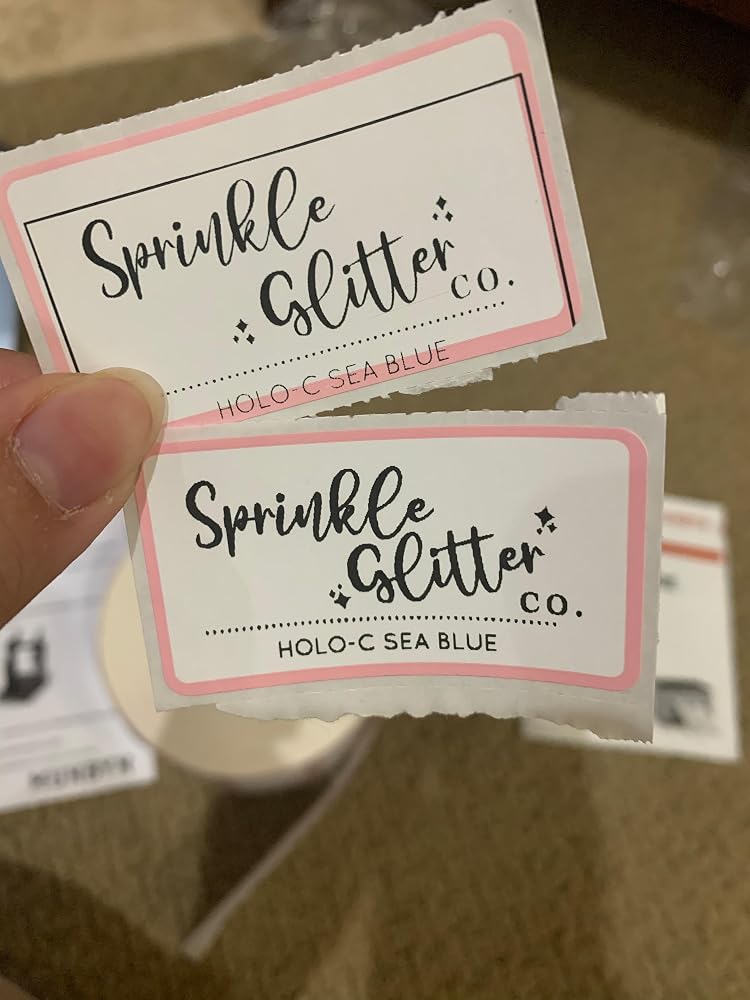
This worked from day one out of the box. Easy set up and initiation. Great customer support and consistent printing.
I have had this printer for more than a year now and use it almost daily for my shipping labels. I used to print my labels on regular paper and have to cover the entire label with clear shipping tape to ensure the ink didnt get destroyed in the elements. A waste of supplies and unprofessional looking so I researched thermal printers and chose munbyn and I'm glad I did. It had been easy to set up, use and has been very reliable. Today, I started having a problem getting it to print so I contacted tech support. My call was answered immediately by an actual person! No waiting on hold and pressing multiple prompts to get the help I needed. I spoke to a very kind tech support agent, Thirdy, who helped me troubleshoot and resolve my issue quickly. I'm happy to say it was complete user error and not an issue with the printer itself. I shuffled around my desk the other day, unplugged and moved all my printers, computer, lamps etc. In the process, I used the wrong cable to reconnect my munbyn. It gace it power but didn't print full sheets because it wasnt the right cable. While I was trouble shooting on my own, i removed my printer from list of printers on my PC and Thirdy helped me add my munbyn back as an available printer. All in all, our call lasted maybe 20 minutes, allowing me to quickly get back to work. I know there are bigger brand name printers, i researched them, both online and by asking those i know use them how satisfied they were and they all had already had to replace their more expensive thermal printers within a years time. That made me decide on my munbyn which is at a lower price point and now I can say, after well over a year of heavy use, my little munbyn is still printing excellent, clear labels and working as well as the day I bought it. If you read my whole lengthy review... that tells me you are doing your research. I say, don't sleep on the less expensive munbyn. It is excellent and a good investment!
We bought this for our small topical magnesium business and boy can it print labels. The fact that there is no ink is amazing, one less thing to worry about. I had an issue with it ejecting the first label of a new roll but that was resolved with adjusting how you insert the label. The labels print really fast and it is really quiet. Software was super fast to install as well.