


 United States
 Best Seller
 Label Printers
 All PDAs
 All Tablets
 All Thermal Labels
 Printer Accessories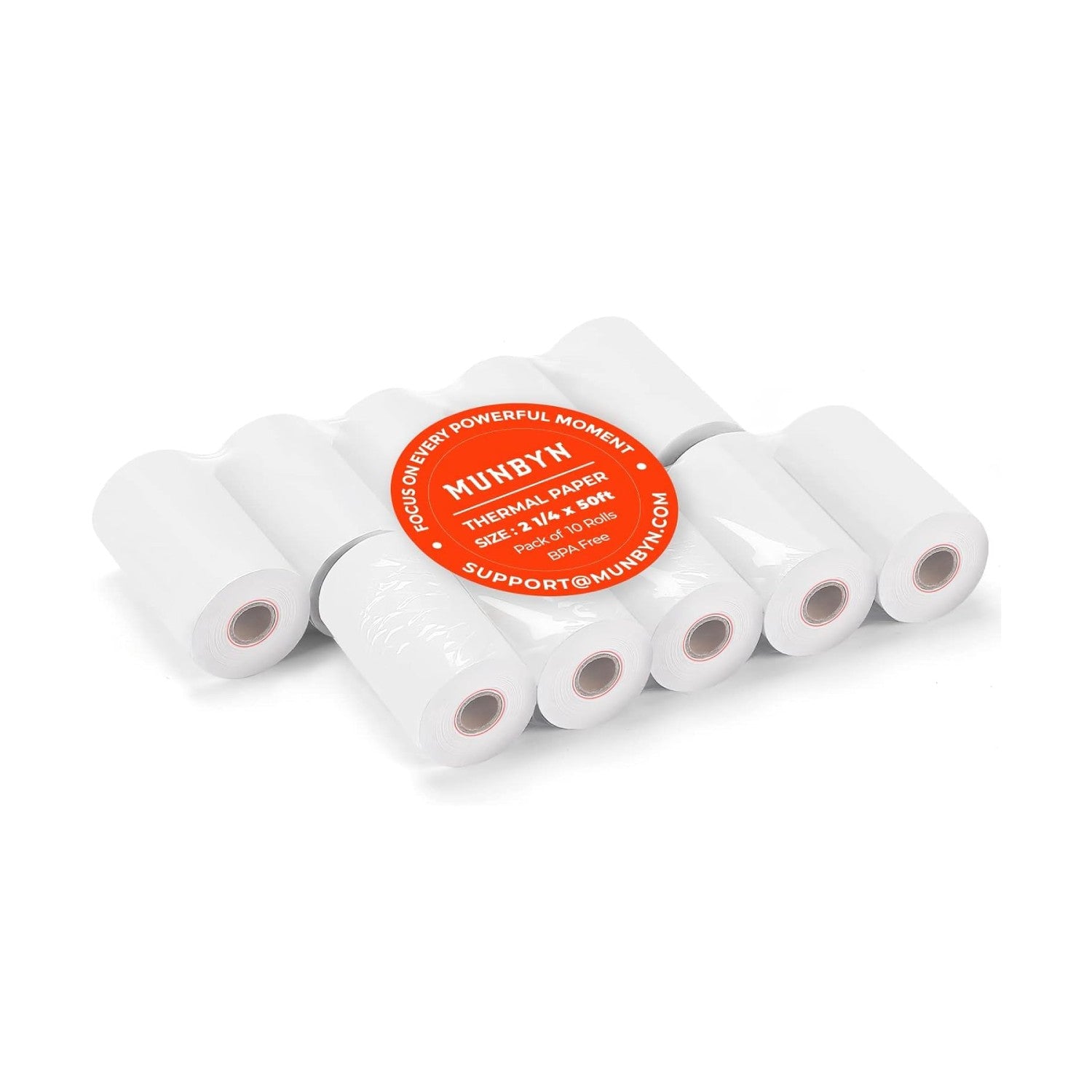
MUNBYN 58mm Thermal Receipt Paper 2 1/4" x 50ft 10 Rolls

Key Features
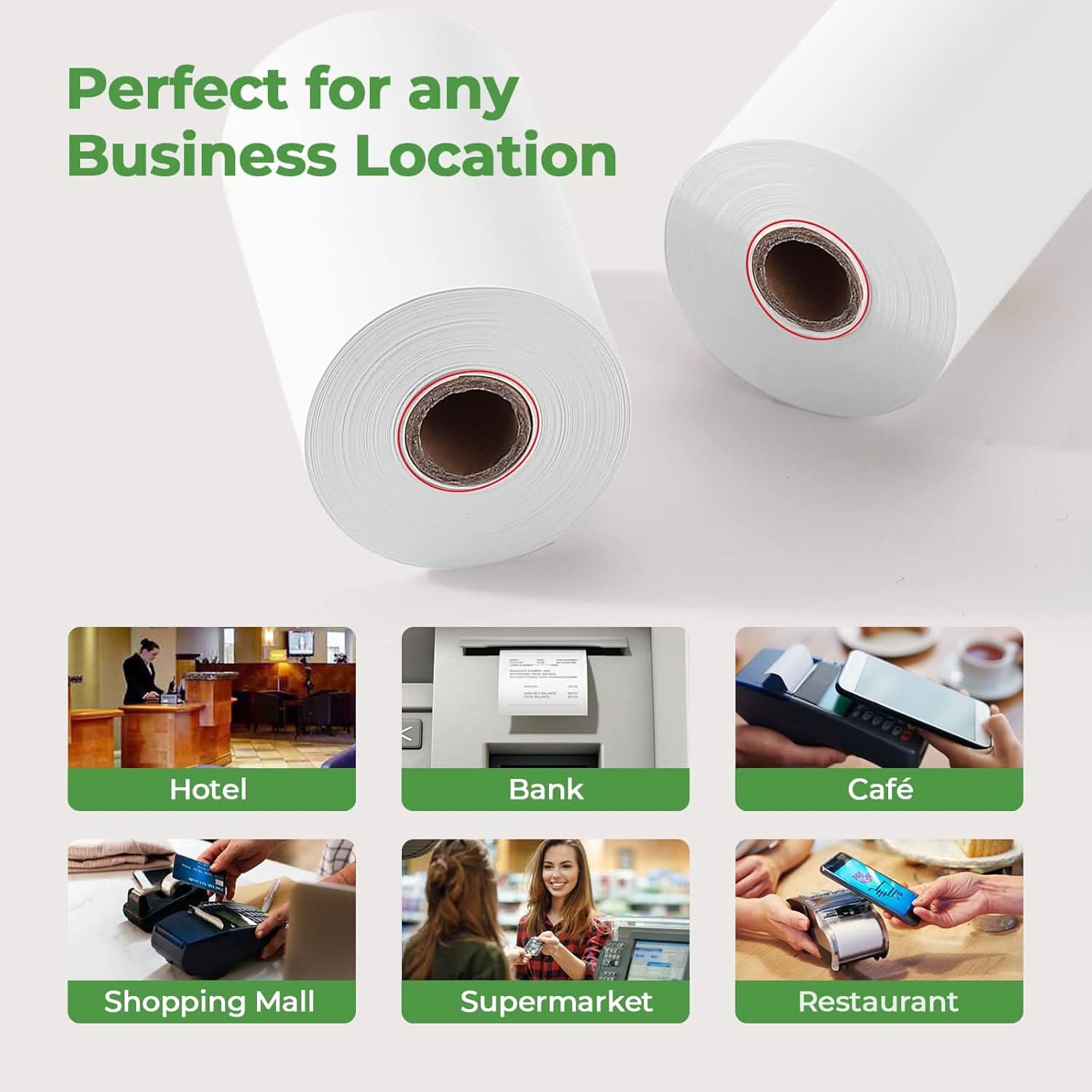
Keep your POS system ready for everyday transactions with MUNBYN 58mm Thermal Receipt Paper. Measuring 2 1/4" wide and 50ft long, these compact thermal paper rolls are designed for 58mm mini POS printers, mobile payment terminals, and compatible receipt printers.
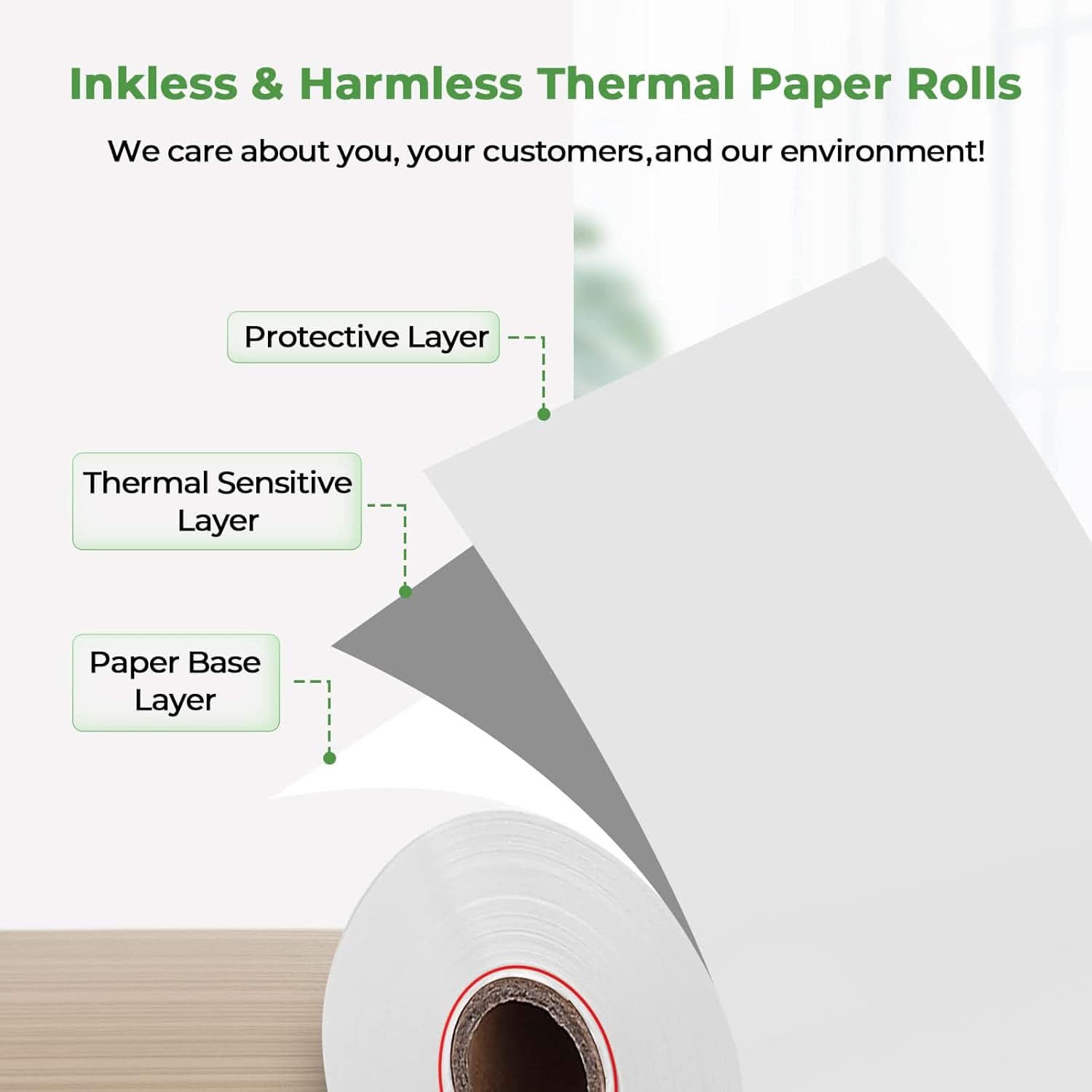
The smooth thermal surface produces clear, easy-to-read black-and-white receipts without the need for ink or toner. Each pack includes 10 rolls, making it convenient to keep extra paper on hand for retail stores, restaurants, small businesses, and mobile checkout setups.
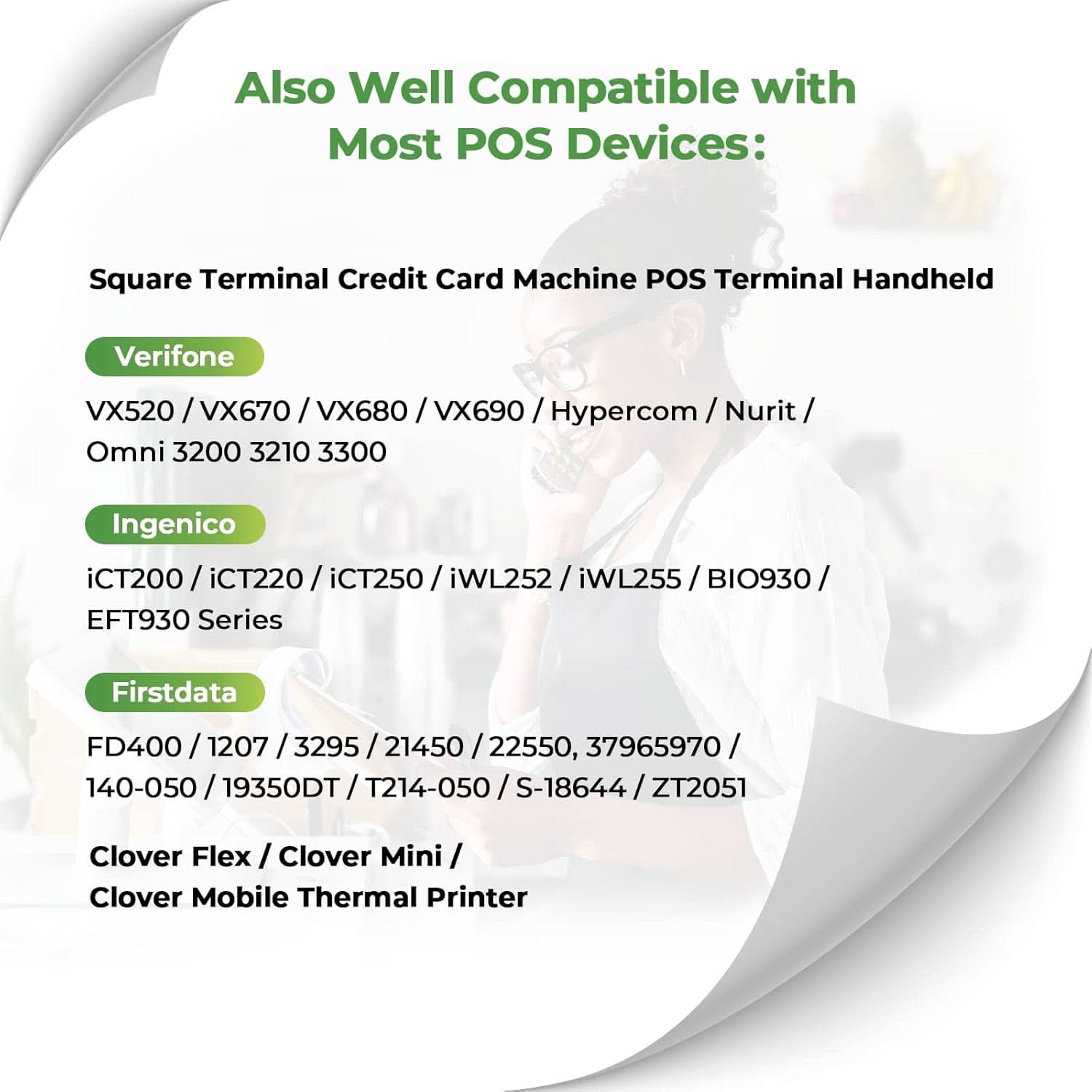
Designed to fit a wide range of 2 1/4" / 58mm POS systems, including compatible Square Terminal and other popular payment terminals. The compact roll size is ideal for space-saving POS setups and portable receipt printing.
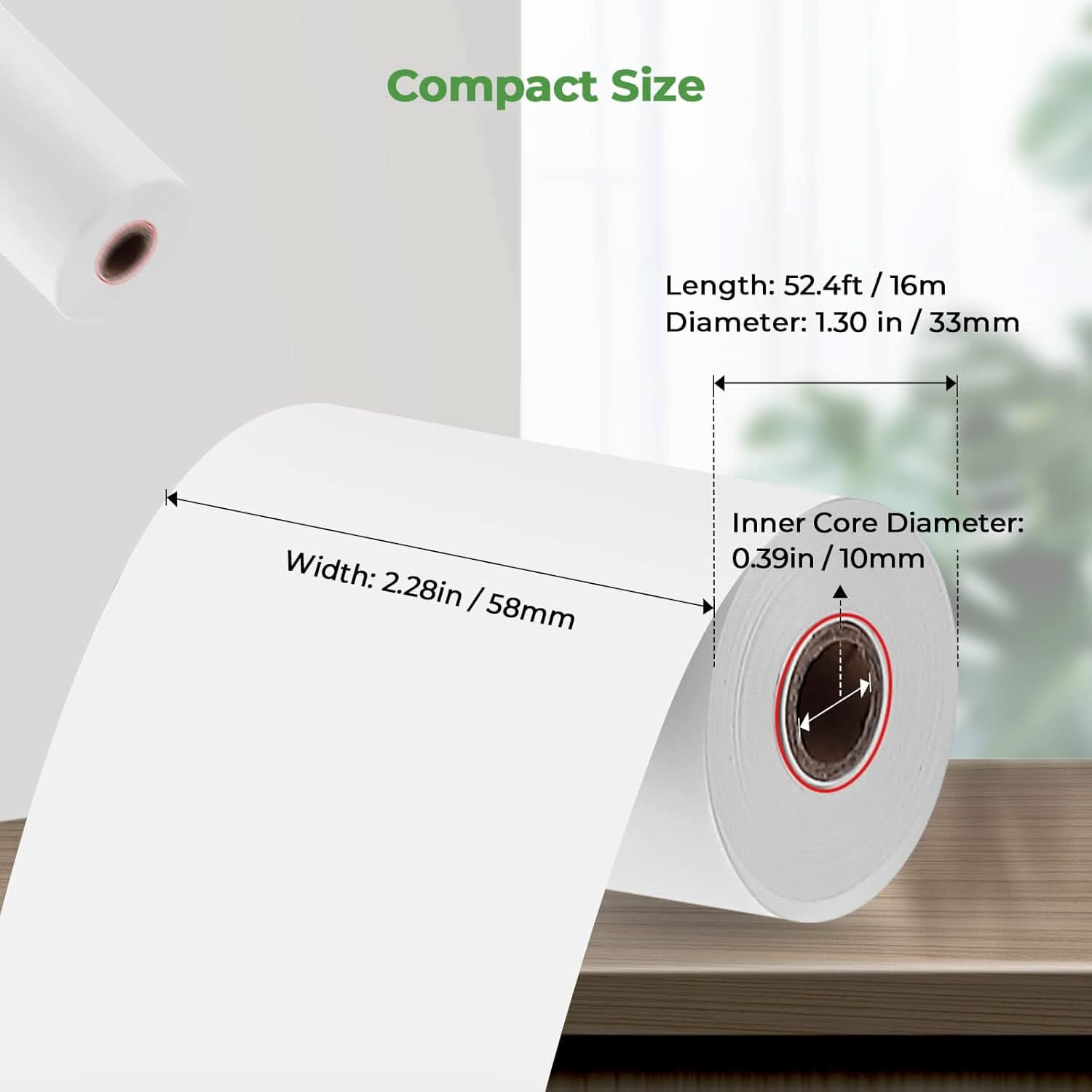
• 2 1/4" (58mm) wide × 50ft long
• 10 thermal receipt paper rolls per pack
• Designed for compatible 58mm / 2 1/4" POS printers and terminals
• Compatible with select Square, Clover, and other POS devices
• Clear black-and-white thermal printing
• No ink or toner required
• Smooth feeding for reliable printing
• BPA-free thermal receipt paper
Free Shipping on Orders Over $79*
Ships within 48 Hours.
14-day Risk-free Trial
2-Year Warranty & Lifetime Support
30-day Price-Match
Need help choosing the right product or placing an order?
Our MUNBYN support team is here to help. If you have any questions about products, compatibility, orders, or after-sales service, feel free to contact us at any time. We respond to all inquiries within 24 business hours (Monday–Friday).
-
Shipping Information
We offer free shipping straight to your door throughout the contiguous US*. It usually takes 2-5 business days* for your package to be delivered, so you can sit back and relax, worry-free.
*Please see our shipping policy for more details. -
Help Center
Find everything you need in one place:
- Manuals & drivers
- Setup guides and troubleshooting
- Order, shipping, and warranty support
-
FAQ’s
Have a quick question?
Visit our FAQ page, which covers the most common topics, including:
- Product features and specifications
- Compatibility with devices and software
- Shipping, returns, and warranty policies
- Troubleshooting and basic setup
If you can’t find the answer you’re looking for, our support team is always ready to help.
-
Still need assistance?
Contact Us at
Order: order@munbyn.com
Tech: support@munbyn.com
+1 628 229 3612
Mon - Fri: 7AM - 5PM (UTC-8)

Product Dimensions


Customers praised this thermal receipt paper for its thick, high-quality construction that "doesn't curl up like cheap paper does." The paper fits perfectly in various POS systems, credit card machines, and printers. Shoppers appreciated the competitive pricing, fast shipping, and value compared to retail stores. Some noted the paper is thicker than expected, with one mentioning an "unexpected smell" upon opening.
Perfect

The roll came a little bigger than expected.
Great product!
These little rolls fit our calculator machines perfectly.
Hasta el momento excelente espero siga disfrutando por mucho tiempo mi sofá cama mil gracias
Fast and right paper.
Worked well
This was a good price and I needed fast delivery
Great quality and fast shipping
Good buy for a needed supply. Arrives quickly
Delivered as requested!
Good quality paper
ok
Great product. Slightly slow shipping. But overall happy with the purchase.
Muy buena calidad
Paper is amazing, the tickets are more visible.
works great for our credit machine. Reasonably priced. Have ordered twice. quick delivery too.
Thick receipt....maybe too thick...works as advertised
Great item
Works great but very thick paper.
Excellent quality paper. Quick shipping.
Perfect fit.
The item came quickly and works with my Square machine, but there was an unexpected smell that was slightly unpleasant when I opened the package.
Rcvd. correct item quickly. Thank You!
VALUE FOR MONEY ,PAPER SIZE,PRINTABILITY
they work
Work great
Perfect!!!
A
Nice quality at a reasonable price.
As always great
Walmart has been sold out. So happy to have found these and they work excellent!
Good product. Paper is thick and easy to install
FAQs
Please read our FAQs page to find out more.
1. Why should I choose a MUNBYN thermal printer over an inkjet or laser printer?
MUNBYN uses advanced Thermal Printing Technology, which means zero ink, zero toner, and zero ribbons. You only need thermal labels. This not only saves you hundreds of dollars in supply costs annually but also eliminates the mess of leaking cartridges and the frustration of running out of ink mid-shipment.
2. Can I use any brand of thermal labels with this printer?
Yes! MUNBYN printers are compatible with any Direct Thermal Labels. Whether you prefer fan-fold or roll labels, as long as the width is between 1.57" to 4.3" (40mm-110mm), our thermal printer will automatically sense and calibrate to it.
3. Which shipping platforms and marketplaces are compatible?
MUNBYN is a favorite for small business owners. MUNBYN label printers are fully compatible with major platforms, including:
- Marketplaces: Amazon, eBay, Etsy, Shopify, Zalando, and Shopee.
- Couriers: UPS, FedEx, ShipStation, Pirate Ship, USPS, and DHL.
4. What labels can I use with this printer?
Our thermal printers support a wide range of direct thermal labels, including 4×6" shipping labels, 3×2", 2×1", barcode labels, round labels, and custom sticker sizes (40–110mm width depending on the model). The printer auto-detects label size—no manual calibration required.
5. Is this label printer easy to set up?
Yes. The sticker printer is designed for quick setup with step-by-step installation guides and driver downloads available. Most users can complete installation in just a few minutes.
6. How do I calibrate the printer for different label sizes?
Our intelligent Automatic Label Identification does the work for you. Insert your labels, press and hold the top button until you hear a single beep, and the printer will automatically adjust the label size and spacing for perfect alignment.
7. What should I do if my labels are printing blurry or with white streaks?
High-quality printing starts with a clean print head. If quality drops:
- Power off the printer and let it cool.
- Wipe the thermal print head with an alcohol swab or microfiber cloth.
- Adjust the Print Density and Speed settings in your driver preferences.
If the issue persists, contact customer support for further assistance.
8. Does this label printer come with a warranty?
Yes, every MUNBYN printer is backed by a 2-year warranty. We stand by our hardware and will provide a replacement or repair if you encounter any manufacturing defects.
9. Can I use the label printer for both business and home organization?
Yes. You can use this printer for both business labeling (shipping, barcodes, inventory, retail tags) and home organization (storage labels, pantry tags, files, craft projects). Its versatile direct thermal printing and support for multiple label sizes make it suitable for a wide range of personal and professional uses.
10. Are there customization options for labels?
Yes, we offer flexible label customization, including stickers, logo labels, and creative templates for branding. Shop Custom Label Here.
Free shipping and returns