Scroll to top

Print Anything, Anywhere

Your ideas, your space — print wherever inspiration strikes.

Ink-Free, Worry-Free

Zero ink. Time, money, and planet-saving.

Fast to Print, Easy to Keep Going

High speed:150 mm/s = one 4×6 label per second.

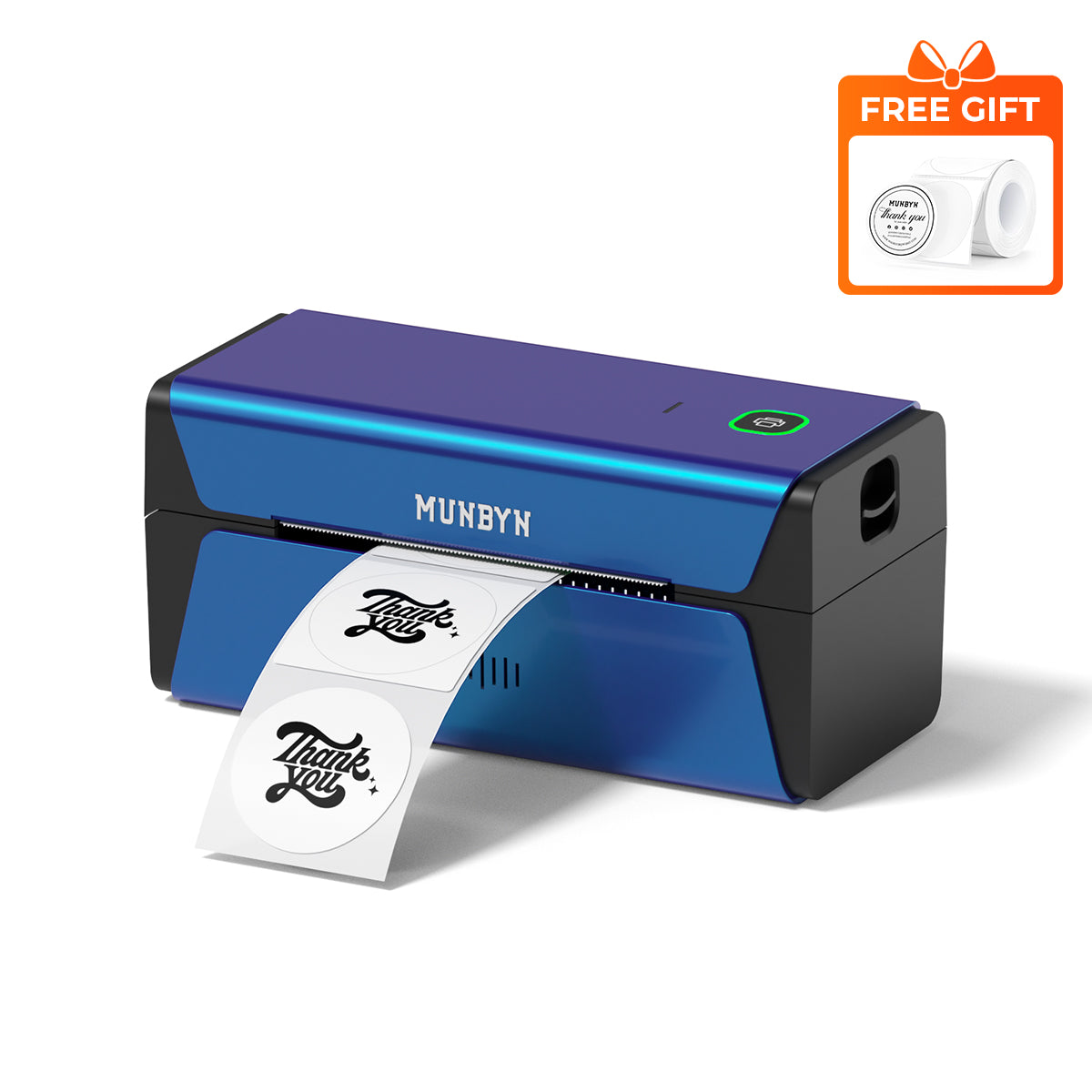
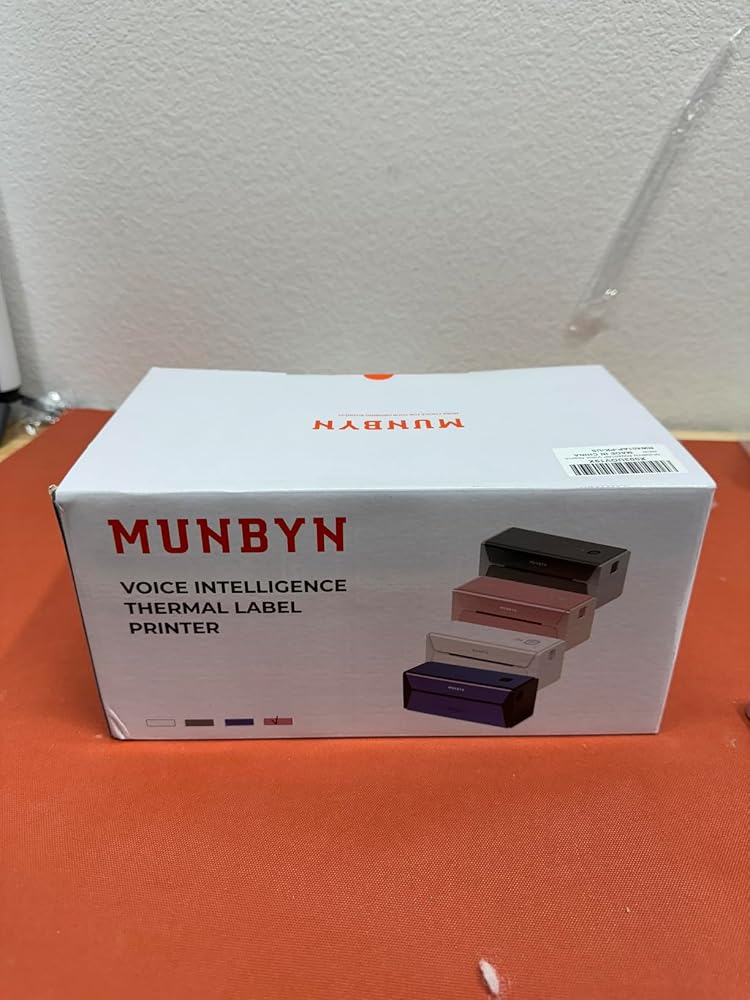
MUNBYN RW401AP 300DPI AirPrint Thermal Label Printer
$229.99

Product details

Basic Introduction

SKU

- RW401AP-BL-US

Moel Type

- 401AP

Resolution

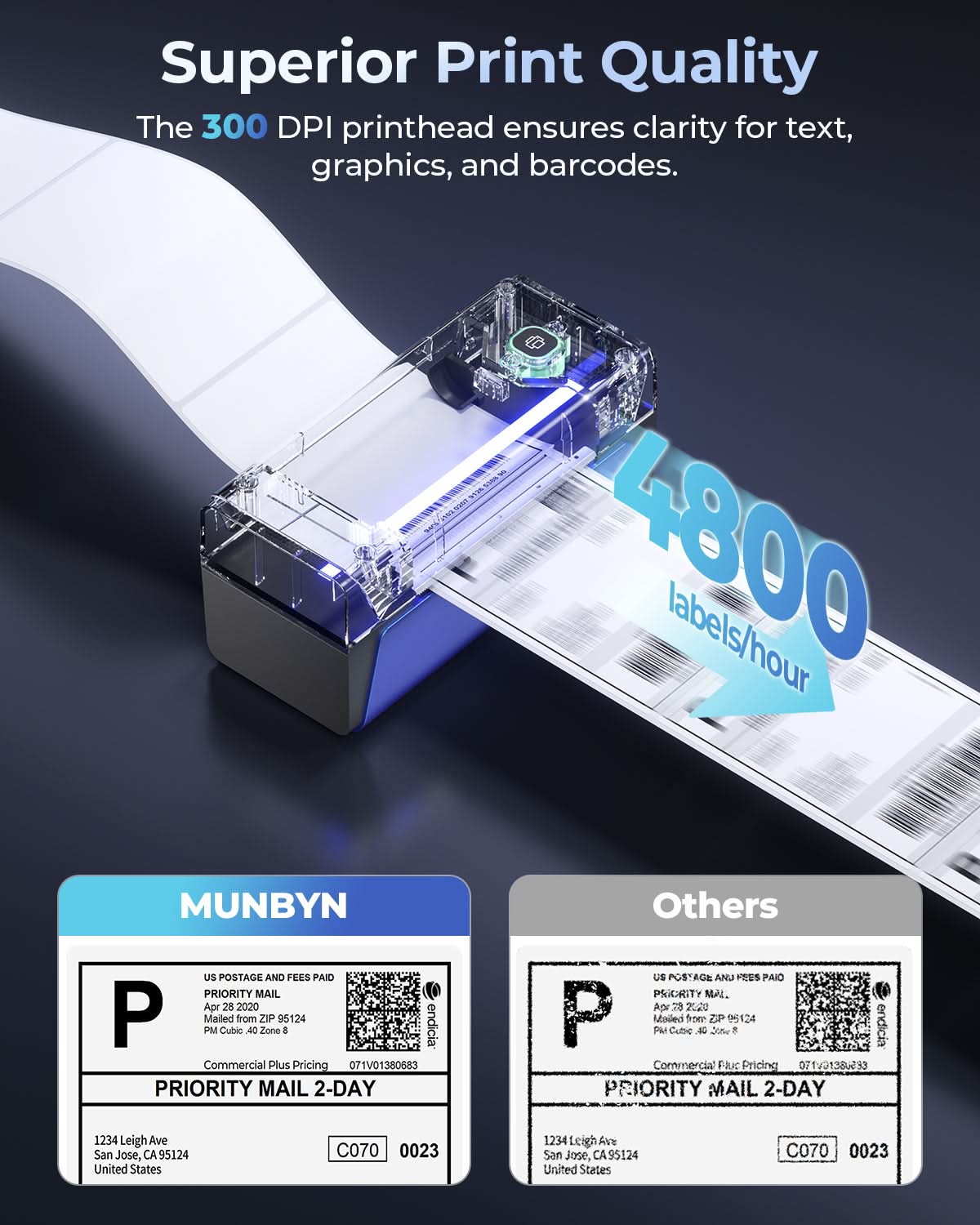
- 300 DPI

Printing Speed

- 150 mm/s

Weight

- 0.815 Kg

Product Dimensions

- 198x96x109mm(L*W*H)

Compatibility
Connectivity

WIFI:Windows/Mac/iOS/Android
USB:windows、Mac OS

Compatible Label Sizes

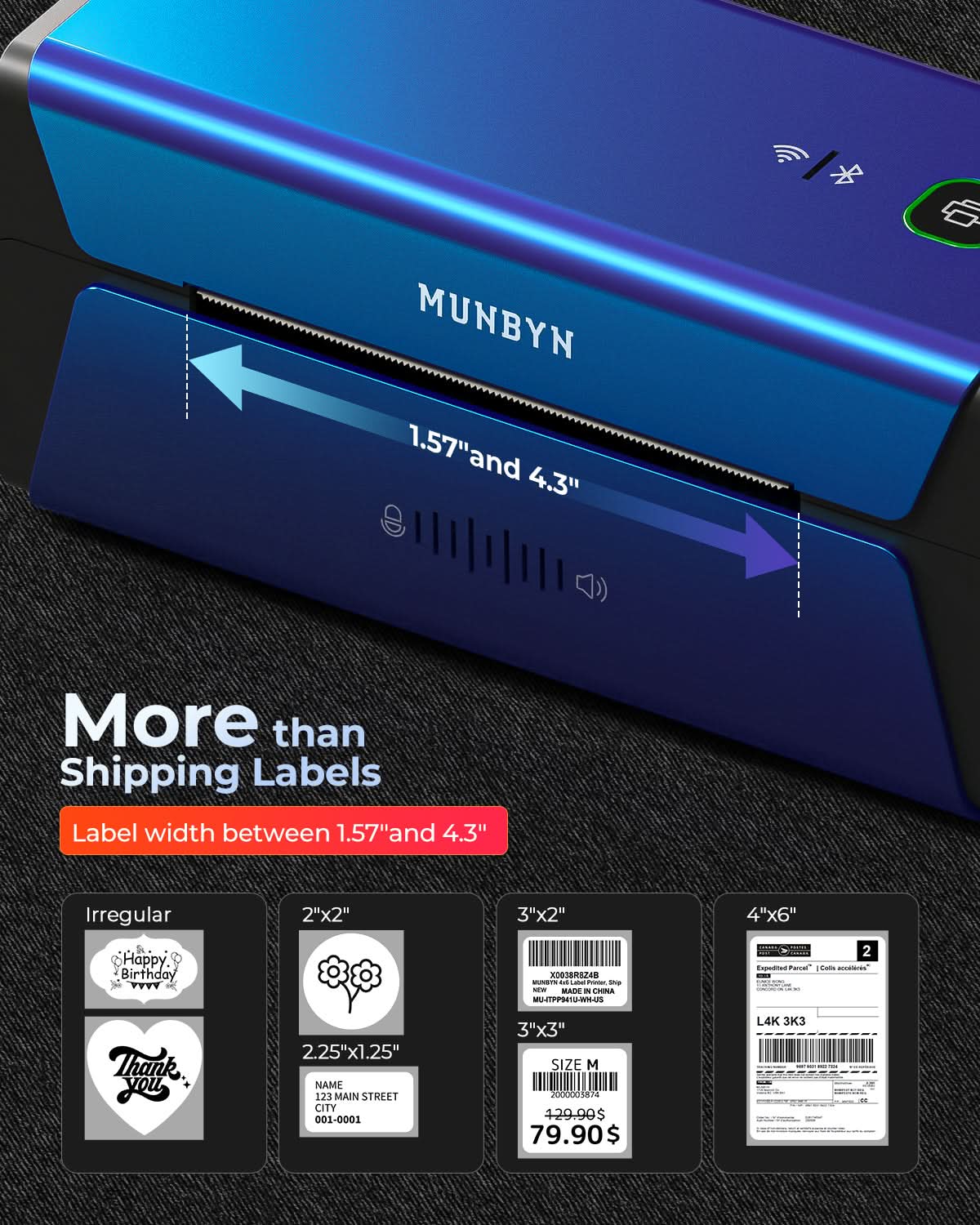
- 40-110 mm

Special Feature

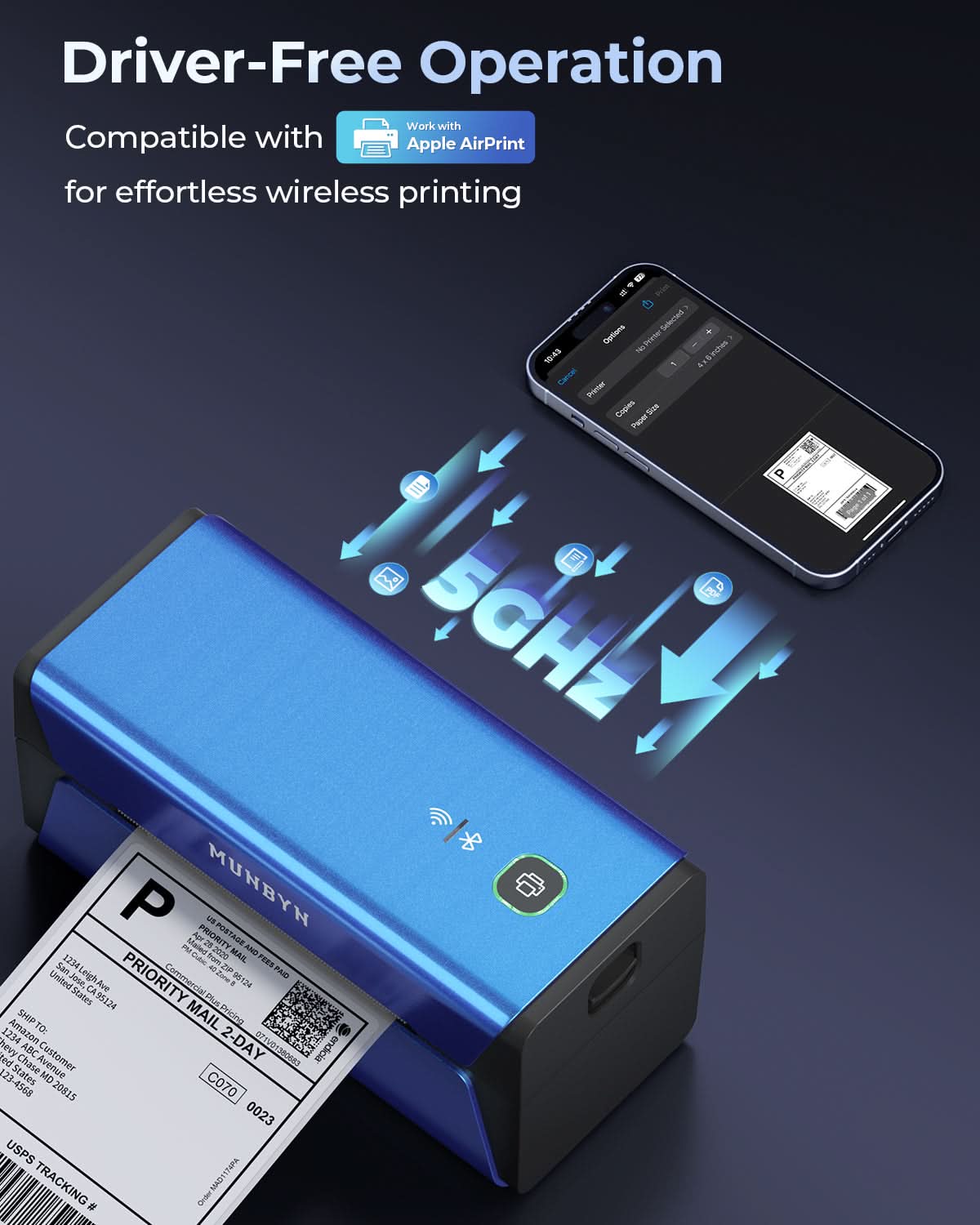
- 5GHz Wi-Fi Technology
- Supports Apple Airprint
- 300DPI

Compatible Devices

- Laptops, PC, Smartphones, Tablets

Power Adapter

- 24V/2A

Others
Usage Scenarios

- Warehouses
- Retail
- Offices
- Business
- Home

Service Warranty

- 2-Year Warranty
- Technical Support

Included in the Box

  • Printer

  • USB Cable

  • Adapter

  • Standard Plug

  • User Manual

  • Quick Tips

  • Labels

Download our app

High-End Labels in Minutes
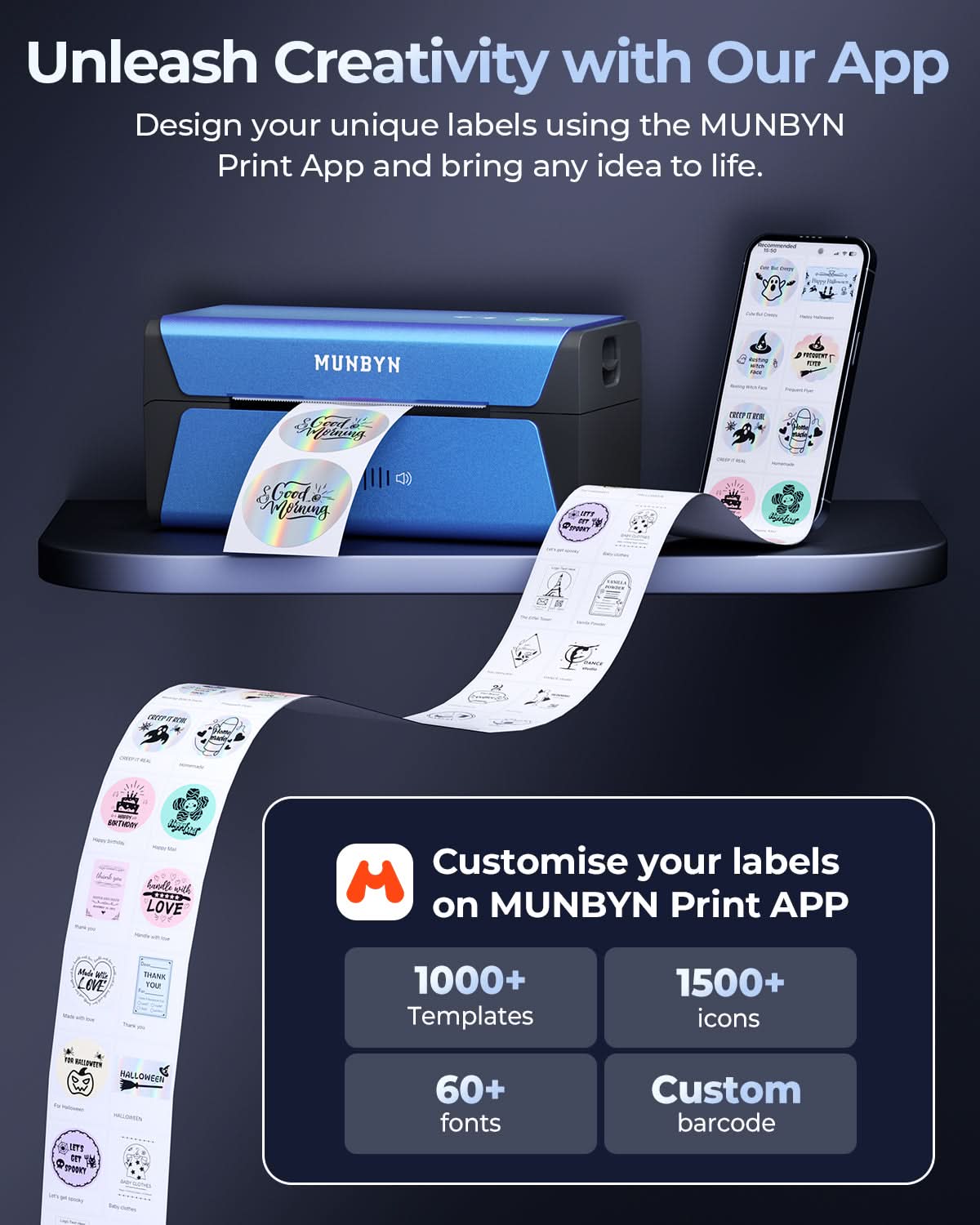
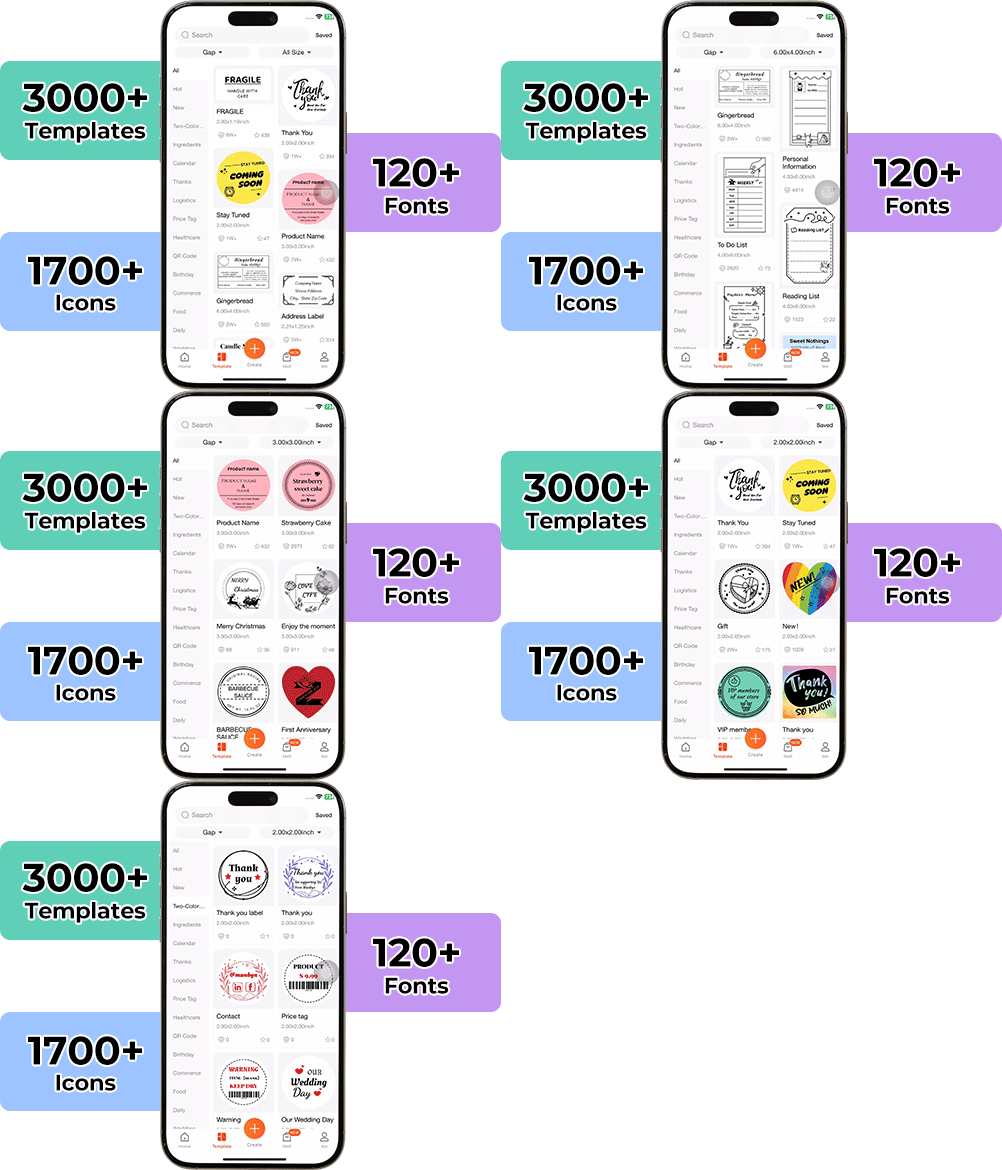
Designing custom packaging has never been this simple. Using the MUNBYN app and our versatile DIY Labels, you have a library of 3,000+ design assets and templates at your command.

Craft bespoke logos and promotional stickers that perfectly capture your brand’s personality—all while keeping your budget in check.


Google Play

Google Play

Download Now

 
Online Editor

Online Editor

Create Now

 
User Manual

User Manual

Download Now

Setup Guides & Tutorials

Video

Watch Tutorials

Step-by-step tutorials and troubleshooting videos.

WATCH TUTORIALS
Guide

Read Full Guide

Find FAQs, setup instructions, and driver downloads.

Read Full Guide
×
Connect the printer with macOS

Connect the printer with macOS

Watch Video →
Connect the printer with the iOS

Connect the printer with the iOS

Watch Video →
Connect the printer with the Android

Connect the printer with the Android

Watch Video →
Connect the printer with Chromebook

Connect the printer with Chromebook

Watch Video →
Connect the printer with Windows

Connect the printer with Windows

Watch Video →
Using “Munbyn Print”App to create custom labels

Using “Munbyn Print”App to create custom labels

Watch Video →
Install Wi-Fi driver on Windows for wireless printing

Install Wi-Fi driver on Windows for wireless printing

Watch Video →
Quickly Connect the Printer via Router's WPS Function

Quickly Connect the Printer via Router's WPS Function

Watch Video →
Woman using a laptop with a barcode scanner on a desk

Women-Led Design for Driver-Free Productivity

The RW401AP brings MUNBYN’s women-led product thinking into a faster, cleaner label printing experience. Designed for busy sellers, offices, and Apple-first workspaces, this AirPrint label printer helps teams print crisp shipping labels and business labels without complicated driver setup or unnecessary workflow interruptions.

AirPrint Printing Made Effortless

This AirPrint thermal printer seamlessly connects to iPhone, iPad, Mac, Windows PCs, and other compatible devices through WiFi or USB. Whether you're managing an online store, warehouse, or home office, flexible connectivity keeps every workflow running smoothly.

300DPI Precision for Every Label Size

Set of five colorful square icons in a horizontal row.

Crisp Barcodes. Clear Addresses. Faster Fulfillment.

Create sharp, professional labels with a 300-DPI AirPrint thermal printer built for precision. Crisp text, scannable barcodes, and detailed graphics improve shipping accuracy while giving every package a polished, branded appearance.

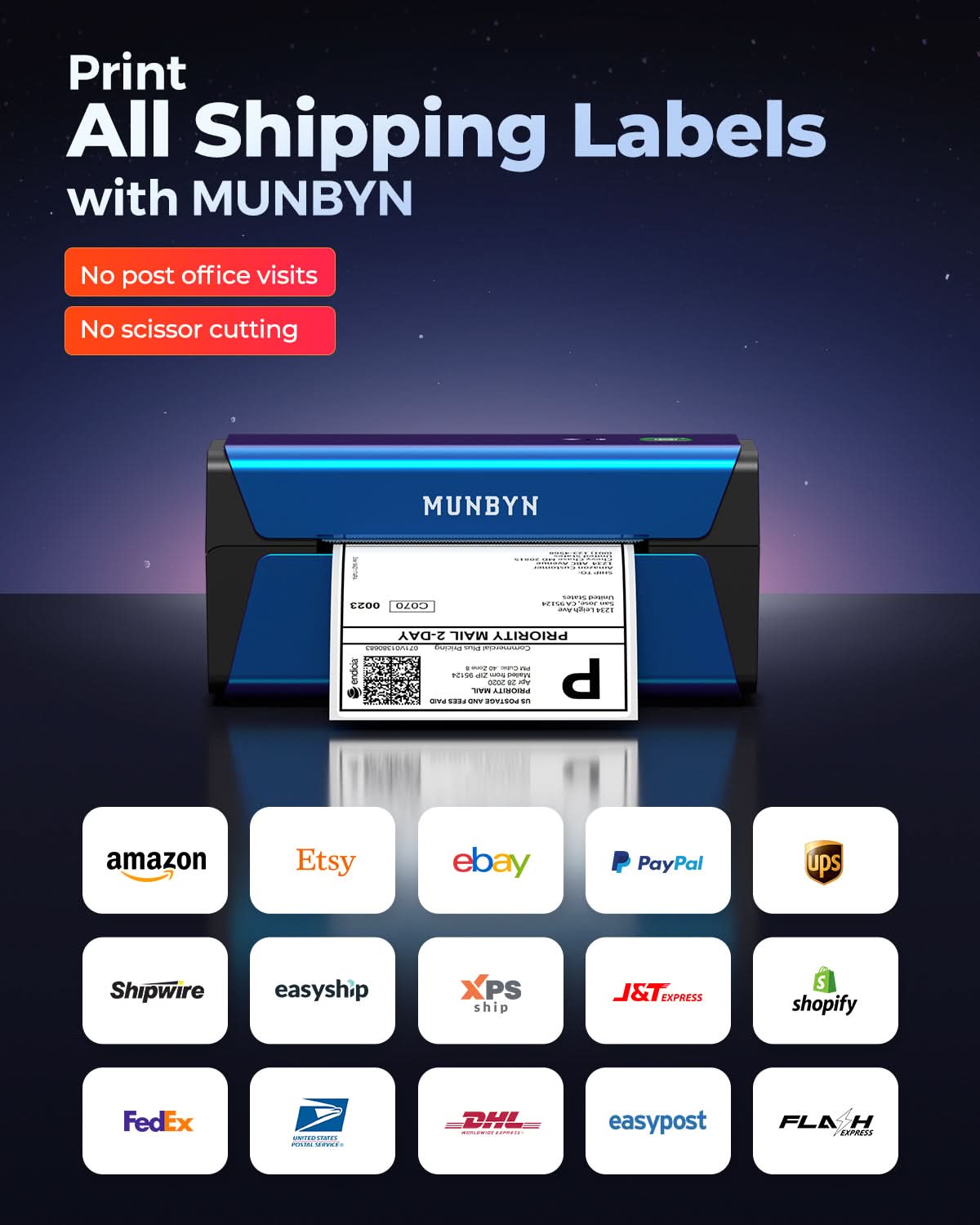
Your all-in-one tool for major marketplaces and carriers, including but not limited to

Etsy logo in orange on a white background
Amazon logo on a white background
Ebay logo in multicolor on a white background
Shopify logo on a white background
FedEx logo in purple and orange on a white background
UPS logo on a white background
Shipwire logo on a white background
Ninjavan logo with a red circle and black text on a white background
J&T Express logo in red on a white background
DHL logo in red on a white background
Easypost logo on a white background
Flash Express logo with a black lightning bolt on a white background
Poshmark logo on a white background
ShipStation logo on a white background
Easyship logo on a white background
ShippingEasy logo in green on a white background
XPSship.com logo on a white background

Designed to print more than 980,000* labels in shipping labels

How People Use MUNBYN

Print life and label quantity estimates are based on laboratory calculations (150 KM printhead life × 4×6" label length). Actual performance may vary due to print frequency, label material, operating environment, and maintenance conditions.

Shipping Label

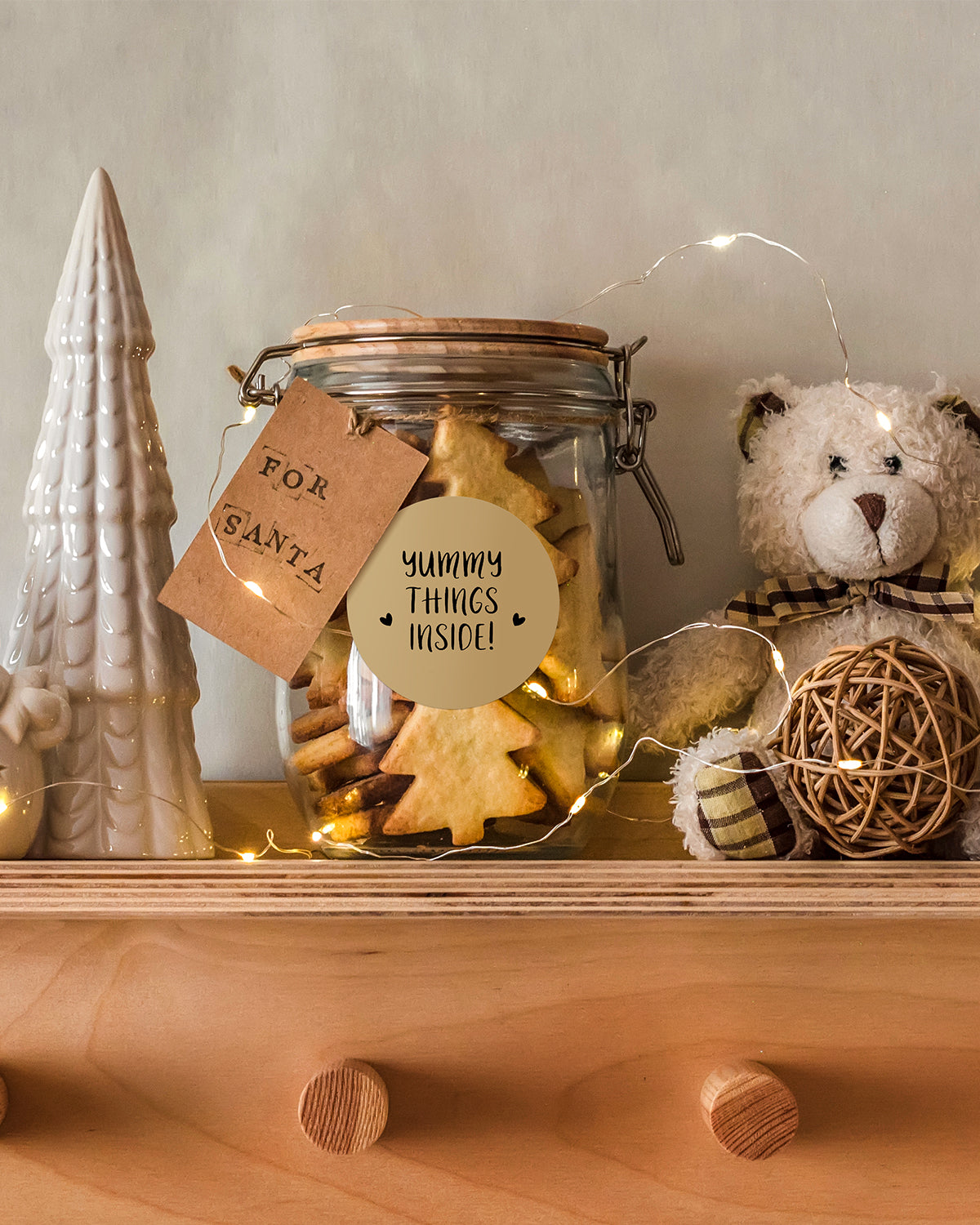
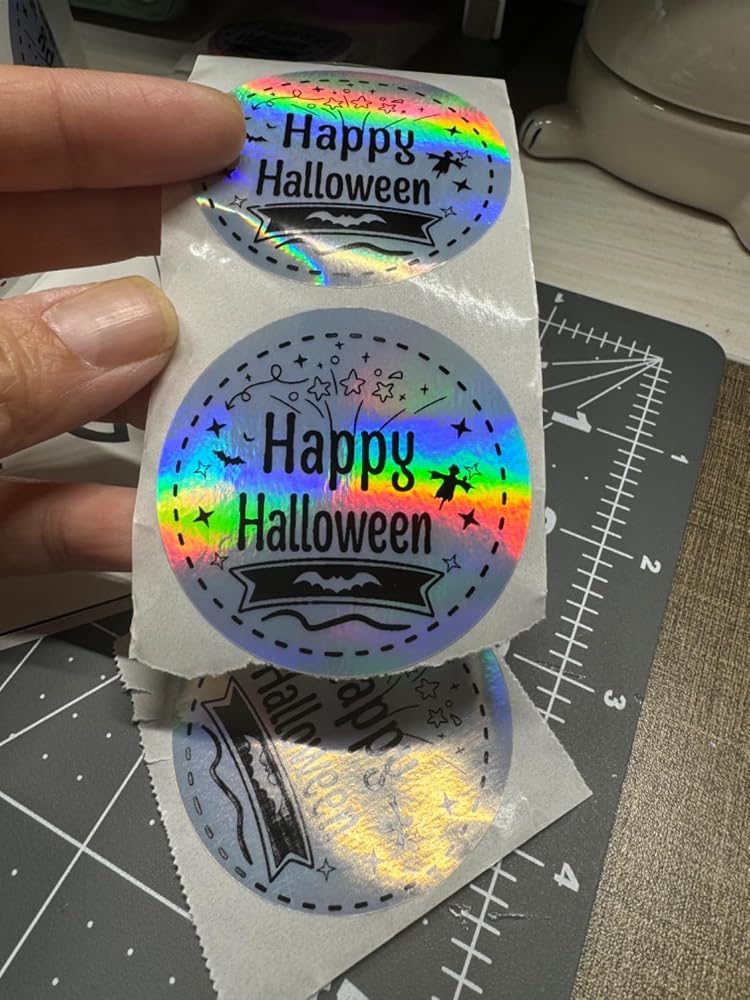
Custom Labels

Barcode Labels

Fragile Labels

Branded Labels

Stickers for Daycare/School

Customers praised the 300 DPI print quality and AirPrint/WiFi capabilities for seamless mobile printing. Many appreciated the fast printing speed and compatibility with multiple devices. However, some encountered WiFi setup difficulties and label recognition errors. The compact design and color options were frequently mentioned positives.
  • 5 stars: 26 (84%)
  • 4 stars: 2 (6%)
  • 3 stars: 1 (3%)
  • 2 stars: 0 (0%)
  • 1 star: 2 (6%)
L
Lauren
Super easy to use

Easy to use right out of the box, plus i LOVE the pink color for my business!

A
Aice
Love it!

I love it! It is easy to use and connect. The print quality is nice. Size is not big and it��s cute. I tried printing on 38mm round sticker and works perfectly. It��s is good upgrade to may portable thermal printer, good buy!

S
Susan
The best thermal printer!

Finally a wireless thermal printer! It couldn't be more perfect. It's an absolutely gorgeous color - pink MY FAVORITE!I love being able to print labels from my desktop computers, iPad and phone.I make custom stickers with various sizes and it's a total breeze.Absolutely love that it prints in 300DPI!Munbyn is the best, hands down!Definitely give this printer a try.

A
Allyse
fantastic

I wanted to wait a couple months before reviewing and this thing has truly been a lifesaver. I had one of their other bluetooth models before this one that required the use of the munbyn app to function but this one??? AirPrints from my phone and ipad like a dream, I have yet to have a label error (knock on wood) and the print quality is a lot cleaner as well. I haven��t bothered to set up the voice command, but this is by far the easiest thermal printer I��ve used

O
Oma G.R.
Great Buy! Perfect upgrade

I was needing to upgrade to wireless printer and be able to print on my phone and on the go, and this printer is perfect for it. It also match perfectly with my other office items like my computer ??.The print quality is also much superior to what i had! There is no white patches, the prints are very dark and in awesome definition. Definitely a new customer.

A
Amazon C.
Cute and Compact

Received the Munbyn today and am very excited to use it.It usually takes me a long time to print paper labels, cut them, and tape them to individual packages, all resulting in a lot of paper waste and time spent. The printer is compact and prints fast, and I'm looking forward to it cutting down on my packing time significantly.Took a little trial and error to get it connected and going (restart your Munbyn after initial setup if the drivers don't automatically download) but so far so good.

S
Sabrina
Best Thermal Printer for AirPrint HANDS DOWN!

SO easy to use with AirPrint option! I can print right from my iPhone and iPad from apps like Poshmark, Mercari and EBay. You can also print stickers and things from the Munbyn app since it connects with Bluetooth! It��s a great size, which makes it functional in a small apartment/office. And the customer service is TOP notch! I had a question about set up and they were there to help. Don��t hesitate to buy this printer. You will not be disappointed!

p
paul s.
Adjustment slider not working properly.

Setup was very difficult. Would not print after installation. Had to call tech support to get it to print. And now after 2 months, the adjustment slider for the label size is not working in tandem. Overall the product works great once you have it set up. Called customer support and they stated they will send a replacement. I will update this review when I receive the replacement.

H
Hamzah K.

This is my first review ever on any product. I have been using Rollo Printers for the past 3-4 years and went through FOUR printers, always encountering issues. Even my most recent Rollo printer had problems. Out of desperation to find a different solution, I turned to Munbyn, and this printer is pure magic.

It does not stop or lag. Paper jams seem impossible with the way they designed the feeder. It offers faster, higher quality laser printing and is incredibly easy to use. The app might need some improvements in terms of UI, but it gets the job done.

The only reason I left this review is because I was so impressed with the product. I didn't initially plan to leave a review, but while searching online for some label holders, I saw the company's name and thought to myself, "This is a company worth a 5-star review."

D
Daniel

good quality product.

K
Kayle H.
Business Type: E-commerce (Shopify / Amazon / Etsy)
This printer is amazing

This printer is amazing, I love the features on it, and I can print straight from my phone because it has AirDrop. And of course, I love the color.

J
Jason R.
Business Type: E-commerce (Shopify / Amazon / Etsy)
Better than the DYMO 4XL and don't bother buying the 5XL which traps you into their labels

Better than the DYMO 4XL and don't bother buying the 5XL which traps you into their labels. This is faster, better quality printing and it offers airprint support. I initially had a problem with labels but realized I had to clean the feeder after a jam due to trying some of my old roll labels. The fan labels are better and the problem wasn't due to the printer.

A
Anonymous
Business Type: E-commerce (Shopify / Amazon / Etsy)
It is really complicated to connect to WiFi

It is really complicated to connect to WiFi.

A
Andrew D.
Business Type: E-commerce (Shopify / Amazon / Etsy)
Setup was not as simple as they say

Setup was not as simple as they say. The app is clunky and I had to go in and out of the app and settings for it to recognize the printer. Connecting it to wifi was also cumbersome. All connected now, but it is not as simple as they make out.

M
Micaelia W.
Label error

Only 2 weeks into owning and having a persistent label error issue. Same labels have been loaded into printer for over a week and suddenly unit is no longer recognizing them. So far has been offered no resolution from support team regarding this issue.

S
Shaye G.
Print is very good 300 dpi makes such a

Print is very good 300 dpi makes such a diference

J
Judith M.
The printer is a great quality printer and is easy to use

The printer is a great quality printer and is easy to use.

K
Karen V.
Wish you’d make another 300 dpi

Wish you’d make another 300 dpi, AirPrint, WiFi printer.

a
alix
Excellent customer service!

Excellent customer service!After I connected my iPhone to this printer, I couldn't use it to print. I contacted after-sales service and learned that it was a bug in the latest iOS version. They helped me perform a simple printer firmware upgrade, and then the printer problem was solved! They were really responsive! And the service attitude is very good!

j
jetsetbarbie
LOVE this for my shopify and amazon business!!!

I have had a similar munbyn printer for the past few years - love it because it's pink and super easy to print shipping labels when I ship my artwork or items, but it didn't have airprint option, so I always had to use my laptop to print. I looked into purchasing an add-on adapter that would allow bluetooth printing, it was $75 and had mixed reviews about how well it worked, so I decided I would just upgrade the printer and get this one instead. I have just started selling on Amazon with the fulfilled by merchant option, so it's very important to ship those orders very quickly. With this printer, I see the email on my phone that there's been a sale, and after a couple of clicks the label is printed and ready to go! I literally giggled the first time I was able to do it. AND this one doesn't waste a whole label every time you need to line up or restart the feed like the previous model. It was very easy to set up. I did receive a message from the company before it was delivered that I would need to install a firmware update, but when I walked through the steps it turned out it was already up to date. So maybe if you order now, the update isn't necessary and you could give it a whirl without having to do those steps.After you connect through the app, I was SUPER EXCITED to see that I don't have to use the app to print - anytime I pull up a label and go to print from my phone, it shows up as an airprint option! So I am completely thrilled with this adorable pink printer and how it is streamlining my process with shipping. Go Munbyn!!!!

A
Artzyzeyla
Loving my Munbyn

I am loving this machine and If you are looking for a wireless printer with mobile and voice control, this is the perfect machine for your business. I love that it��s wireless and I can place it anywhere in my crafting room. I love that I can connect it to my iMac, iphone, iPad and even my MacBook making it easy for me to have access at all the time. Definitely a great investment for my small business.

M
M. J.
10/10 printer!

I had another thermal printer prior to this one to print out shipping labels, and it was a huge headache trying to get each print to align correctly. So, I decided to buy the Munbyn printer to replace it because I got really sick of wasting 2-4 labels each time I needed to print something. This printer is PERFECT. I love that it's Wi-Fi enabled, so I can consistently connect and print easily. I've also printed out thank you stickers, and swapping between the two paper types/sizes was SUPER easy. I'm SO happy I upgraded to this printer.

T
Teena
Wifi

It��s great

L
Lezlie E.
Great air print printer

I love this label printer. I tried many before I broke down and paid a little more to get a WiFi with AirPrint capabilities. Saves me so much time not having to print from an app. Works great with my iPhone and my Mac computer. Would definitely buy again. I��ve owned this printer for 3 months now and it��s been amazing.The WiFi feature saves me so much time.

FAQs

Please read our FAQs page to find out more.

What is the MUNBYN RW401AP designed for?

The MUNBYN RW401AP is a 300 DPI Wi-Fi and AirPrint thermal label printer for detailed shipping labels, barcodes, product labels, and organization stickers. It is suited to Apple-focused workspaces, small teams, warehouses, and ecommerce businesses that want network printing without moving files between devices.

How does the MUNBYN RW401AP connect to phones and computers?

The RW401AP AirPrinter label printer connects over Wi-Fi with Windows, Mac, iOS, and Android devices, and Windows or Mac computers can also connect by USB. Apple users can print through AirPrint when the printer and device share the same Wi-Fi network. No separate AirPrint driver is required.

Can the RW401AP print shipping labels from Shopify, Amazon, eBay, and Etsy?

Yes. The RW401AP WiFi label printer can print labels generated by Shopify, Amazon, eBay, Etsy, UPS, FedEx, and other major marketplaces and carriers. Open or download the shipping label, confirm that the page dimensions match the loaded media, and avoid scaling that changes the barcode size.

What label sizes can the MUNBYN RW401AP print?

The RW401AP AirPrint label printer supports direct thermal label widths from 40 to 110 mm, covering standard 4 x 6 shipping labels and narrower barcode, address, envelope, product, and organization labels. L

Does the RW401AP WiFi label printer require ink or toner?

No. The RW401AP WiFi printer uses direct thermal printing and does not need ink, toner, or ribbon cartridges. Use compatible direct thermal labels and store unused media away from heat, sunlight, and moisture to protect print quality.

What print resolution and speed does the RW401AP provide?

The RW401AP prints at 300 DPI with a listed speed of up to 150 mm/s. The higher resolution helps small text, dense barcodes, QR codes, and detailed product labels remain clear. More details about 203 vs. 300 DPI printer.

How do I use AirPrint with the MUNBYN RW401AP?

Connect the RW401AP label printer to the same Wi-Fi network as the iPhone, iPad, or Mac. Open the label or document, choose Print, select the RW401AP, and confirm the paper size and orientation. If the printer is not listed, verify that both devices remain on the same network.

What should I check if the RW401AP label printer is not found on Wi-Fi?

Confirm that the printer and device are connected to the same Wi-Fi network, then restart the printer and refresh the device's printer list. Check the label dimensions before retrying a job. USB remains available for Windows and Mac. The RW401AP includes a two-year warranty and technical support.

Didn’t find your answer?

Don't hestitate to contact us

Free shipping and returns