


 United States
 Best Seller
 Label Printers
 All PDAs
 All Tablets
 All Thermal Labels
 Printer Accessories
Small, fast, and ink-free—mini thermal printers have quietly become indispensable tools for small businesses, crafters, and home organizers. Whether you’re printing address labels for orders, stickers for packaging, or quick price tags at a pop-up event, the best mini thermal printer saves you time, space, and money while delivering professional-quality results.
In this guide, we’ll explore why mini thermal printers are so useful, what features to look for, and how to choose the right one for your needs. Plus, we’ll highlight the highly-recommended MUNBYN FM226 Bluetooth Portable Label Maker and walk you through how to use it effectively.
Why Mini Thermal Printers are so Useful
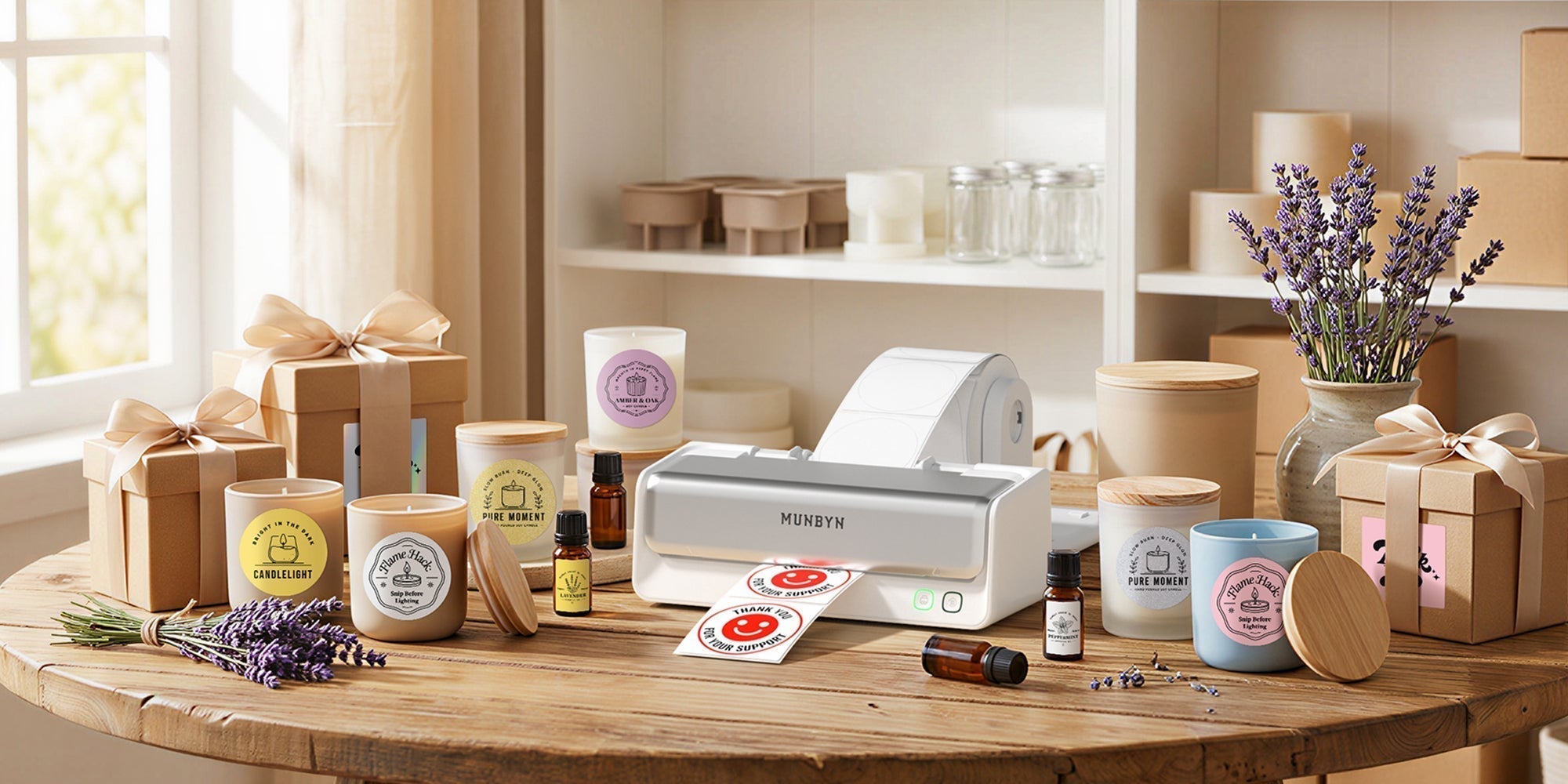
Mini thermal printers use heat-sensitive paper or labels to create prints—no ink, cartridges, or ribbons required. This makes them compact, low-maintenance, and cost-effective for light-to-moderate printing. They’re also quieter and faster than inkjet printers, making them ideal for on-the-go use, market stalls, pop-up shops, shipping stations, or craft projects.
Common Uses for Mini Thermal Printers
- Planner Stickers: Create custom stickers for journaling and organizing.
- Product Labels: Print price tags, barcodes, and inventory labels for small businesses.
- Shipping Labels: Use wider mini units for address and shipping labels.
- Receipts and Tickets: Perfect for order slips or event tickets.
- Craft Projects: Design personalized stickers for DIY projects.
Whether you’re a small business owner or a crafting enthusiast, a mini thermal printer offers unmatched convenience and versatility.
What to Look for in the Best Mini Thermal Printer
Before you invest in a mini thermal printer, consider the following key features to ensure it meets your needs:
1. Print Resolution (DPI)
Higher DPI (dots per inch) translates to sharper text and cleaner graphics. Most mini thermal printers, including MUNBYN’s models, offer 203 DPI, which is excellent for labels and simple images. If you need ultra-fine detail, look for specialty photo-capable printers with higher DPI.
2. Media Compatibility
Check what types of media the printer supports. Some print on sticker rolls, while others handle receipt paper or label tape. Common mini printer widths range from 0.78 to 2.0 inches. If you need circular or transparent labels, confirm compatibility with your chosen printer.

3. Connectivity Options
Bluetooth is the standard for portable mini printers, allowing you to design and print labels wirelessly from your smartphone. For desktop use or higher-volume printing, look for additional connectivity options like USB-C or Wi-Fi.
4. Battery Life and Charging
Portable mini printers rely on battery power. Look for models with long-lasting batteries (2000mAh or higher) that can handle several hours of continuous use. Fast charging is a bonus for busy workflows.
5. App and Template Options
A good companion app can make label design quick and easy. Look for printers with apps that offer templates, fonts, icons, and customization features. MUNBYN’s app, for example, includes over 1,000 templates to streamline your design process.
6. Print Speed and Durability
If you’re printing large batches of labels, speed and durability matter. Choose a printer with a high-duty cycle and fast throughput to keep up with your business demands.
Recommended Pick: MUNBYN FM226 Bluetooth Portable Label Maker
If you’re looking for a mini thermal printer that balances portability, functionality, and ease of use, the MUNBYN FM226 Bluetooth Portable Label Maker stands out as a top-tier choice. Designed for small businesses, home organization, craft projects, and on-the-go labeling, this Bluetooth label maker is perfect for beginners and experienced users alike. (Upgrade your setup for less. Use code “MYSEO” for an extra 8% off MUNBYN products. Discount may vary or expire at any time.
Why the MUNBYN FM226 Is One of the Best Mini Thermal Printers
1. Compact and Truly Portable Design
The FM226 features a sleek, lightweight body that easily fits into a backpack, purse, or desk drawer. Its cordless design allows you to print labels anytime, anywhere—making it perfect for craft fairs, pop-up shops, or everyday household tasks.
2. Bluetooth Connectivity for Easy Mobile Printing
As a modern Bluetooth label maker, the FM226 connects seamlessly to iOS and Android devices. Simply pair it with your smartphone, design your labels in the app, and print wirelessly. No cables or complicated setup required!
3. Powerful App with 1,000+ Templates

The MUNBYN FM226’s companion app is a game-changer, offering:
- Over 1,000 ready-to-use label templates
- 60+ fonts and 1,500+ icons for customization
- Easy tools for creating barcodes, QR codes, and small graphics
Even if you’re new to label-making, the app’s intuitive interface makes designing professional-quality labels a breeze.
4. Sharp and Reliable Thermal Printing
With 203 DPI resolution, the FM226 delivers crisp text, clean barcodes, and sharp graphics. And because it’s a thermal printer, you’ll save money on ink and toner while avoiding messy maintenance.
5. Versatile Label Compatibility
The FM226 accommodates label paper widths from 0.78 to 2 inches, making it suitable for:
- Address labels
- Product and price tags
- Kitchen, office, and storage labels
- Custom mini stickers for planners and crafts
6. Long-Lasting Rechargeable Battery
Equipped with a high-capacity 2000mAh rechargeable battery, the FM226 supports hours of continuous printing or days of standby time. It’s a reliable choice for busy workflows and mobile use.

Who Should Choose the MUNBYN FM226?
The MUNBYN FM226 is ideal for:
- Small Business Owners: Print product, barcode, and price labels with ease.
- Crafters and DIY Enthusiasts: Create custom stickers and designs for projects.
- Home Organizers: Label kitchen containers, closets, and storage bins.
- Beginners: Enjoy an intuitive, beginner-friendly experience with a powerful app and templates.
If you need a portable, user-friendly label maker that delivers professional-quality results, the MUNBYN FM226 is a dependable choice.
How to Use a Mini Thermal Printer
Using a mini thermal printer like the MUNBYN FM226 is simple and straightforward. Here’s how:
1. Charge the Printer
Fully charge the battery before use. Most mini printers, including the FM226, use USB-C for fast and efficient charging.
2. Load Your Media
Open the paper compartment and load your sticker roll, receipt paper, or label tape. Make sure the printed side faces the thermal head.
3. Connect via App
Download the Munbyn Print app, pair your printer via Bluetooth, and start designing. The app includes templates, fonts, and label layouts to speed up the process.
4. Design Your Labels
Use pre-made templates or create custom designs with text, icons, barcodes, or small graphics.
5. Print and Peel
Print your labels, peel them off (if using sticker rolls), and apply them to your desired surface. For receipt paper, cut or tear along the built-in cutter.
6. Store Prints Carefully
Thermal prints can fade if exposed to sunlight, heat, or oily surfaces. Store labels in a cool, dark place to extend their lifespan.
Final Thoughts
If you’re looking for a compact, flexible device that handles both stickers and labels with ease, the MUNBYN FM226 is a fantastic choice. With its user-friendly app, sharp 203 DPI resolution, support for various label widths, and long-lasting battery, it’s a powerful tool for small business owners, crafters, and home organizers alike.
For heavier workloads, consider exploring MUNBYN’s full range of thermal label printers, but for portability and versatility, the FM226 is hard to beat.
Share:
How to Make Stickers with a Thermal Printer: A Complete Guide
New Year, New Canvas: Celebrating 2026 with Creativity, Efficiency, and Renewal