United States
 Best Seller
 Label Printers
 All PDAs
 All Tablets
 All Thermal Labels
 Printer Accessories
Power Up Your Workflow with PDA Savings

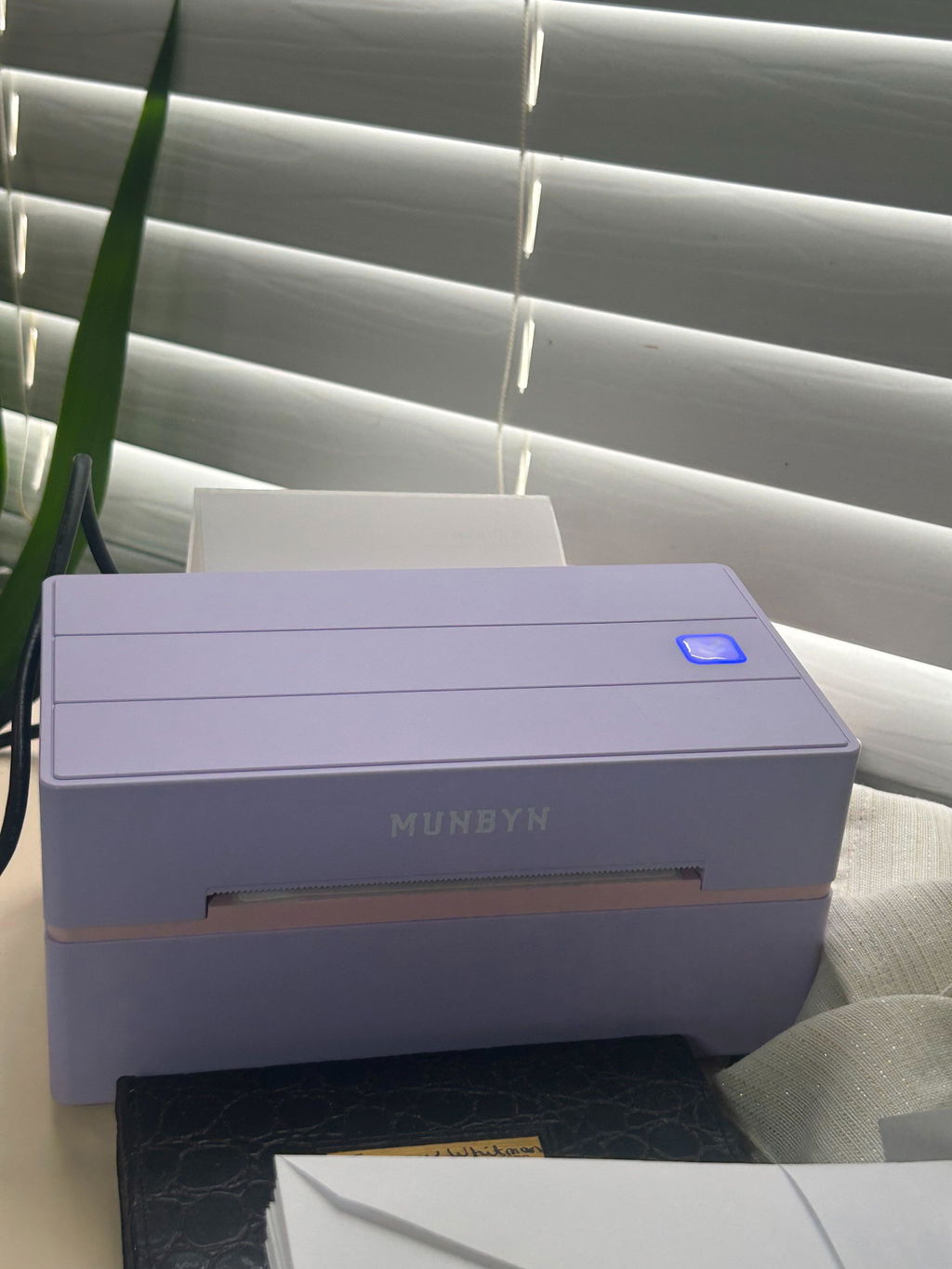
PROOF 01 /A LITTLE COLOR FOR YOUR WORKSPACE


 United States
You are currently viewing:
United States
Items in your shopping cart will be removed when you change country
Your cart is currently empty.


Product highlights

203 DPI Clear Printing
Bluetooth / USB

Supports major shipping platforms

Connect via Phone, Tablet or PC

🔥Flash Deals
Limited Time Only
Power Up Your Workflow with PDA Savings
Print wirelessly. Any device, any OS.

Buying for a business?
Get a custom quote for potential bulk savings on approved business orders.
Product highlights
203 DPI Clear Printing
Bluetooth / USB
Supports major shipping platforms
Connect via Phone, Tablet or PC
[Ink-Free Thermal Printing]
The MUNBYN 130B shipping label printer uses advanced direct thermal printing technology — no ink, no toner, no mess. Smudge-free labels every time, with dramatically lower running costs compared to traditional inkjet or laser label printers. A smart long-term investment for any shipping operation.
[Bluetooth & USB Dual Connection]
Flexible connectivity for every setup: connect wirelessly via Bluetooth to iPhone, Android, and Windows devices so you can print shipping labels on the go — no desk required. For Mac and Windows desktops, simply plug in via USB cable for a reliable, driver-ready wired connection. One label printer that works across your entire workflow.
[Ultra-Fast & Ultra-Portable]
At just 2.3 lbs, this compact label printer for shipping is light enough for the warehouse, the home office, or the road. Print at 180 mm/sec — blazing speed that keeps up with peak order volume. Crisp 203 DPI resolution ensures every barcode scans perfectly on the first pass, cutting fulfillment time and costly re-prints.
[Works with eBay, Etsy, Shopify, UPS & More]
The MUNBYN 130B shipping label printer is designed for online sellers. Print 4×6 shipping labels directly from all major e-commerce and carrier platforms — eBay, Etsy, Shopify, Amazon, UPS, FedEx, USPS, and others — with zero compatibility headaches. Supports direct thermal label widths from 1.57" to 4.3", covering address labels, barcode labels, envelope labels, package labels, and everyday home or office label needs.
Free Shipping on Orders Over $79*
Ships within 48 Hours.
14-day Risk-free Trial
2-Year Warranty & Lifetime Support
30-day Price-Match
Need help choosing the right product or placing an order?
Our MUNBYN support team is here to help. If you have any questions about products, compatibility, orders, or after-sales service, feel free to contact us at any time. We respond to all inquiries within 24 business hours (Monday–Friday).
Shipping Information
We offer free shipping straight to your door throughout the contiguous US*. It usually takes 2-5 business days* for your package to be delivered, so you can sit back and relax, worry-free.
*Please see our shipping policy for more details.
Help Center
Find everything you need in one place:
FAQ’s
Have a quick question?
Visit our FAQ page, which covers the most common topics, including:
If you can’t find the answer you’re looking for, our support team is always ready to help.
Still need assistance?
Contact Us at
Order: order@munbyn.com
Tech: support@munbyn.com
+1 628 229 3612
Mon - Fri: 7AM - 5PM (UTC-8)


Product details
PROOF 01 /A LITTLE COLOR FOR YOUR WORKSPACE

PROOF 02 /CONNECT THE WAY YOU WORK

PROOF 03 /CLEAR DETAILS, NO INK CARTRIDGES

PROOF 04 /START WITH MUNBYN PRINT

PROOF 05 /PUT THE RIGHT DETAILS TOGETHER

PROOF 06 /START WITH A STYLE YOU LIKE

PROOF 07 /SMALL LABELS, EVERYDAY USES

PROOF 08 /KEEP YOUR SHIPPING ROUTINE
High-End Labels in Minutes
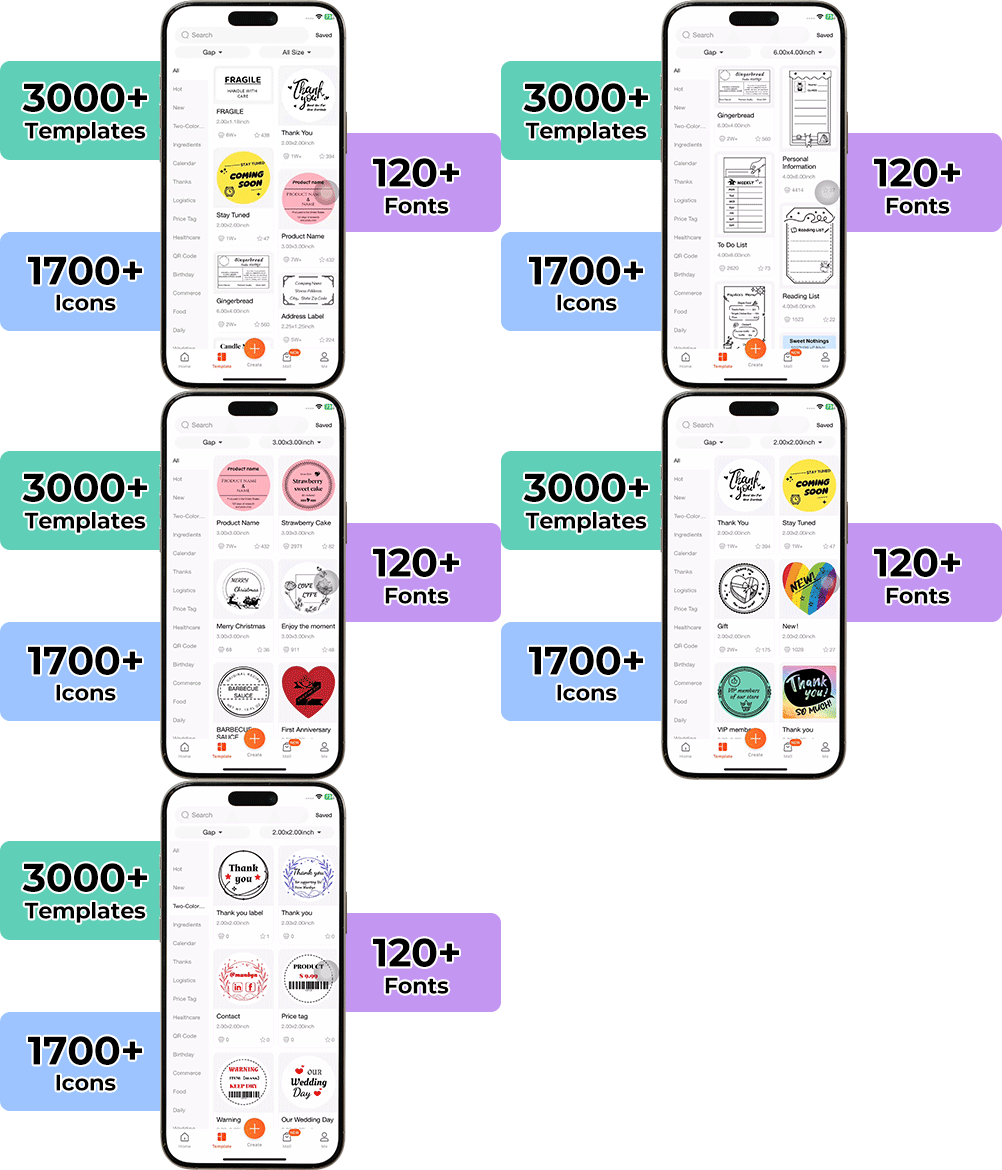
Designing custom packaging has never been this simple. Using the MUNBYN app and our versatile DIY Labels, you have a library of 3,000+ design assets and templates at your command.
Craft bespoke logos and promotional stickers that perfectly capture your brand’s personality—all while keeping your budget in check.


Designed to print more than 980,000* labels in shipping labels
Print life and label quantity estimates are based on laboratory calculations (150 KM printhead life × 4×6" label length). Actual performance may vary due to print frequency, label material, operating environment, and maintenance conditions.

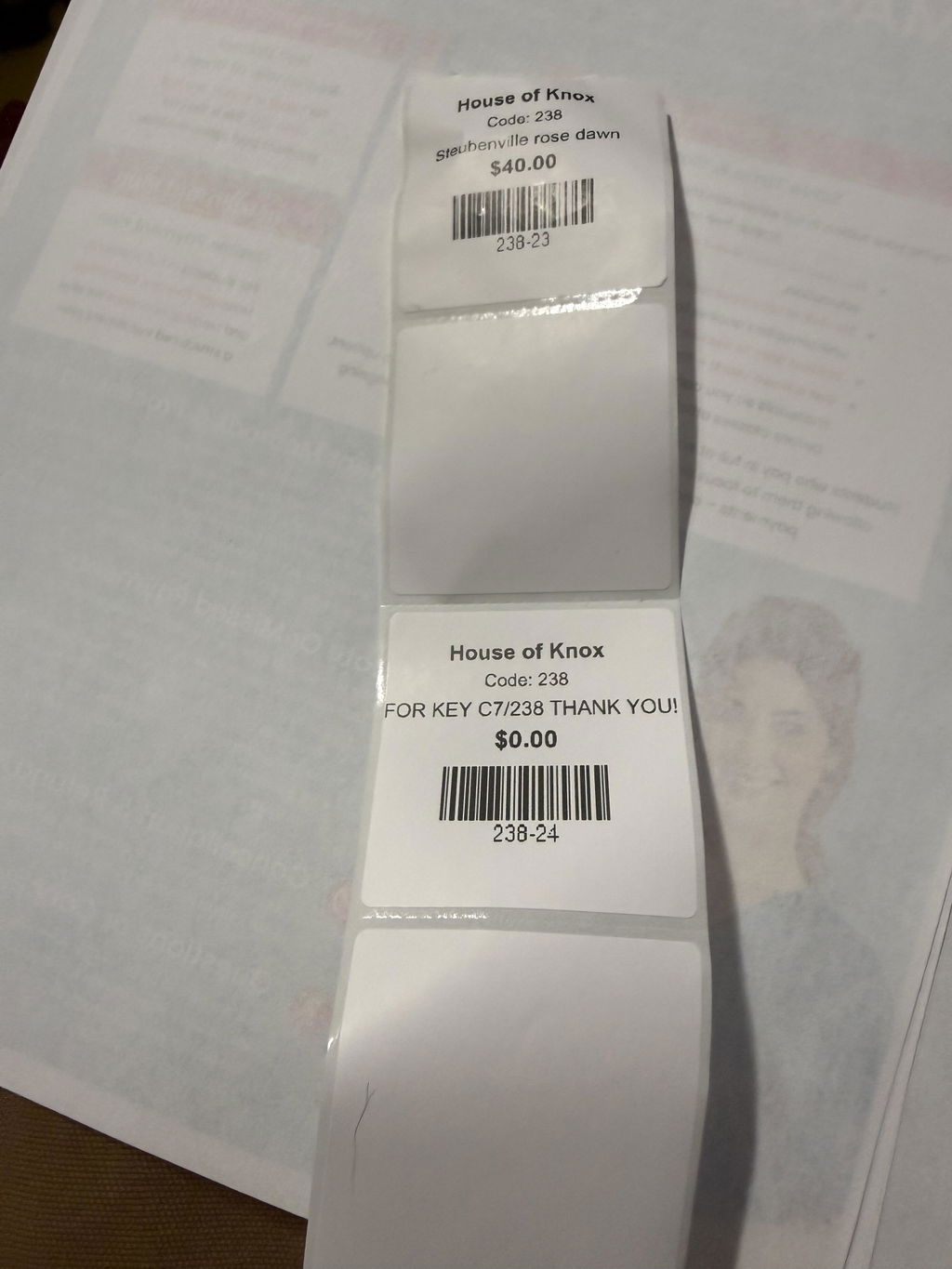
Shipping Label
Designed for small to high-volume fulfillment, MUNBYN printers produce crisp 4x6 shipping labels that scan instantly and stick securely.
Perfect for:
Reduce printing time, avoid reprints, and keep every shipment moving efficiently.

Custom Labels
Create labels tailored to your exact needs — from unique dimensions to personalized layouts.
Use for:
Flexible, professional, and fully customizable to your workflow.

Barcode Labels
Print high-precision barcode labels that ensure fast scanning and accurate inventory tracking.
Commonly used for:
Improve operational efficiency and reduce costly manual errors.

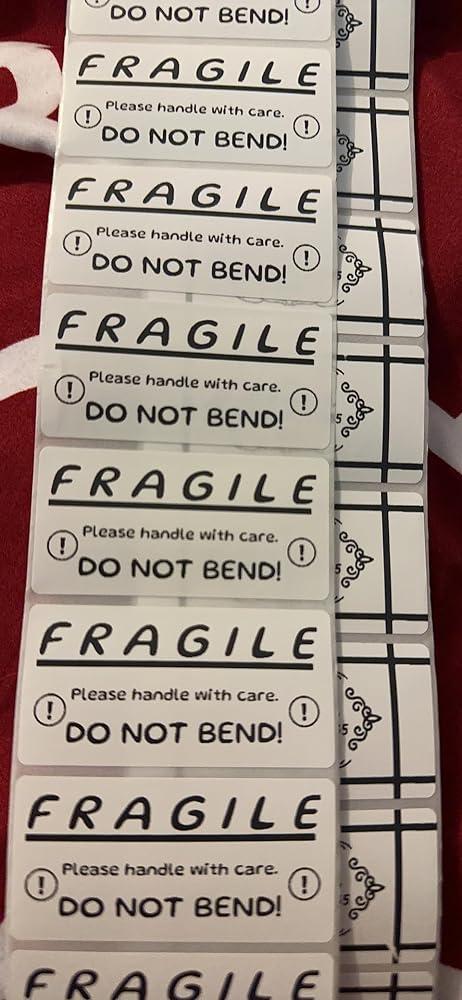
Fragile Labels
Clearly mark fragile items with bold, high-contrast labels that grab attention during handling and delivery.
Ideal for:
Minimize damage, reduce returns, and ship with confidence.

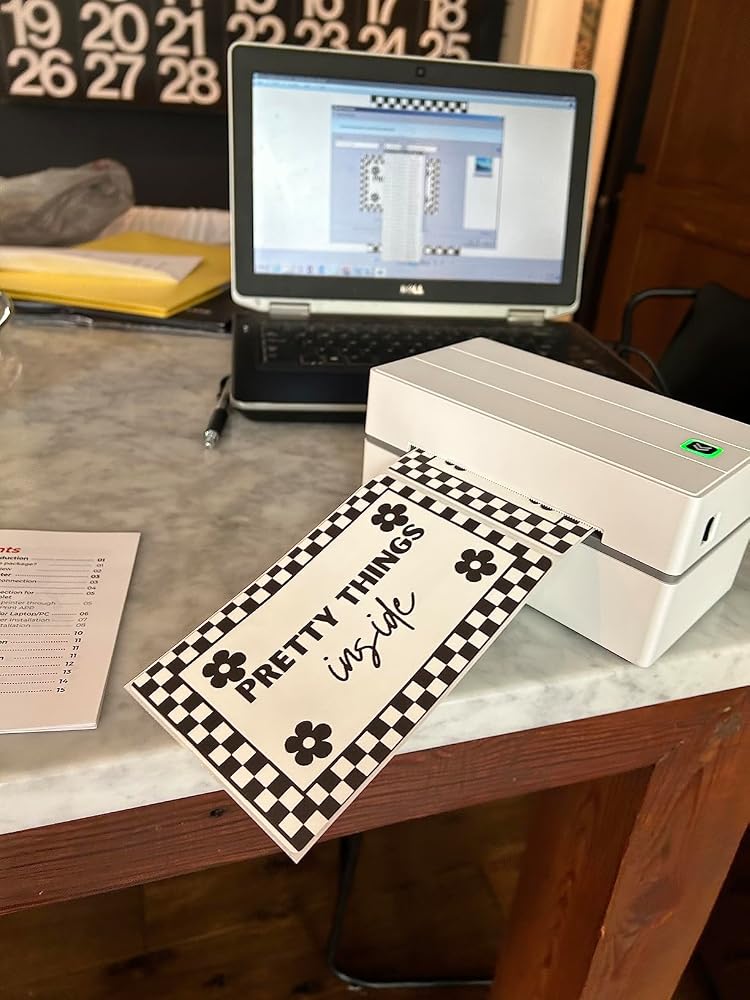
Branded Labels
Add logos, brand colors, thank-you messages, or marketing inserts to elevate your packaging.
Great for:
Build recognition, increase repeat purchases, and stand out in every unboxing moment.

Stickers for Daycare/School
Print name labels and stickers that help keep school and daycare items sorted and easy to identify.
Perfect for:
Water-resistant, long-lasting, and made for everyday life.
Customers praised this Bluetooth thermal label printer for its "easy setup" and fast, high-quality printing for shipping labels, stickers, and product labeling. Many appreciated the compact size, ink-free operation, and user-friendly app. Some noted challenges with Bluetooth connectivity, small font printing, alignment issues, and iPhone compatibility.
I use my RW130B Bluetooth printer for labels on storage bins. It works great you can do an lot of things with it like add pictures or symbols
Took me a minute to figure it all out but once I did it was successful! Haven't printed a whole lot yet but so far I am Impressed.
Easy setup, device connectivity is quick, the editing studio is user friendly and equipped with all the right tools to get the job done. Print quality and speed are professional grade.
I just received this printer. I got it to print my shipping labels for eBay and to make stickers for some of the products I am selling. This printer works great. I am so excited to see what all I can create using it. I love the look of it, and it is not large and bulky. It fits on my desk nicely. I think it is a nice investment if you a looking for a small printer to do some light printing. I highly recommend giving it a try.
Cannot get it to stop skipping blank labels
Stickers made super easy. Loved labeling my kitchen things and especially when I would make gift bags
The media could not be loaded.
The setup was honestly easy. I love that I can create custom labels for what I want. I can either use the app itself or import files. I can also create custom label sizes on the app for other brand labels. I really loved that!
It is exactly what I need for my small business and is easy to use and gives me nice, professional labels!
The media could not be loaded.
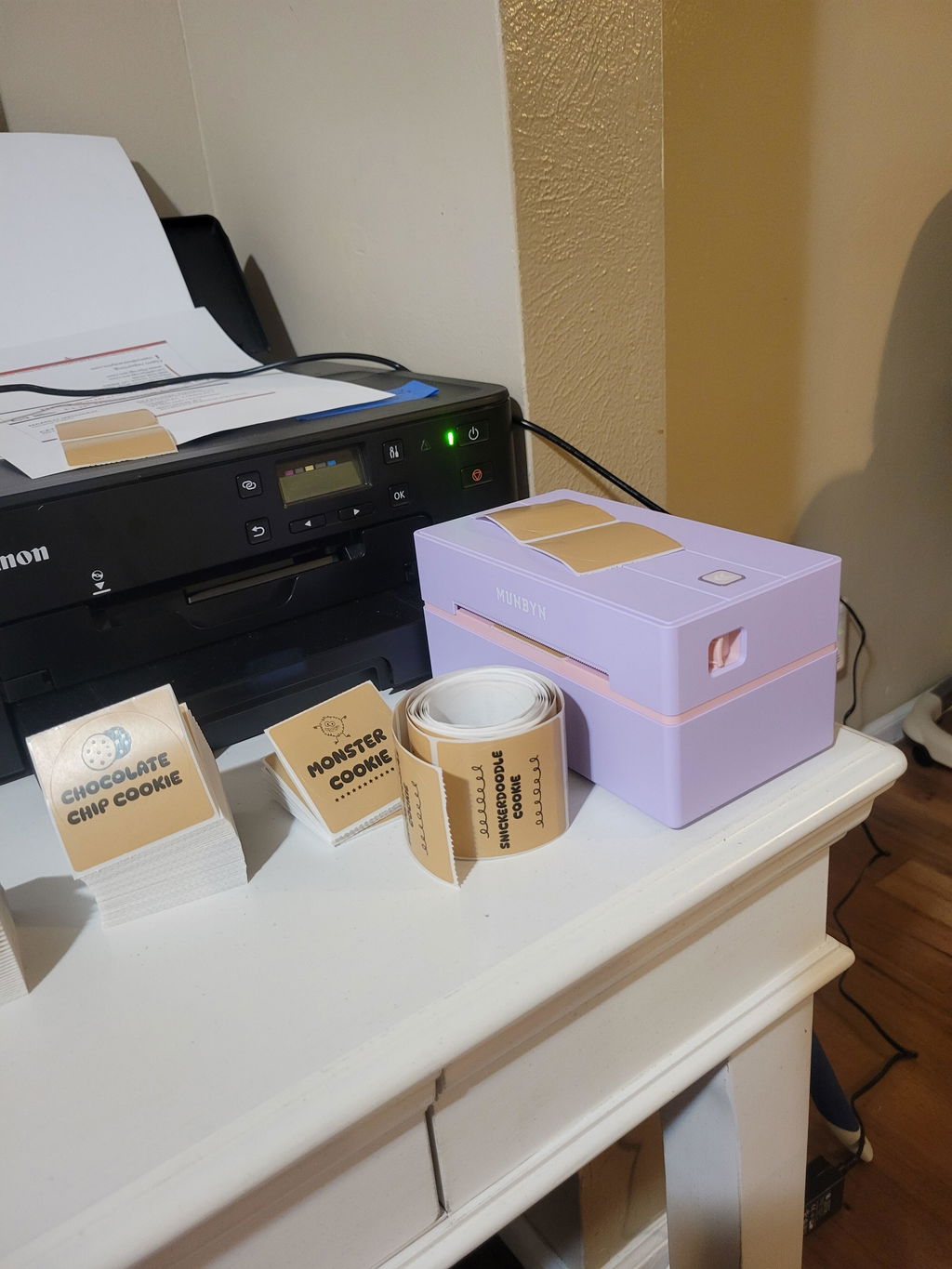
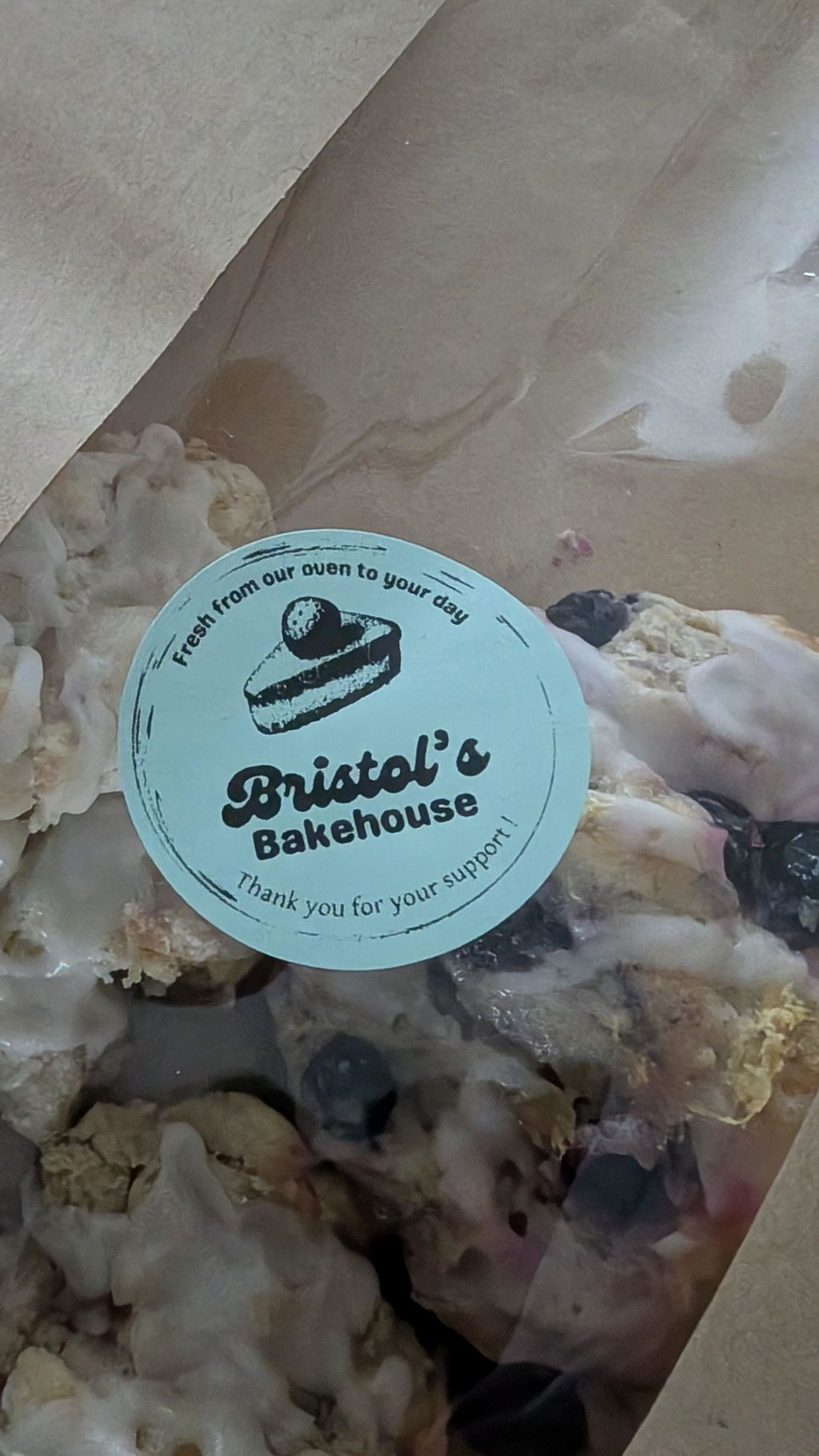
The printer was easy to setup using the app and my Android phone. I was able to plug it in, load the blue circle labels I purchased, and print some test labels in just a few minutes. Looking forward to using it in the future for my baking orders and other projects.
This is an amazing thermal label! It took a little bit to set up and I found it easier on a smart phone than my computer. Once I got the hang of it, it��s wonderful! Such a fun thing to make designs for! Cant wait to use this for my small business!
Very easy and fun to use this Munbyn P130B printer! I love it so much. I used this template from the app to print these labels. I love that I can use this through Bluetooth from my phone so I don��t have to plug my laptop in when I need to print some labels.
I love that this is bluetooth and I dont have to be worried about plugins.I just got the munbyn printer and once again it is fabulous. Does exactly what I need and saves so much time and cost. Thanks munbyn for another wonderful printer.Again its bluetooth ????
I was tired of buying ink for my regular printer and occasionally need to print labels for my side hustles. I was in the market for a thermal label printer and this one checks all the boxes, most importantly the Bluetooth capabilities! I am so excited to print (and send) my first package using this label printer!
I��ve been wanting to try the Bluetooth version of this printer and was so excited to set it up. Set up was fairly easy. I have a Mac. And I set up the app on my phone. Both work great. All in all from set up to print took less than 15 minutes. Would definitely recommend.
Nothing I'm printing comes out legible, it's grainy .. my graphics are high dpi .. Can't get it to center on the circle. Entire roll of labels wasted so far.It has to get better, from what the other reviews say I guess. This is my second one and I don't want to return this one like I did the last.
No need for me to have an ink printer anymore. Thermal printing is the way to go. The size of this Munbyn thermal printer is super small and won��t take up a lot of space. It��s easy to print shipping labels and or circle stickers like I��ve shown. Great for small businesses. AND it��s Bluetooth!! Perfect!!
I placed a call to TECHNICAL SUPPORT because I was having a problem with printing out labels in a certain size. TECHNICAL SUPPORT was very caring and professional, and guided me through solving the problem in very little time. I was very impressed with the knowledge and caring. ????
The printer comes with simple instructions for setup. The printer also comes with scannable barcodes to make set up quick and easy. The prongs are fast and clean! Can��t wait to use on a daily basis running my side business! Bluetooth feature was very easy to setup and connect to this product and brand is a must have for business owners.
Bought this thermal printer for my online business and it has been nothing but perfect. The APP is easy to use and works great!
This thermal printer from Munbyn was easy to set up and use. It connected right away and able to print a quick image. Didn��t even realize it came with some 4x6 shipping labels which was nice! I used an iPad to connect everything and it was a breeze. Definitely a must have for any small business needs!
The setup was super easy on my IPhone it only took around 5-10 min not hard at all, easy to use, it prints clear and clean. I am really happy for this purchase, I am a reseller and I need this to print shipping label, it works great.Definitely worth the money! ????I will do an update once I use it for a couple months.
We love it. We have 2 now. We can print shipping labels and product stickers without having to switch paper!
I got this printer today and it took me less than 3 minutes to connect and print from my tablet. The quality of the print is amazing and it even comes with a free stack of 4x6 thermal label paper, USB for a laptop/ computer and a flash drive! The app has so many stickers and templates to choose from as well. The labels have a perforated edge for easy cutting! Perfect for printing shipping labels or any labels in general!
I am trying to add my munbyn thermal printer to my computers print selection. I am receiving a message that the driver in not available, how do i fix that?
Please contact our customer service team at: support@munbyn.com
Please read our FAQs page to find out more.
Free shipping and returns