Scroll to top

Print Anything, Anywhere

Your ideas, your space — print wherever inspiration strikes.

Ink-Free, Worry-Free

Zero ink. Time, money, and planet-saving.

Fast to Print, Easy to Keep Going

High speed:150 mm/s = one 4×6 label per second.

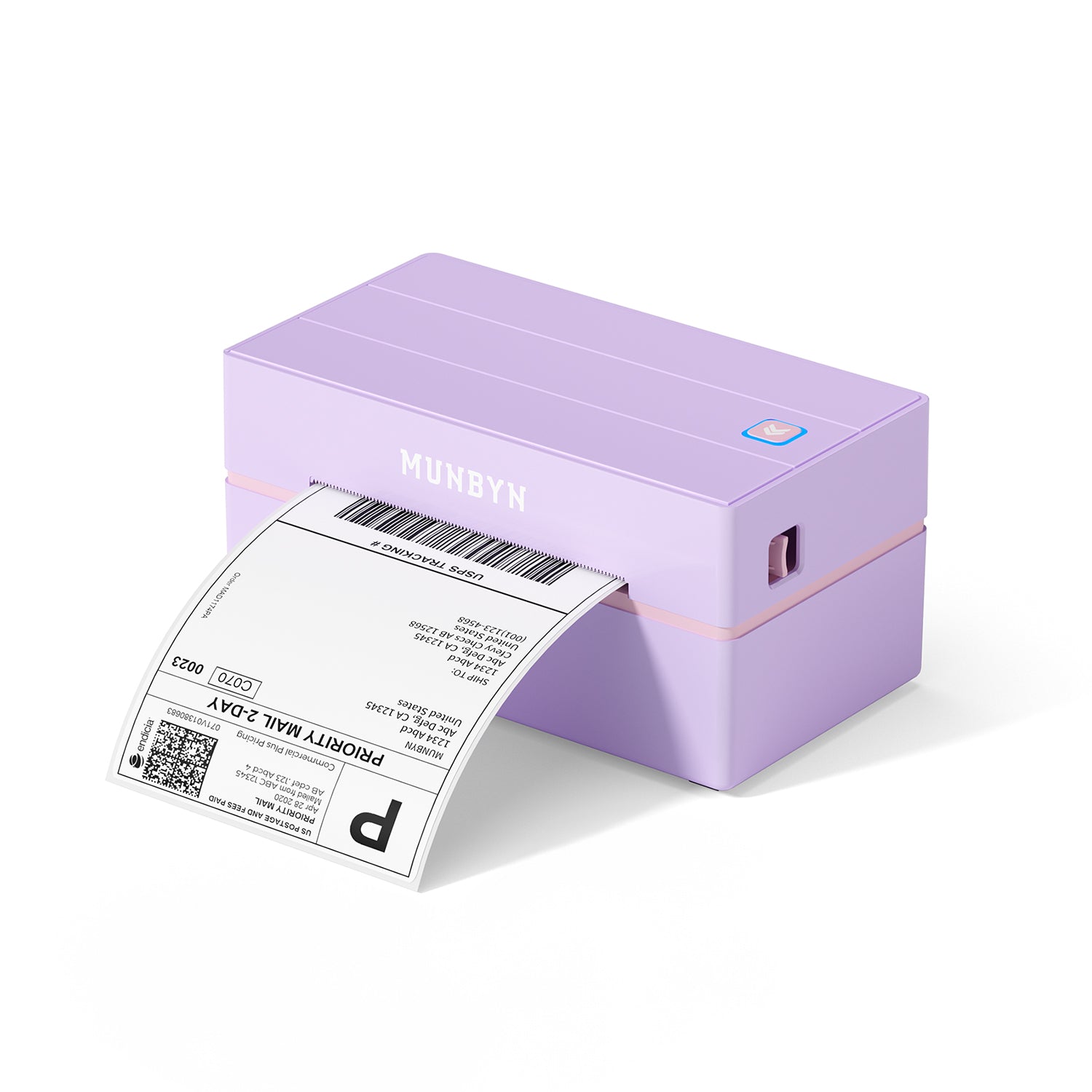
MUNBYN RealWriter 130B thermal label printer purple
MUNBYN RW130B Bluetooth Thermal Label Printer
$75.99

Product details

Basic Introduction

SKU

- ITPP130B-BK-US

Moel Type

- 130B

Resolution

- 203 DPI

Printing Speed

- 150 mm/s

Weight

- 0.8 Kg

Product Dimensions

- 182x99x87mm(L*W*H)

Compatibility
Connectivity

Bluetooth:Windows/iOS/Android
USB:Windows、Mac OS

Compatible Label Sizes

- 40-110 mm

Special Feature

- Portable

Compatible Devices

- Laptops, PC, Smartphones, Tablets

Power Adapter

- 24V/2.5A

Others
Usage Scenarios

- Warehouses
- Retail
- Offices
- Business
- Home

Service Warranty

- 2-Year Warranty
- Technical Support

Included in the Box

  • Printer

  • USB Flash Drive

  • USB Cable

  • Power Adapter

  • Standard Plug

  • User Manual

  • Quick Tips

  • Labels

Download our app

High-End Labels in Minutes
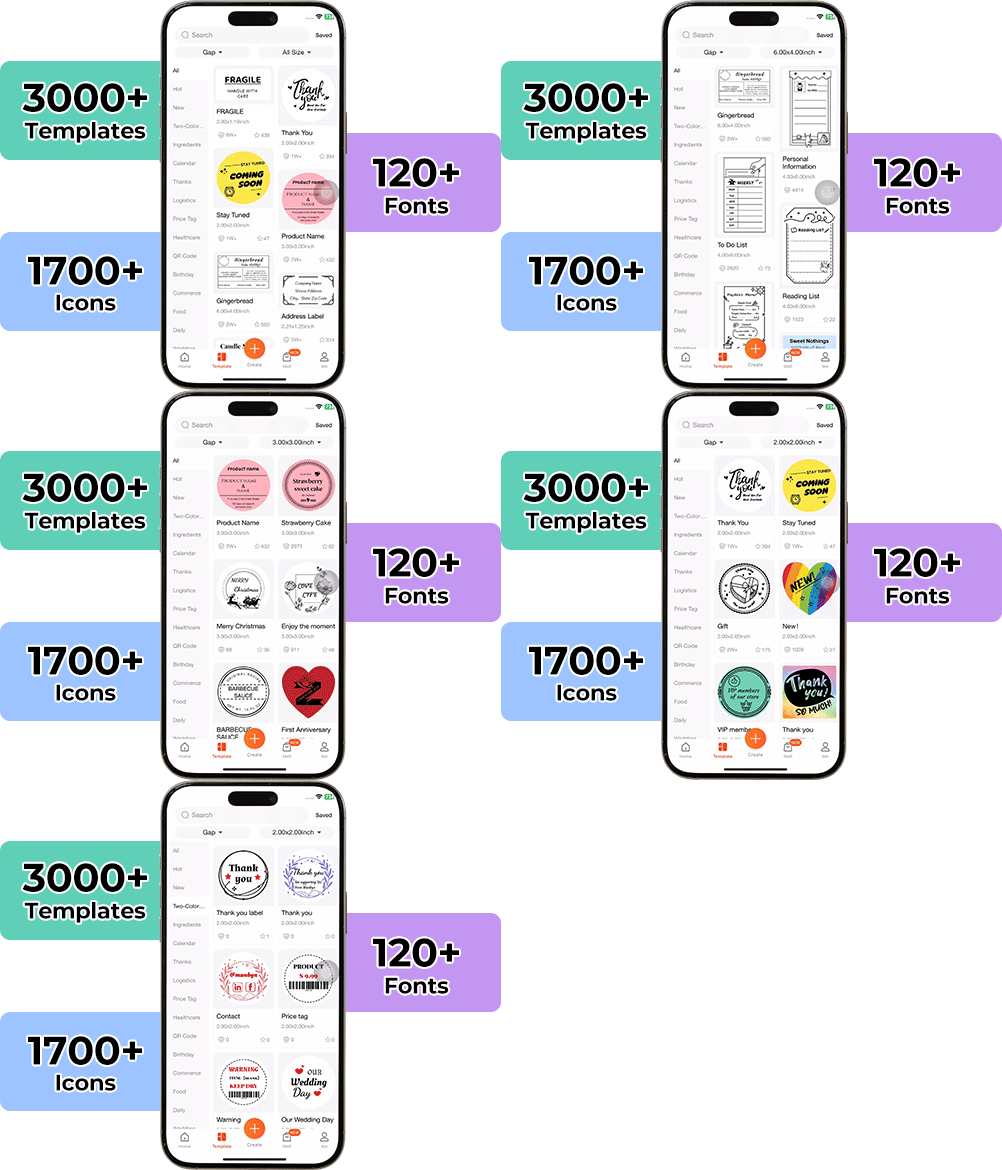
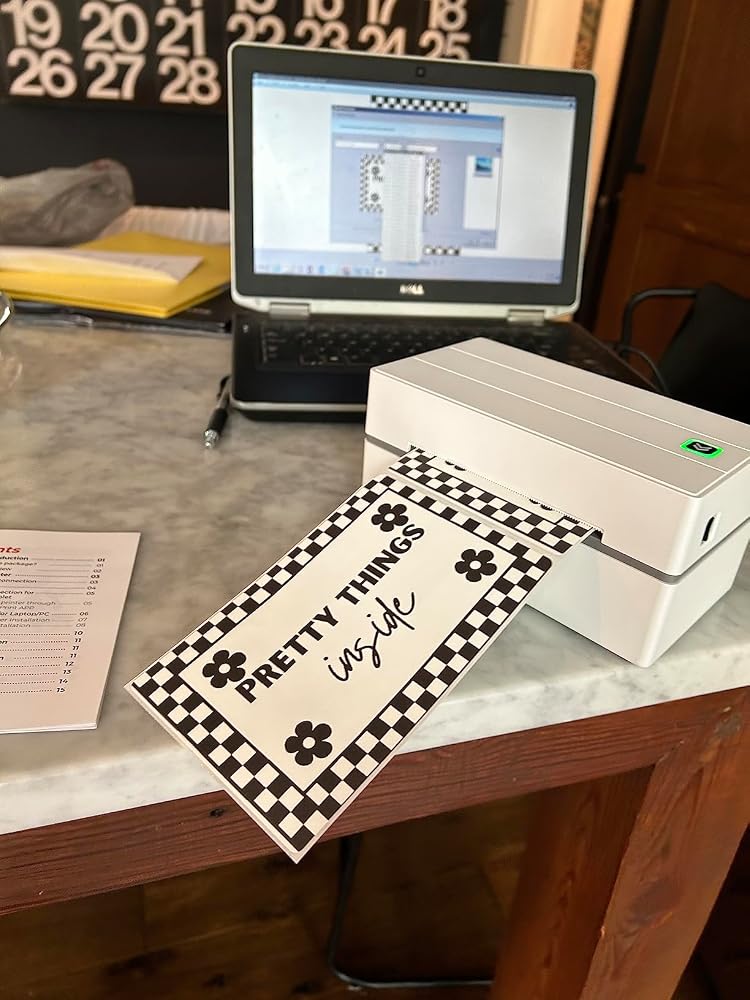
Designing custom packaging has never been this simple. Using the MUNBYN app and our versatile DIY Labels, you have a library of 3,000+ design assets and templates at your command.

Craft bespoke logos and promotional stickers that perfectly capture your brand’s personality—all while keeping your budget in check.


Google Play

Google Play

Download Now

 
Online Editor

Online Editor

Create Now

 
User Manual

User Manual

Download Now

Woman using a laptop with a barcode scanner on a desk

Women-Led Design for Cost-Smart Shipping

The RW130B reflects MUNBYN’s women-led focus on practical, affordable tools for growing businesses. Lightweight and portable, 130B thermal label printer lets creativity travel with you. Design and print custom labels anytime—whether you're organizing at home, selling at markets, or creating handmade gifts.

Portable Bluetooth Printing for Busy Sellers

Print 4×6 shipping labels or custom stickers directly from your phone, tablet, or computer. Whether you're fulfilling Shopify orders from home or printing product labels at a pop-up market, 130B wireless thermal printing gives you the freedom to work anywhere.

Auto Detection for Fast Batch Labeling

Set of five colorful square icons in a horizontal row.

One Printer, Unlimited Sizes

Forget manual calibration. Just load your 4×6 shipping labels, 2×1 barcodes, round stickers, or custom sizes (40–110mm)—130B's smart label detection automatically adjusts in seconds. That's plug-and-play label printing done right.

Your all-in-one tool for major marketplaces and carriers, including but not limited to

Etsy logo in orange on a white background
Amazon logo on a white background
Ebay logo in multicolor on a white background
Shopify logo on a white background
FedEx logo in purple and orange on a white background
UPS logo on a white background
Shipwire logo on a white background
Ninjavan logo with a red circle and black text on a white background
J&T Express logo in red on a white background
DHL logo in red on a white background
Easypost logo on a white background
Flash Express logo with a black lightning bolt on a white background
Poshmark logo on a white background
ShipStation logo on a white background
Easyship logo on a white background
ShippingEasy logo in green on a white background
XPSship.com logo on a white background

Designed to print more than 980,000* labels in shipping labels

How People Use MUNBYN

Print life and label quantity estimates are based on laboratory calculations (150 KM printhead life × 4×6" label length). Actual performance may vary due to print frequency, label material, operating environment, and maintenance conditions.

Shipping Label

Custom Labels

Barcode Labels

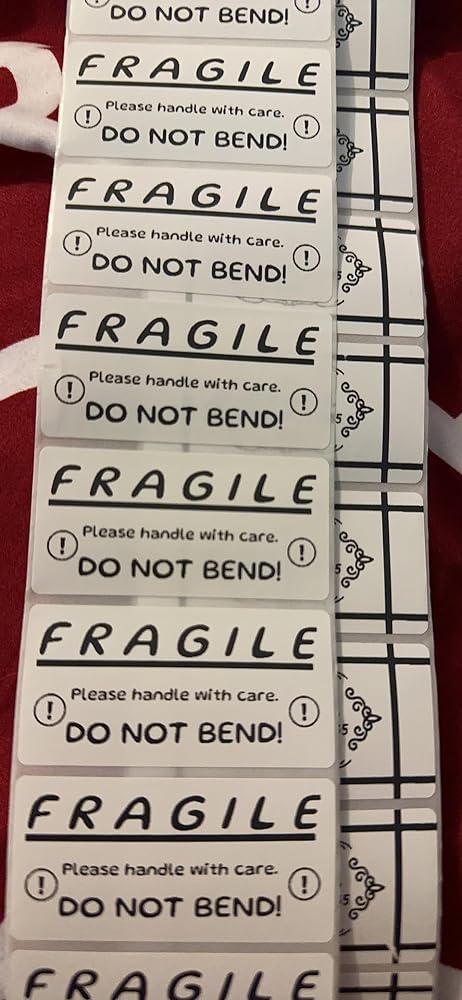
Fragile Labels

Branded Labels

Stickers for Daycare/School

Bluetooth thermal label printer praised for easy setup, fast printing, and compact design. Customers said "prints fast" and "easy to use." Some reported Bluetooth connectivity issues, alignment problems with small fonts/round labels, and occasional smudging. Works well for shipping labels and small businesses, though wireless printing limited to app only.

  • 5 stars: 148 (79%)
  • 4 stars: 27 (14%)
  • 3 stars: 11 (6%)
  • 2 stars: 0 (0%)
  • 1 star: 2 (1%)
S
Serena C.
Business Type: Bakery & Food
Took me a minute to figure it all out but once I did it was successful! Haven't printed a whole

Took me a minute to figure it all out but once I did it was successful! Haven't printed a whole lot yet but so far I am Impressed.

J
Jonathan P.
Business Type: Bakery & Food
The perfect printer

Easy setup, device connectivity is quick, the editing studio is user friendly and equipped with all the right tools to get the job done. Print quality and speed are professional grade.

E
Erin B.
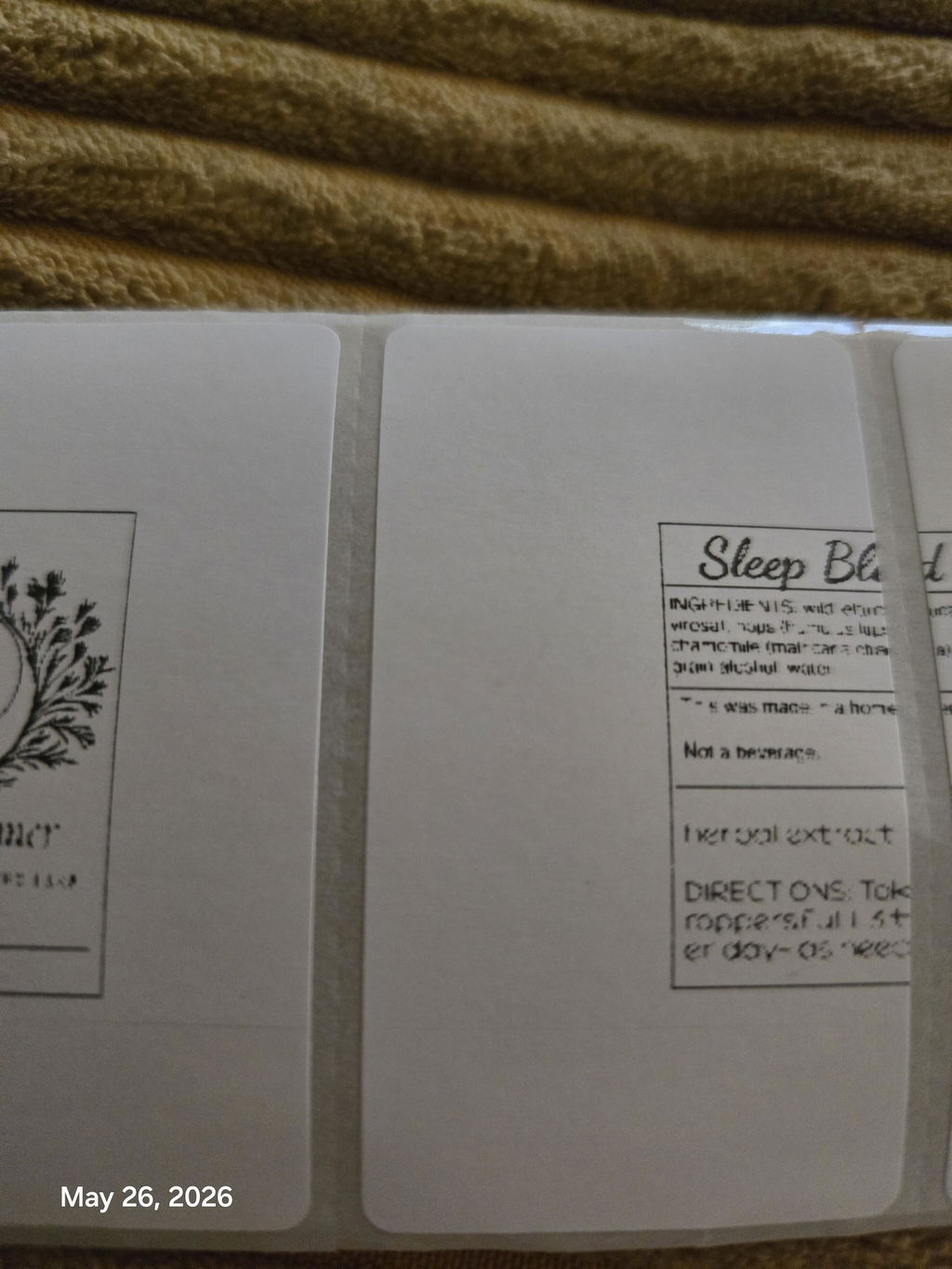
I have reviewed all the instructions and the labels look terrible

Thus far I havereviewed all the instructions both in the manual and through the company's videos. My stickers will not print in the right format and they are not clear. The print is faded and it looks like it ran out of ink. The labels being printed as of now look TERRIBLE!!

T
T.Whitman
Printer is Awesome!

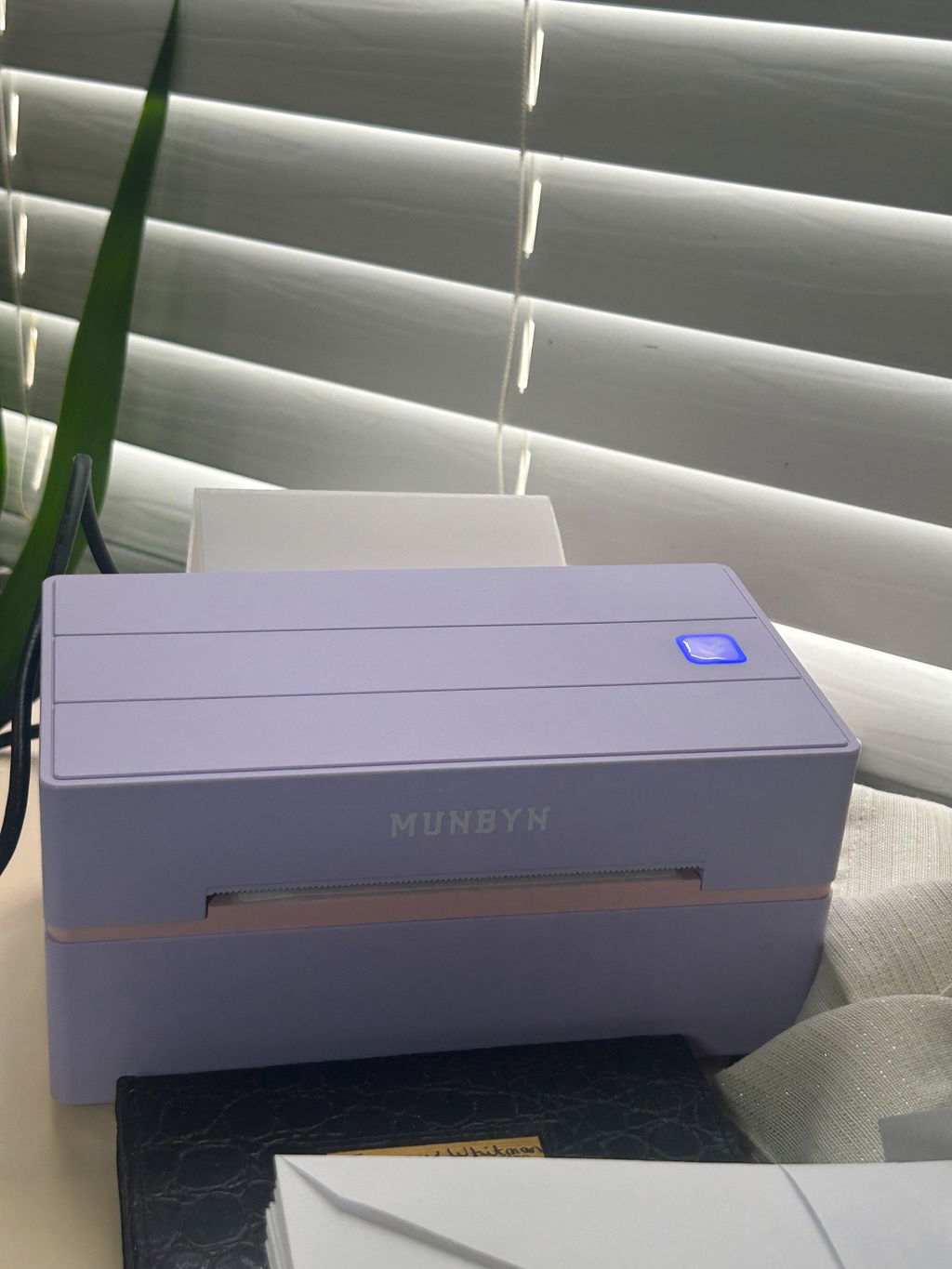
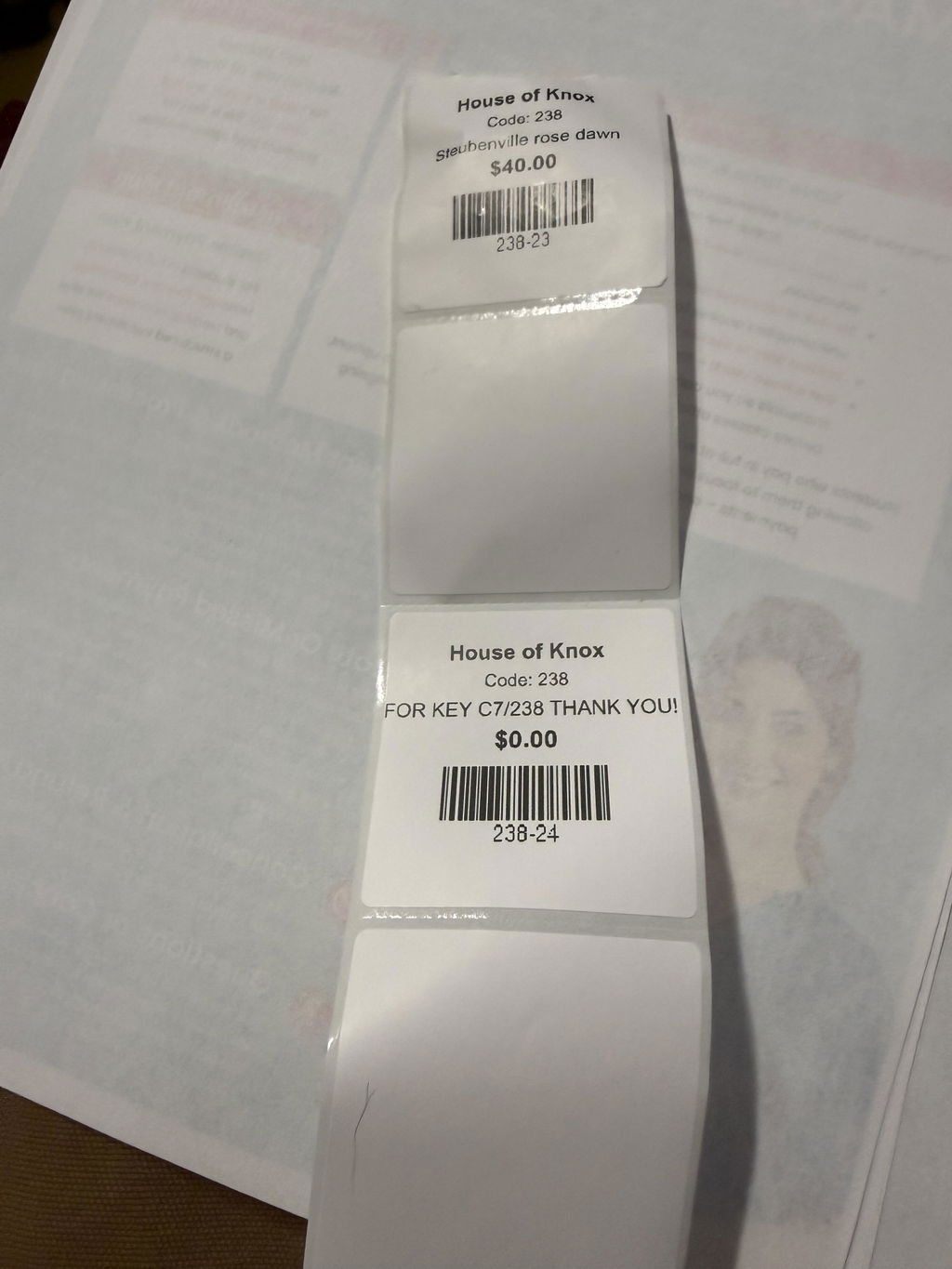
I just received this printer. I got it to print my shipping labels for eBay and to make stickers for some of the products I am selling. This printer works great. I am so excited to see what all I can create using it. I love the look of it, and it is not large and bulky. It fits on my desk nicely. I think it is a nice investment if you a looking for a small printer to do some light printing. I highly recommend giving it a try.

A
Anonymous
Cannot get it to stop skipping blank

Cannot get it to stop skipping blank labels

A
Angela G.
Love it

Stickers made super easy. Loved labeling my kitchen things and especially when I would make gift bags

r
roberto c.
Simple and Versatile

The media could not be loaded.


The setup was honestly easy. I love that I can create custom labels for what I want. I can either use the app itself or import files. I can also create custom label sizes on the app for other brand labels. I really loved that!

J
Jacqueline L.
Very efficient! Excellent printer!

It is exactly what I need for my small business and is easy to use and gives me nice, professional labels!

C
Chondra
Easy setup with bluetooth

The media could not be loaded.


The printer was easy to setup using the app and my Android phone. I was able to plug it in, load the blue circle labels I purchased, and print some test labels in just a few minutes. Looking forward to using it in the future for my baking orders and other projects.

F
Fayth C.
Awesome, took a little to set up

This is an amazing thermal label! It took a little bit to set up and I found it easier on a smart phone than my computer. Once I got the hang of it, it��s wonderful! Such a fun thing to make designs for! Cant wait to use this for my small business!

s
sorro d.
Bluetooth label printer is very easy and fun to use!

Very easy and fun to use this Munbyn P130B printer! I love it so much. I used this template from the app to print these labels. I love that I can use this through Bluetooth from my phone so I don��t have to plug my laptop in when I need to print some labels.

D
Dab's
Cute printer!

I love that this is bluetooth and I dont have to be worried about plugins.I just got the munbyn printer and once again it is fabulous. Does exactly what I need and saves so much time and cost. Thanks munbyn for another wonderful printer.Again its bluetooth ????

E
EAPastor
Love that it��s Bluetooth!

I was tired of buying ink for my regular printer and occasionally need to print labels for my side hustles. I was in the market for a thermal label printer and this one checks all the boxes, most importantly the Bluetooth capabilities! I am so excited to print (and send) my first package using this label printer!

J
JHallberg
Very happy with printer

I��ve been wanting to try the Bluetooth version of this printer and was so excited to set it up. Set up was fairly easy. I have a Mac. And I set up the app on my phone. Both work great. All in all from set up to print took less than 15 minutes. Would definitely recommend.

J
Jodi T.
Quality is the worst

Nothing I'm printing comes out legible, it's grainy .. my graphics are high dpi .. Can't get it to center on the circle. Entire roll of labels wasted so far.It has to get better, from what the other reviews say I guess. This is my second one and I don't want to return this one like I did the last.

Y
You n.t.
Definitely a must!

No need for me to have an ink printer anymore. Thermal printing is the way to go. The size of this Munbyn thermal printer is super small and won��t take up a lot of space. It��s easy to print shipping labels and or circle stickers like I��ve shown. Great for small businesses. AND it��s Bluetooth!! Perfect!!

M
M A.Y.
Superb TECHNICAL SUPPORT

I placed a call to TECHNICAL SUPPORT because I was having a problem with printing out labels in a certain size. TECHNICAL SUPPORT was very caring and professional, and guided me through solving the problem in very little time. I was very impressed with the knowledge and caring. ????

C
Courtney T.
It��s a must have!

The printer comes with simple instructions for setup. The printer also comes with scannable barcodes to make set up quick and easy. The prongs are fast and clean! Can��t wait to use on a daily basis running my side business! Bluetooth feature was very easy to setup and connect to this product and brand is a must have for business owners.

F
Felicia H.
Does the Job!

Bought this thermal printer for my online business and it has been nothing but perfect. The APP is easy to use and works great!

K
Karen
Must have!

This thermal printer from Munbyn was easy to set up and use. It connected right away and able to print a quick image. Didn��t even realize it came with some 4x6 shipping labels which was nice! I used an iPad to connect everything and it was a breeze. Definitely a must have for any small business needs!

M
Mely g.
Easy Setup

The setup was super easy on my IPhone it only took around 5-10 min not hard at all, easy to use, it prints clear and clean. I am really happy for this purchase, I am a reseller and I need this to print shipping label, it works great.Definitely worth the money! ????I will do an update once I use it for a couple months.

T
Tawny B.
Second buy

We love it. We have 2 now. We can print shipping labels and product stickers without having to switch paper!

M
Mar
Amazing quality and easy to set up!

I got this printer today and it took me less than 3 minutes to connect and print from my tablet. The quality of the print is amazing and it even comes with a free stack of 4x6 thermal label paper, USB for a laptop/ computer and a flash drive! The app has so many stickers and templates to choose from as well. The labels have a perforated edge for easy cutting! Perfect for printing shipping labels or any labels in general!

FAQs

Please read our FAQs page to find out more.

What is the MUNBYN RW130B designed for?

The MUNBYN RW130B is a compact 203 DPI thermal printer for 4 x 6 shipping labels, address labels, barcode labels, package labels, and everyday office organization. Its lightweight design fits home businesses, packing stations, warehouses, and mobile workspaces where desk space is limited.

How does the MUNBYN RW130B connect to phones and computers?

The RW130B shipping label printer connects by Bluetooth to iPhone and Android. Windows and Mac computers can also use a USB connection. Mobile printing runs through the MUNBYN Print app; for computer jobs, select the RW130B and set the page size to match the physical labels.

Can the RW130B label printer print labels from Shopify, Etsy, eBay, and shipping carriers?

Yes. The RW130B can print shipping labels created by Shopify, Etsy, eBay, Amazon, UPS, FedEx, USPS, and other ecommerce or carrier platforms. Open or download the platform label, verify the document size and orientation, and print without applying scaling that alters the barcode.

What label sizes are compatible with the MUNBYN RW130B?

The RW130B label sticker printer supports direct thermal label widths from 40 to 110 mm, or about 1.57 to 4.3 inches. This range includes common 4 x 6 shipping labels and narrower address, barcode, envelope, inventory, and organization labels.

Does the MUNBYN RW130B shipping label printer use ink or toner?

No. The RW130B label printer for shipping prints with direct thermal technology and does not need ink, toner, or ribbon cartridges. It requires compatible direct thermal labels.

What print quality and speed does the RW130B thermal printer offer?

The RW130B has a 203 DPI print head and a listed printing speed of up to 150 mm/s. It is designed for clear shipping addresses and scannable barcodes during routine fulfillment.

Is the RW130B label printer suitable for a small business or home office?

Yes. The compact body, Bluetooth and USB options, 4 x 6 label support, and ink-free operation make the MUNBYN RW130B a practical choice for online sellers and home offices. It can move between a desk, stockroom, and packing area without requiring a large dedicated workspace.

How do I fix misaligned or incorrectly sized labels on the RW130B?

Load the labels straight, adjust the guides, and recalibrate whenever the label size changes. Confirm the document uses the exact label width and height, and turn off automatic scaling if it changes the layout. Print a test label before a large batch.

Didn’t find your answer?

Don't hestitate to contact us

Free shipping and returns