Scroll to top

Print Anything, Anywhere

Your ideas, your space — print wherever inspiration strikes.

Ink-Free, Worry-Free

Zero ink. Time, money, and planet-saving.

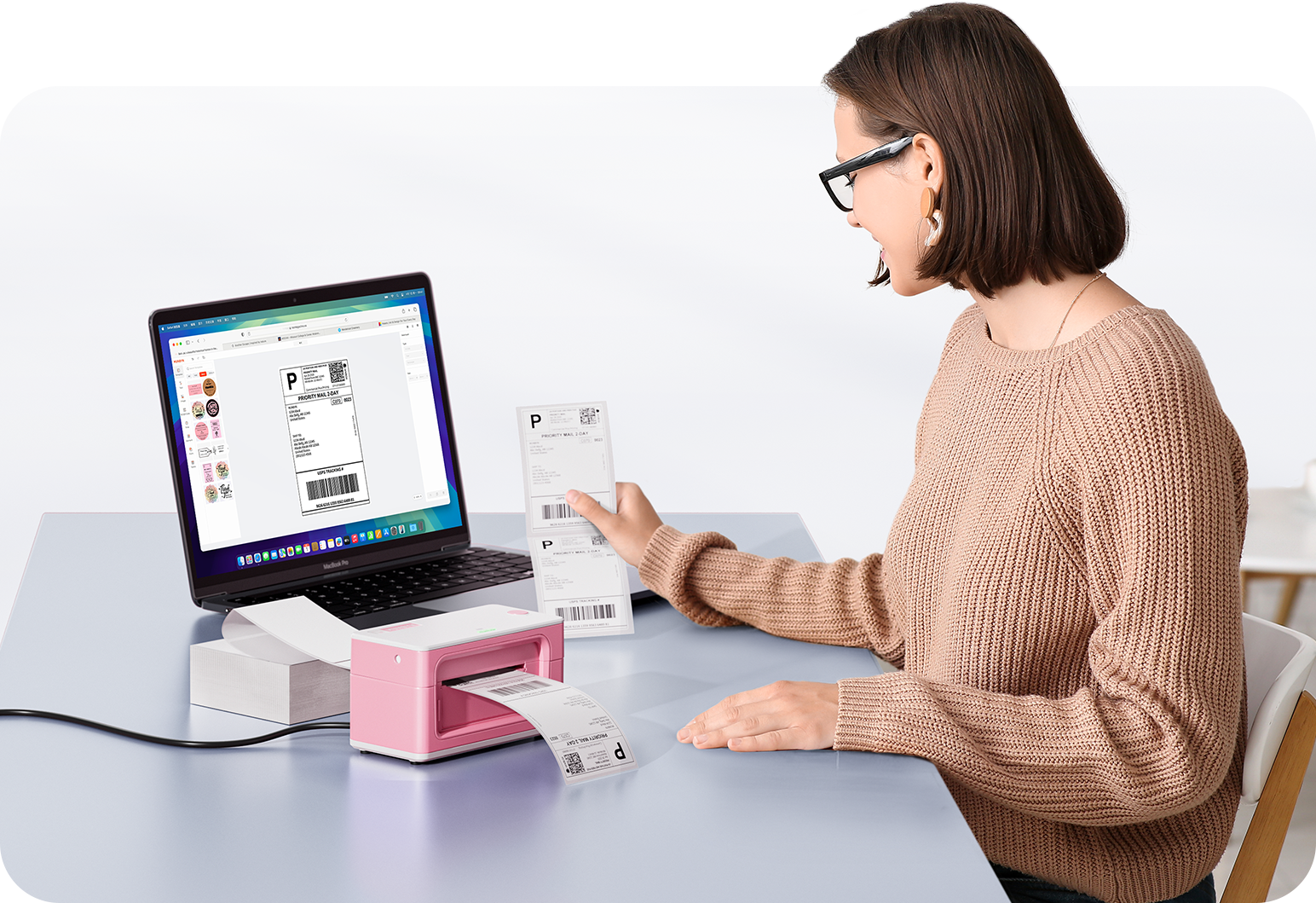
Fast to Print, Easy to Keep Going

High speed:150 mm/s = one 4×6 label per second.

Two-inch dual color labels printed on MUNBYN label printer paper, showing vibrant black and blue label designs.
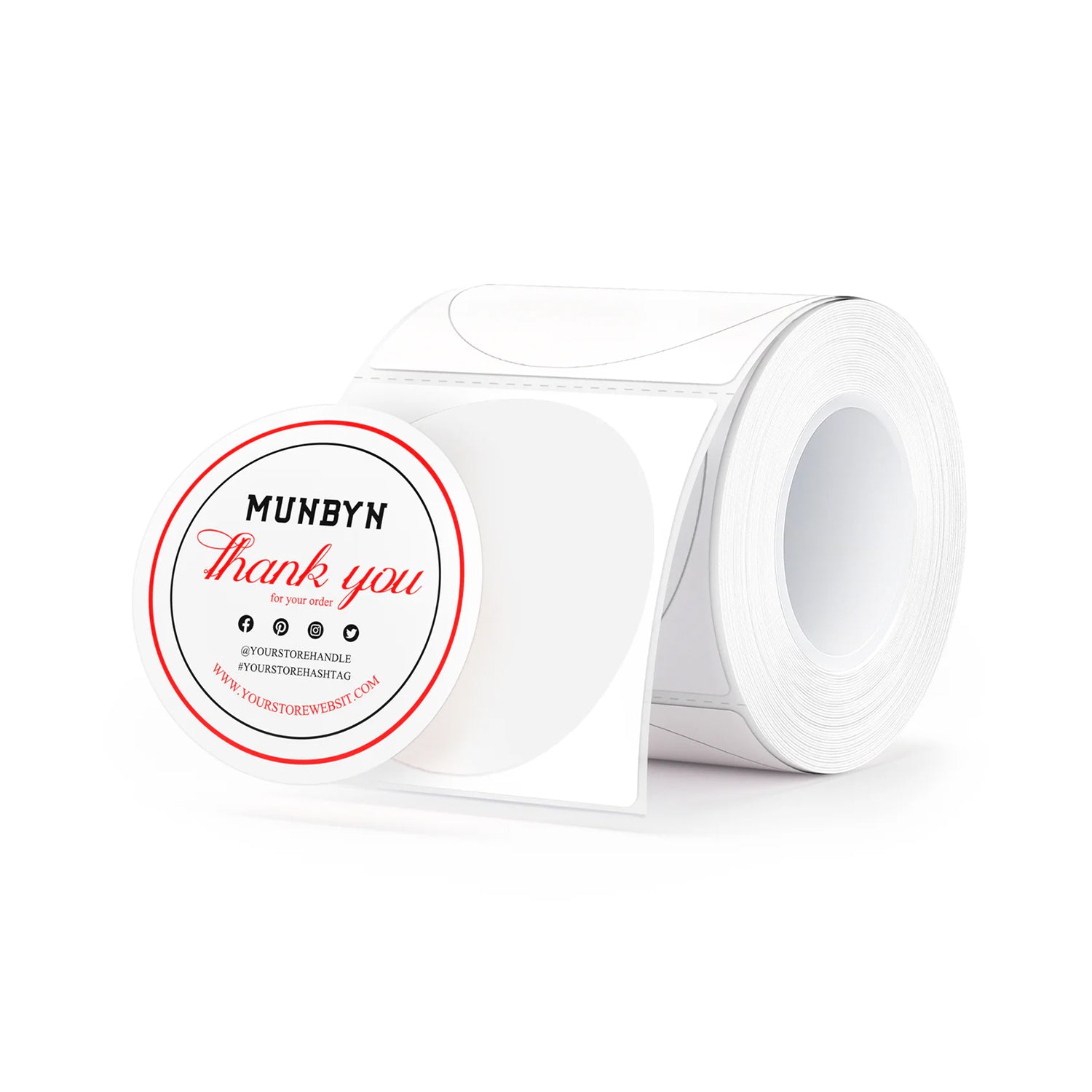
MUNBYN 2" Dual-Color Thermal Labels for RW405B Product and Packaging Stickers
$9.99

Product details

Download our app

High-End Labels in Minutes
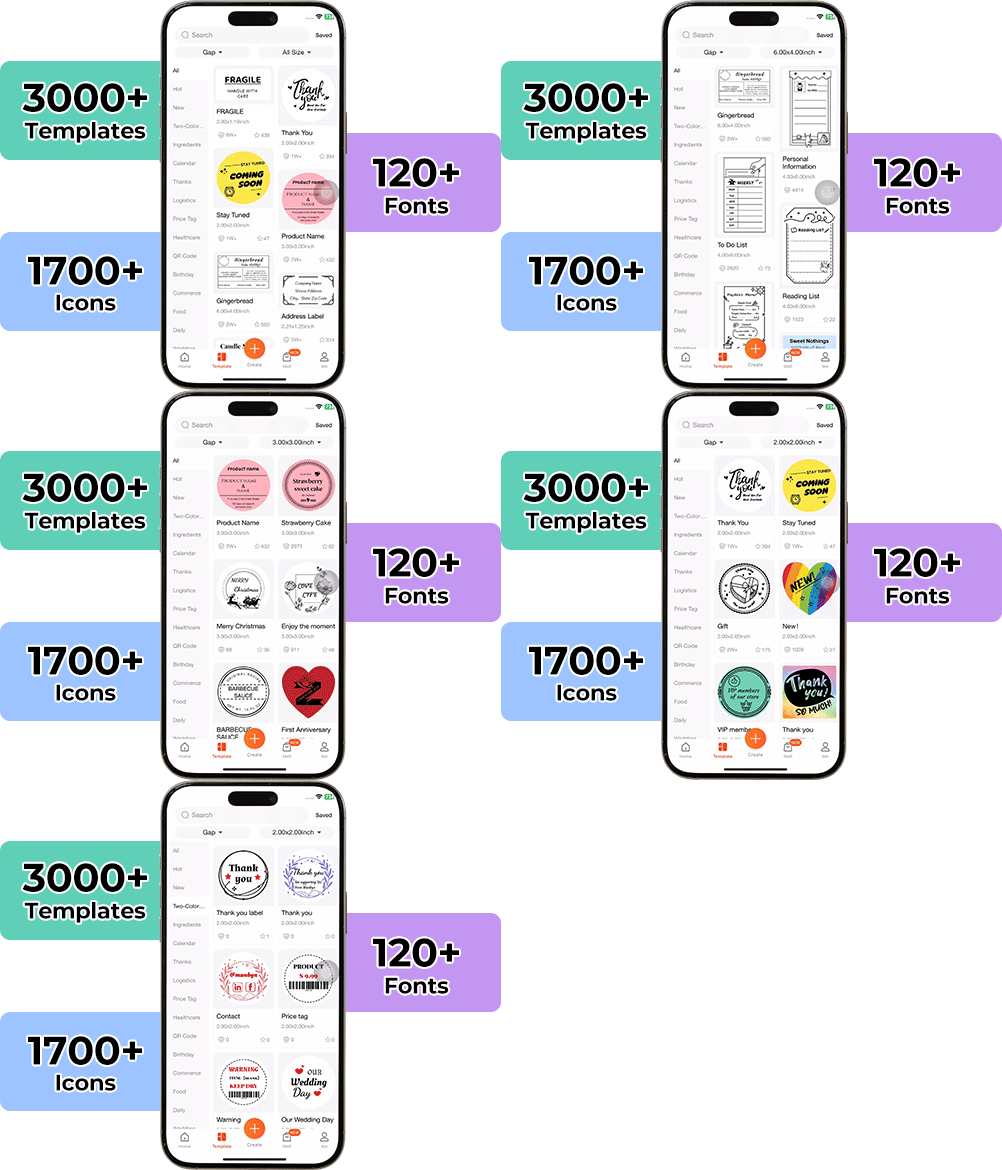
Designing custom packaging has never been this simple. Using the MUNBYN app and our versatile DIY Labels, you have a library of 3,000+ design assets and templates at your command.

Craft bespoke logos and promotional stickers that perfectly capture your brand’s personality—all while keeping your budget in check.


Google Play

Google Play

Download Now

 
Online Editor

Online Editor

Create Now

User Manual

User Manual

Download Now

Woman using a laptop with a barcode scanner on a desk

Proudly Women-Operated

80% of our leadership team are women, bringing empathy and innovation into every design and decision. Because when women lead, technology becomes more human — and creation becomes more meaningful.

Wireless Freedom

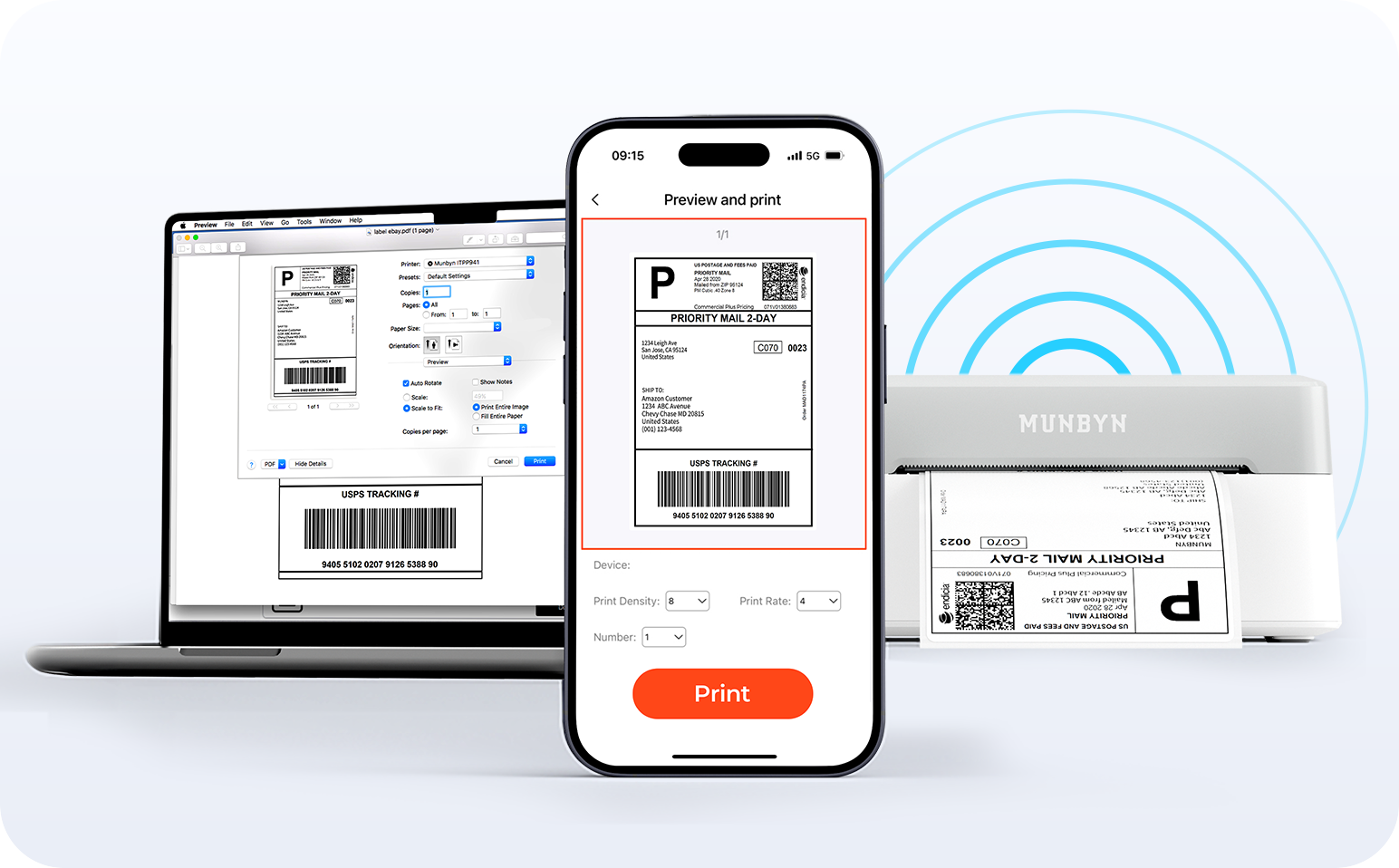
Say goodbye to tangled cables and hello to effortless printing. Enjoy instant Bluetooth connectivity wherever you work, or plug in via USB when you need it.Seamlessly compatible with Windows, Mac, iPhone, iPad, and Android—your whole workspace connected, your printing made simple.

Load video:

Smart label detection

Set of five colorful square icons in a horizontal row.

Label Freedom. Effortless printing starts here.

Supports ANY direct thermal label

4x6" 3x2" 3x1" 2x1" 4" 2"

Your MUNBYN printer automatically recognizes and adjusts to different label sizes—no manual setup needed.
From 4×6 shipping labels to 2×2 logo stickers and a wide range from 1.57" to 4.3" wide, switching between tasks takes only seconds.

Your all-in-one tool for major marketplaces and carriers, including but not limited to

Etsy logo in orange on a white background
Amazon logo on a white background
Ebay logo in multicolor on a white background
Shopify logo on a white background
FedEx logo in purple and orange on a white background
UPS logo on a white background
Shipwire logo on a white background
Ninjavan logo with a red circle and black text on a white background
J&T Express logo in red on a white background
DHL logo in red on a white background
Easypost logo on a white background
Flash Express logo with a black lightning bolt on a white background
Poshmark logo on a white background
ShipStation logo on a white background
Easyship logo on a white background
ShippingEasy logo in green on a white background
XPSship.com logo on a white background

Designed to print more than 980,000* labels in shipping labels

How People Use MUNBYN

Print life and label quantity estimates are based on laboratory calculations (150 KM printhead life × 4×6" label length). Actual performance may vary due to print frequency, label material, operating environment, and maintenance conditions.

Shipping Label

Custom Labels

Barcode Labels

Fragile Labels

Branded Labels

Stickers for Daycare/School

Dual-color thermal labels praised for strong adhesion, clear prints, and vibrant color options. Customers said "great quality" and "works perfectly." However, dual-color printing requires specific RW405B printer; non-compatible printers produce mixed results. Labels stick well to various surfaces with good durability. Some found them "expensive" but appreciated professional appearance.

  • 5 stars: 27 (82%)
  • 4 stars: 5 (15%)
  • 3 stars: 1 (3%)
  • 2 stars: 0 (0%)
  • 1 star: 0 (0%)
B
Brenda E.
G
Gary F.C.
2 inch round thermal stickers, 150 count, any brand thermal used

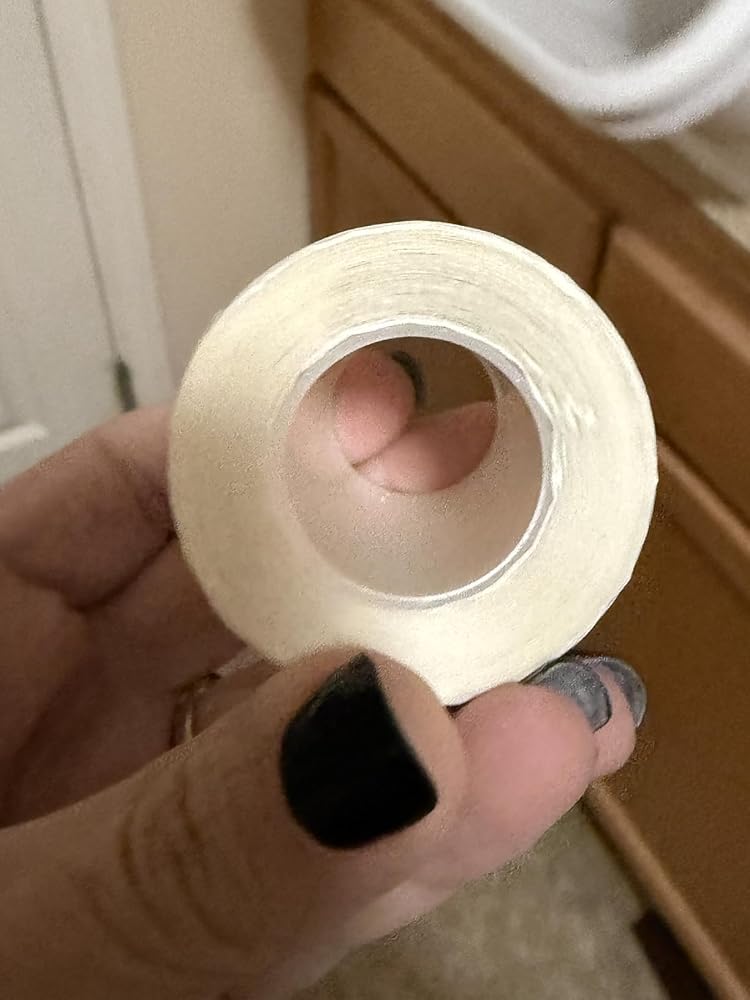
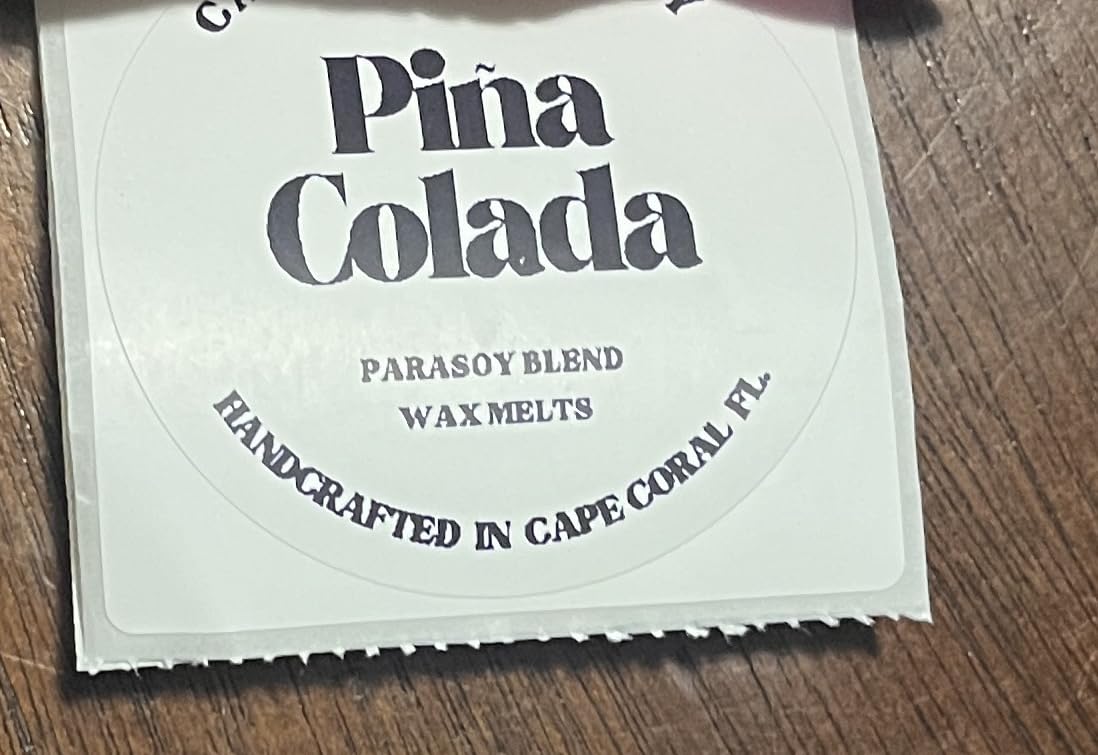
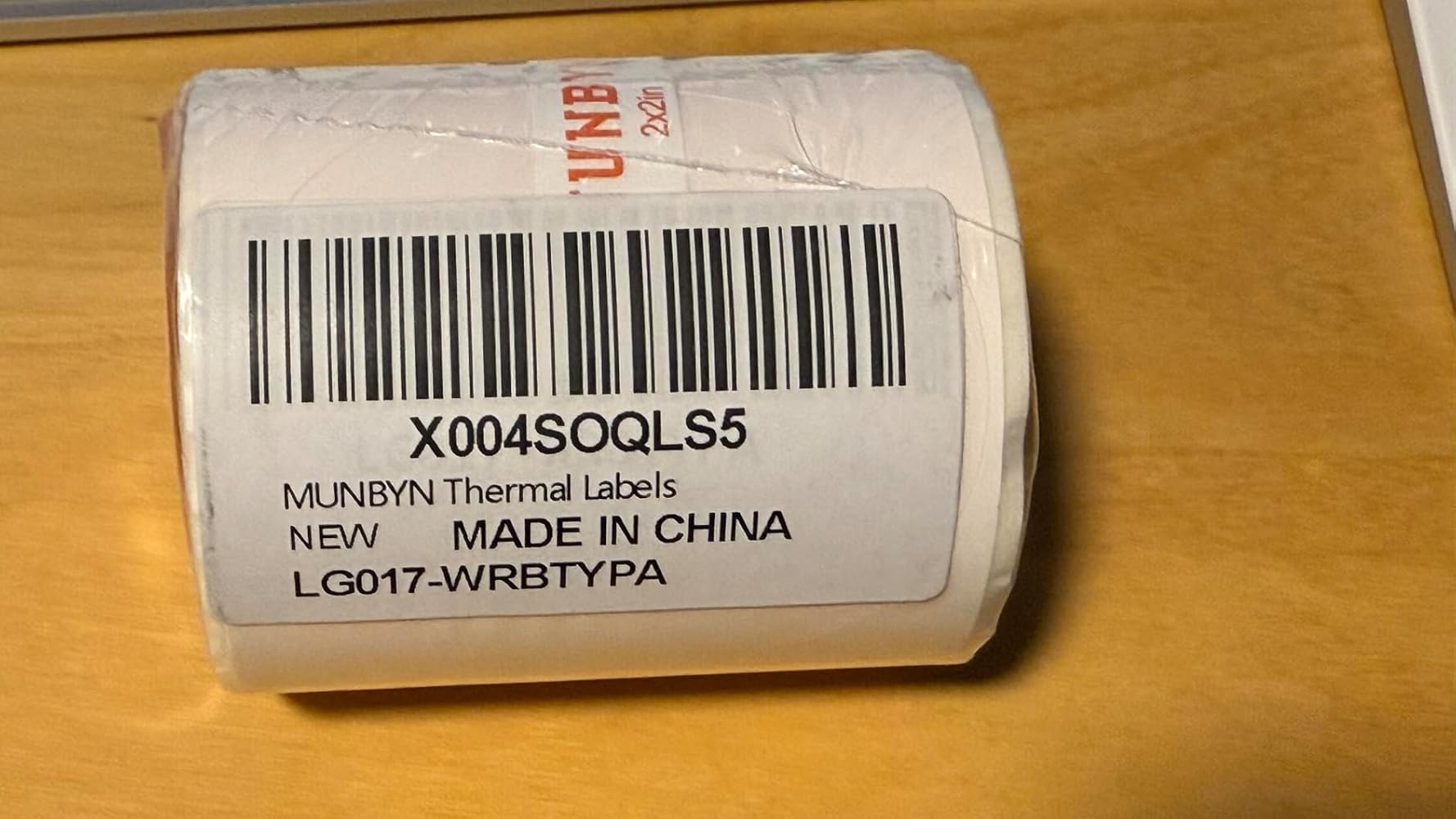
Gotta love an easy to use 2 inch wide round self stick label. I found it with the Munbyn 150 label roll that has a 1 inch hallow roll center that measures about 1 3/4 inch in thickness. I use a different software/brand than Munbyn but I had no problems printing on these 2 inch round labels. It’s easy to set up and easy to peel off with the proper stickiness. I labeled my garage plastic bins to better organize my hand tools.

C
CSmallster
Nice red thermal print, keep away from heat

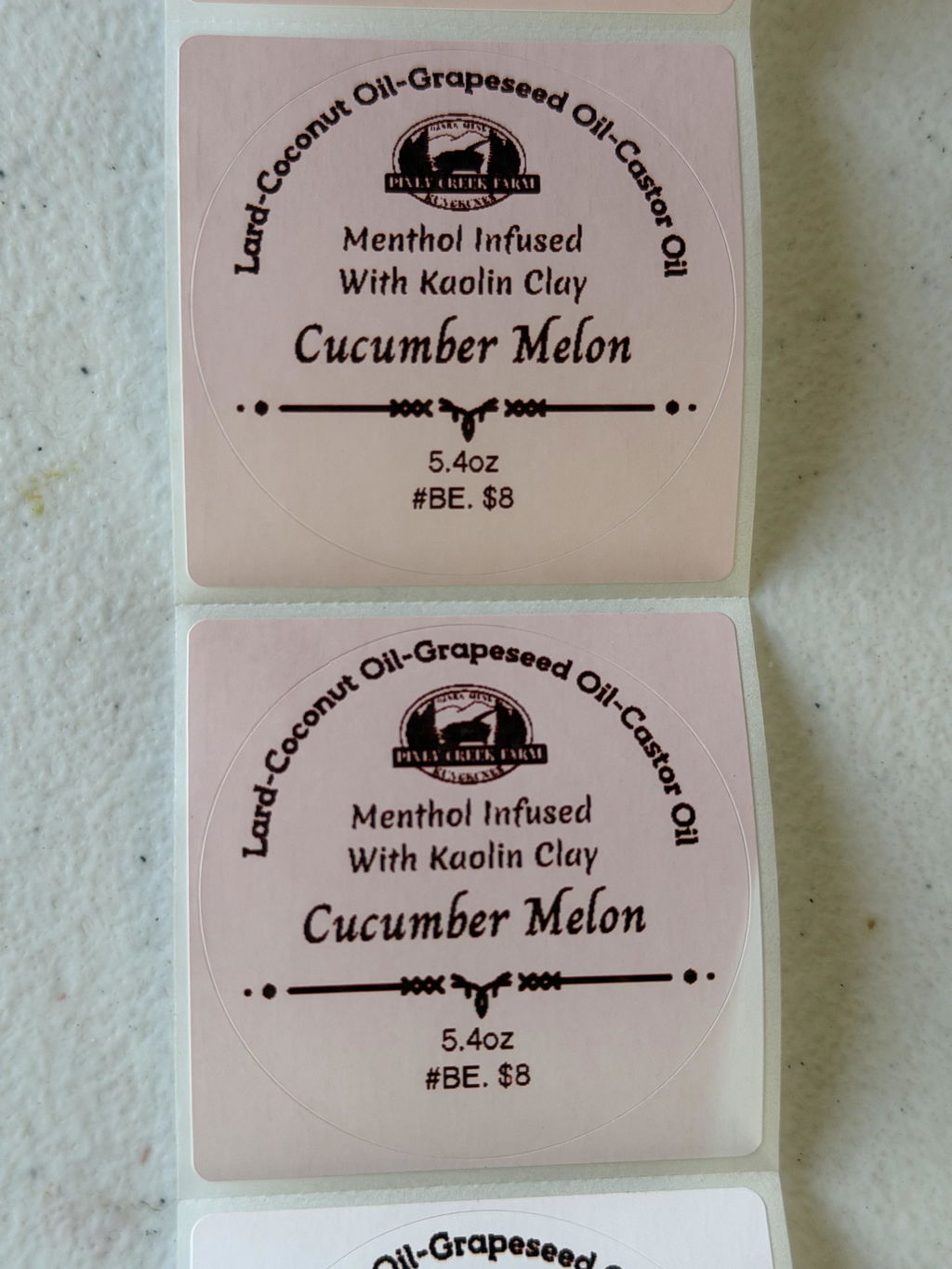
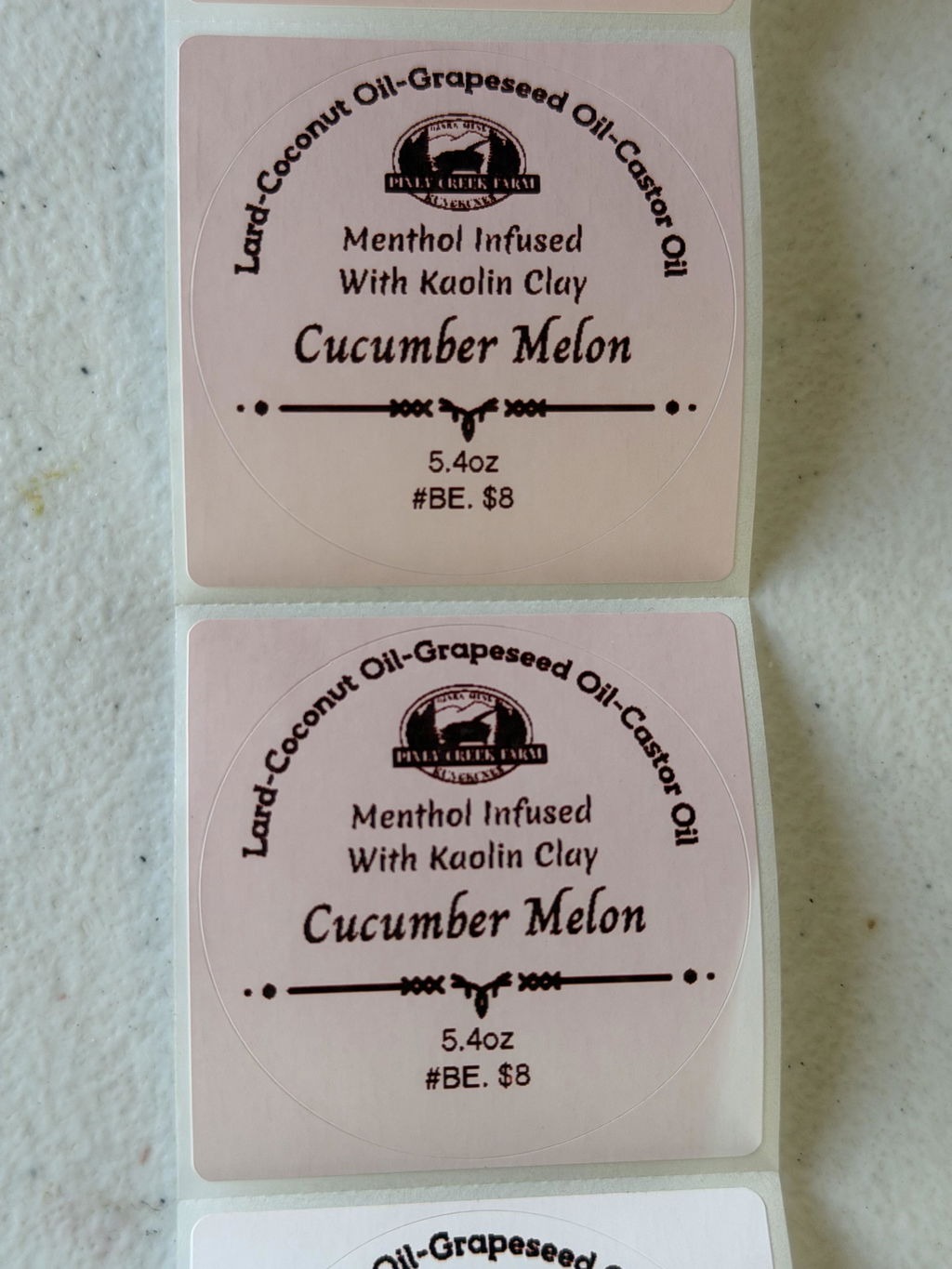
Nice thermal labels, 2” rounds, with very good adhesive. They are easy to apply, they stay put, but if you need to move them they don’t tear or mess up your item. The red printed up very nicely, vibrant color with good definition. I lost a few stickers due to a sort of “thermal bleed”? I can only guess that they must’ve gotten too warm at some point in storage or shipping making the red noticeable - turning the sticker pink or pink with white lines.

A
Amazon C.
High quality thermal labels

These labels are well made with clean die cuts and a nice matte/semi-gloss finish that feels somewhere between paper and plastic—sturdy but still writable. They adhere well and present a professional look.When I ordered them, I knew my software supported both black and red printing, but I wasn’t sure about my printer hardware. It turns out my printer doesn’t support dual-color properly, and its fixed temperature setting falls right on the transition between red and black. As a result, I get mottled red/black prints. That’s a limitation of my hardware, not the labels themselves.I’m using them for labeling storage containers, and they work just fine for that purpose

D
DJ M.
Even works with a non Munbyn printer

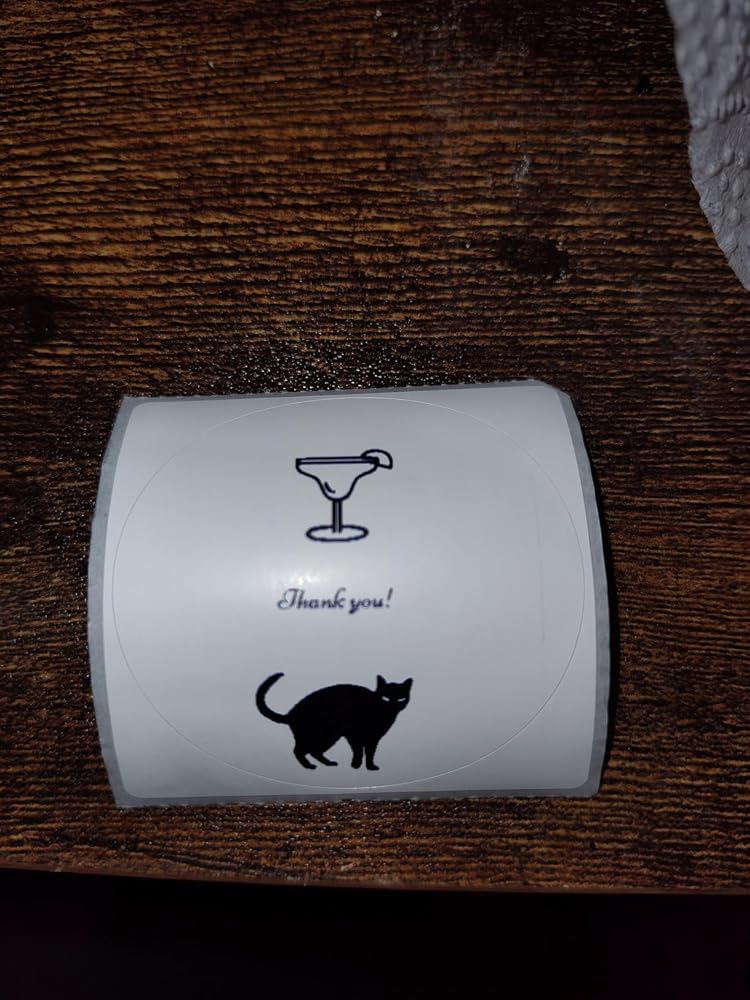
I took a chance in these as I don't have a Munbyn brand printer. I do have two different models of SVANTTO printers. Happily, they do work! The thicker the line, the darker it is so to achieve blue with these printers, I needed to design the blue elements with thin lines. In the example I'm adding, the cat is a large solid section so it printed black. "Thank you" is very tiny and printed blue. Likewise, the drink glass is made up of thin lines so it is blue. I tried it with a traced image and it came out a lovely blue (even though the image wasn't great). I'll have to play around with the design, but I'm very excited about these!

M
Melissa
Worked in my non compatable printer, kind of!

I dont have the thermal printer these are made for, but I was curious if they would work in my thermal printer. They do! While my printer isn’t intended to print different colors; it does print a dark red/black when printing. Mostly I just wanted to know how these work, I suspect different temperatures activate the red vs black colors? At any rate; these were easy to load, my regular off brand thermal printer registered the stickers just fine, and the resulting stickers were cool. Well made; and I like the different color it ended up printing! I show the red print next to regular black print from a different brand of stickers. Print is crisp; stickers are sticky.

v
virginia
Labels for Munbyn Printer

So i was able to use these and i found they printed dark however I was unaware that the labels are only compatible with a specific printer in order to print the color. Regardless i did try them the print dark and clear and the adhesive was strong.

S
Sam J.
Figured out how to print in red with non-Munbyn printers

So, I’m using a non-Munbyn printer, a Phomemo PM246S thermal printer. The Amazon product page clearly says it’s only compatible with a few Munbyn printers. But I decided to buy the ‘red & black’ version anyway to try it out.I designed a label with red and black text and sent it to the printer. It came out all black, with a bit of dark red on the edges. I printed a couple more in all black and all red, and they all came out the same color - a dark maroon/black shade.Then, I went into the printer’s driver settings and found a setting for ‘darkness’. I hadn’t changed any of these settings before, and it was set to ‘printer default’. I changed it to ‘1’, and voila! It printed in red. I tried changing it to ‘2’, same shade of red. Changed it to ‘3’ and it reverted to the first print shade - the same dark maroon/black color again.Unfortunately, I couldn’t get it to print ‘red and black’ on the same label. I guess my printer doesn’t alternate the temperature within the same print-out - which is how the compatible printers print in the two shades.Despite the inability to alternate between red and black within the same label - I am going to give it 4/5 stars. The lack of crisp print on the other hand, I am going to knock a star for. I have other Munbyn labels where I am able to get nice crisp lines and text but not quite on this one.

M
Mikey94025
Great Labels for Munbyn Printers — But Compatibility Issues with Other Brands

This roll of round thermal labels works well with Munbyn label printers. The labels are clear, easy to read, and simple to peel off after printing. Adhesion is solid, and the print doesn’t smear when wet — as expected with thermal printing.However, compatibility with non-Munbyn printers is likely problematic, despite the product description claiming to be "compatible with all major brands and suitable for all tray and thermal printers." There are the issues I encountered when using these 2" labels in my own label maker (this one):𝗥𝗼𝗹𝗹 𝗦𝗶𝘇𝗲 𝗧𝗼𝗼 𝗟𝗮𝗿𝗴𝗲 - My printer supports 2" labels, but the roll’s diameter was too big to close the lid. I had to manually remove about 10% of the roll to make it fit.𝗗𝘂𝗮𝗹-𝗖𝗼𝗹𝗼𝗿 𝗣𝗿𝗶𝗻𝘁𝗶𝗻𝗴 𝗡𝗼𝘁 𝗦𝘂𝗽𝗽𝗼𝗿𝘁𝗲𝗱 - These labels support dual-color printing, but my printer and its app don’t. My Thank You labels come out as a mixture of black and blue (see photo). I printed a solid square image onto a label to see the mix of black and blue (it appears mostly blue with some diagonal lighter stripes going through it). I even tried using the Munbyn iPhone app, but it won't connect to my non-Munbyn printer.𝗧𝗲𝗺𝗽𝗹𝗮𝘁𝗲 𝗦𝗶𝘇𝗲 𝗠𝗶𝘀𝗺𝗮𝘁𝗰𝗵 - The sizes for this round label, gapped paper are nicely documented in the Amazon product description, including the 52mm x 52mm paper size and the round label's 50.8 mm inner dimensions. However, my label maker's app does not list any supported 52x52 paper size nor have any 52x52 templates. I had to take one of its 55x55 templates, then manually resize and reposition its elements using the mobile phone app (painful). See my Thank You label results in the photo.

C
Charles C.
Color is pretty

Unfortunately, I didn’t notice that a Munbyn model compatible with these dual-color thermal labels was required before I made the purchase. However, I tried them with my Phomemo thermal printer, and they worked well too - though only the blue color showed. Anyway, I’m still satisfied with the results. The print is clear and sharp, and the blue gradient looks very pretty on the white stickers.As for the sticker quality, they’re sticky and can be peeled off easily. I tested one by sticking it on paper and then peeling it off, and both the label and the paper stayed in shape. Overall, I think these are very good-quality labels, even if I can only print in one color.

i
imsureitsfine
Works Normally on other printers too

I have two different label printers. One is a Munbyn brand and the dual color works fine on there as stated. The overall quality of the thermal sticker is decent albeit perhaps a little thin. You can determine the color you want via the app. I typically use a different brand of thermal printer that doesn't have this capability, and it works fine on there too as a standard single-color print. I did notice that some spots will show the secondary color slightly but otherwise they work just like normal thermal stickers.Anyhow, a little more expensive but it does look nice with two different colors.

B
Bill B.
Will be buying many more rolls!

Love these! Wish I would’ve grabbed the blue roll when I had the opportunity! Fits perfect in my thermal printer and shows a perfect hint of red color! They’re good size and perfect for my egg cartons I put out in our stand! Easily used, installed, very great adhesion and stick well! Print quality is amazing compared to my old labels !

A
Anonymous
Nice labels

Nice labels, just what I needed to add that little extra pop

J
Jaassiel35
Good!

Good quality, perfect size, this labels are what you need to have perfect little stickers. The adhesive is very strong and print adhere well to it.

Z
Zed
It's amazing this is even possible

I gave these a test print just to see if it's true because I had no clue you could actually print it thermal with multiple colors and I was incredibly surprised at how easy it is to get set up and how well it prints out ultimately it feels like it's magic this is incredibly game-changing indefinitely worth checking out.

A
AmazonJunkee
Very pleased!

I've had a Munbyn thermal printer for a few years now and absolutely love it! I needed to print some quick labels for a secret pal project and these came in handy. I didn't even realize that the printer could print in red with certain paper and this just blew my mind. The circles are 2x2 and it was easy to pick a template to print with. The stickers worked like a charm and serves as labels for the gifts I gave my secret pal. Very pleased!

C
Christina
Prints Nicely, Color is as Described!

These labels worked well in a thermal printer. The print came out consistent with the color as described and the label adhered as expected to the surface it was applied to. Overall the labels worked well and there were no loading, jamming, or printing issues.

K
Kindle C.
Love these two color, thermal labels

I was so happy to find this new style of thermal label. I’m excited by the opportunity to introduce a second color into my thermal printing. This is a real game changer. Worked great with my printer and I’m loving the print quality. I didn’t see any smearing and they were easy to pop right into my printer.

T
Todd S.
more professional all the way around.

I have used a number of different brands of circular thermal labels and this is the first one where the material covers the entire liner so it stays more firm when you load the labels and less prone to misalignment. I would opt for these for that reason alone. The labels I got have a very mild gloss and there was no issue with thermal printing on them.Each label is perforated too so this is the idea stock to use if you want to pass out the stickers to others. It's more professional all the way around.

FAQs

Please read our FAQs page to find out more.

1. Why should I choose a MUNBYN thermal printer over an inkjet or laser printer?

MUNBYN uses advanced Thermal Printing Technology, which means zero ink, zero toner, and zero ribbons. You only need thermal labels. This not only saves you hundreds of dollars in supply costs annually but also eliminates the mess of leaking cartridges and the frustration of running out of ink mid-shipment.

2. Can I use any brand of thermal labels with this printer?

Yes! MUNBYN printers are compatible with any Direct Thermal Labels. Whether you prefer fan-fold or roll labels, as long as the width is between 1.57" to 4.3" (40mm-110mm), our thermal printer will automatically sense and calibrate to it.

3. Which shipping platforms and marketplaces are compatible?

MUNBYN is a favorite for small business owners. MUNBYN label printers are fully compatible with major platforms, including:

  • Marketplaces: Amazon, eBay, Etsy, Shopify, Zalando, and Shopee.
  • Couriers: UPS, FedEx, ShipStation, Pirate Ship, USPS, and DHL.

4. What labels can I use with this printer?

Our thermal printers support a wide range of direct thermal labels, including 4×6" shipping labels, 3×2", 2×1", barcode labels, round labels, and custom sticker sizes (40–110mm width depending on the model). The printer auto-detects label size—no manual calibration required.

5. Is this label printer easy to set up?

Yes. The sticker printer is designed for quick setup with step-by-step installation guides and driver downloads available. Most users can complete installation in just a few minutes.

6. How do I calibrate the printer for different label sizes?

Our intelligent Automatic Label Identification does the work for you. Insert your labels, press and hold the top button until you hear a single beep, and the printer will automatically adjust the label size and spacing for perfect alignment.

7. What should I do if my labels are printing blurry or with white streaks?

High-quality printing starts with a clean print head. If quality drops:

  1. Power off the printer and let it cool.
  2. Wipe the thermal print head with an alcohol swab or microfiber cloth.
  3. Adjust the Print Density and Speed settings in your driver preferences.

If the issue persists, contact customer support for further assistance.

8. Does this label printer come with a warranty?

Yes, every MUNBYN printer is backed by a 2-year warranty. We stand by our hardware and will provide a replacement or repair if you encounter any manufacturing defects.

9. Can I use the label printer for both business and home organization?

Yes. You can use this printer for both business labeling (shipping, barcodes, inventory, retail tags) and home organization (storage labels, pantry tags, files, craft projects). Its versatile direct thermal printing and support for multiple label sizes make it suitable for a wide range of personal and professional uses.

10. Are there customization options for labels?

Yes, we offer flexible label customization, including stickers, logo labels, and creative templates for branding. Shop Custom Label Here.

Didn’t find your answer?

Don't hestitate to contact us

Free shipping and returns