


 United States
 Best Seller
 Label Printers
 All PDAs
 All Tablets
 All Thermal Labels
 Printer Accessories
Download the Digital User Guide
User Manual
Download Now >>


 United States
You are currently viewing:
United States
Items in your shopping cart will be removed when you change country
Your cart is currently empty.




Free Shipping on Orders Over $79*
Ships within 48 Hours.
14-day Risk-free Trial
2-Year Warranty & Lifetime Support
30-day Price-Match
Need help choosing the right product or placing an order?
Our MUNBYN support team is here to help. If you have any questions about products, compatibility, orders, or after-sales service, feel free to contact us at any time. We respond to all inquiries within 24 business hours (Monday–Friday).
Shipping Information
We offer free shipping straight to your door throughout the contiguous US*. It usually takes 2-5 business days* for your package to be delivered, so you can sit back and relax, worry-free.
*Please see our shipping policy for more details.
Help Center
Find everything you need in one place:
FAQ’s
Have a quick question?
Visit our FAQ page, which covers the most common topics, including:
If you can’t find the answer you’re looking for, our support team is always ready to help.
Still need assistance?
Contact Us at
Order: order@munbyn.com
Tech: support@munbyn.com
+1 628 229 3612
Mon - Fri: 7AM - 5PM (UTC-8)


Download Now >>
Discover the difference of choosing MUNBYN.
Over
Satisfied Customers
Over
Products Sold
Over
Patents
Selling in
Countries
Over
Factory
Over
Employees
Over
Technicians
Always
Service & Tech Support












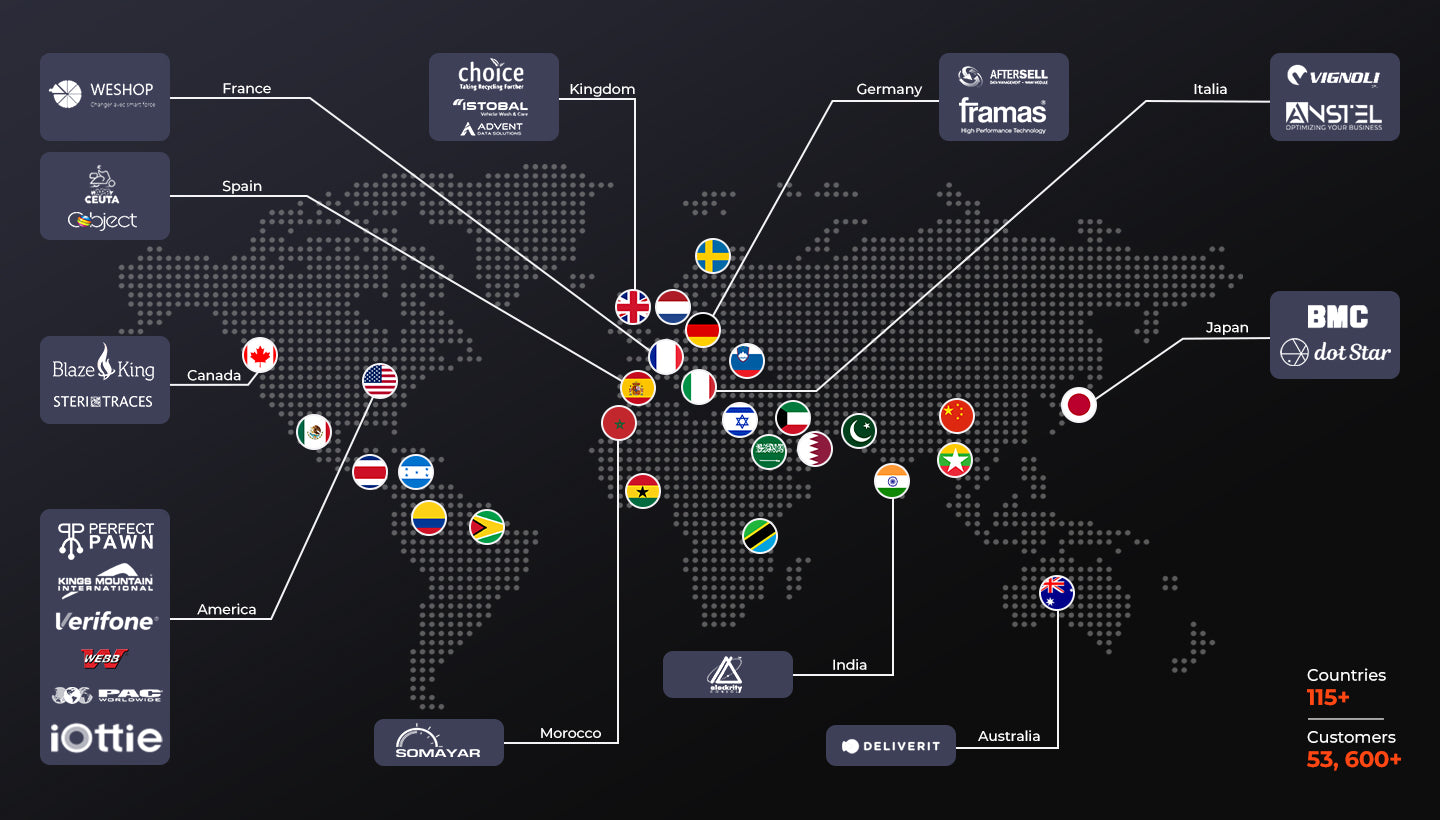
Please read our FAQs page to find out more.
Yes. Most models support multi-layer counterfeit detection such as UV, IR, MG, DD, DBL, HLF, CHN, depending on the model.
Yes. Bank-grade models (IMC09, IMC01, IMC40, IMC08) support USD / CAD / MXN / EUR / GBP depending on the model.
2-pocket designs (IMC40, IMC08) automatically sort rejected bills into a second pocket, allowing continuous counting without stopping.
Yes. For Bluetooth and Wi-Fi models, you can print directly from your iPhone, iPad, or Android device using our app or AirPrint-compatible setup.
Counting speed varies by model:
Yes. Bank-grade models offer:
Mixed-value models show:
For mixed-denomination models: No.
For basic models: Yes. Bills should be the same denomination.
Yes, but extremely damaged bills may cause rejection or slow feeding. 2-pocket models will send them to the reject tray automatically.
Depending on the model:
Yes. Models like IMC40, IMC09, IMC08 are bank-grade, ideal for:
Most MUNBYN money counters come with a 2-year warranty plus lifetime customer support.
Free shipping and returns